


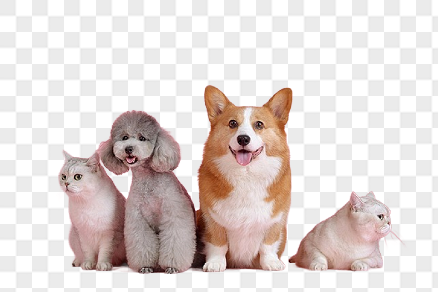


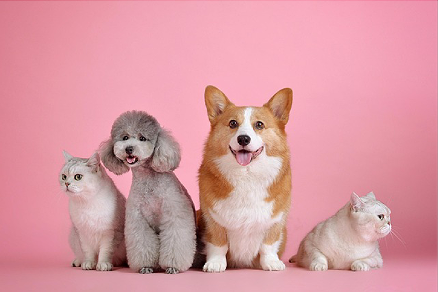
Cut out precisely, use right away
Automatic subject detection
AI automatically detects people, products, animals and logos, then separates the background.
Precise down to the hair
Even hair and complex areas are handled naturally for a clean result.
Replace the background
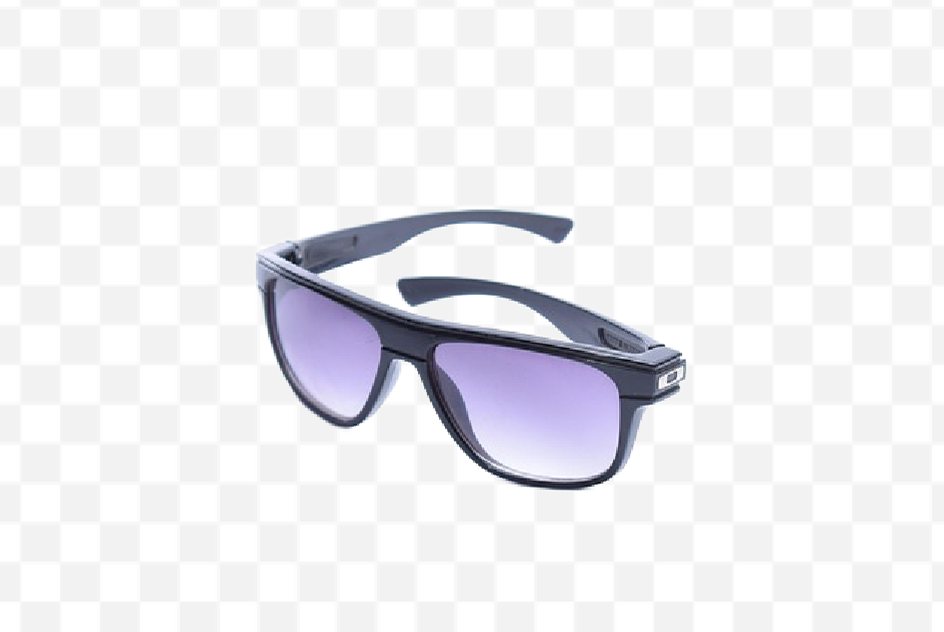
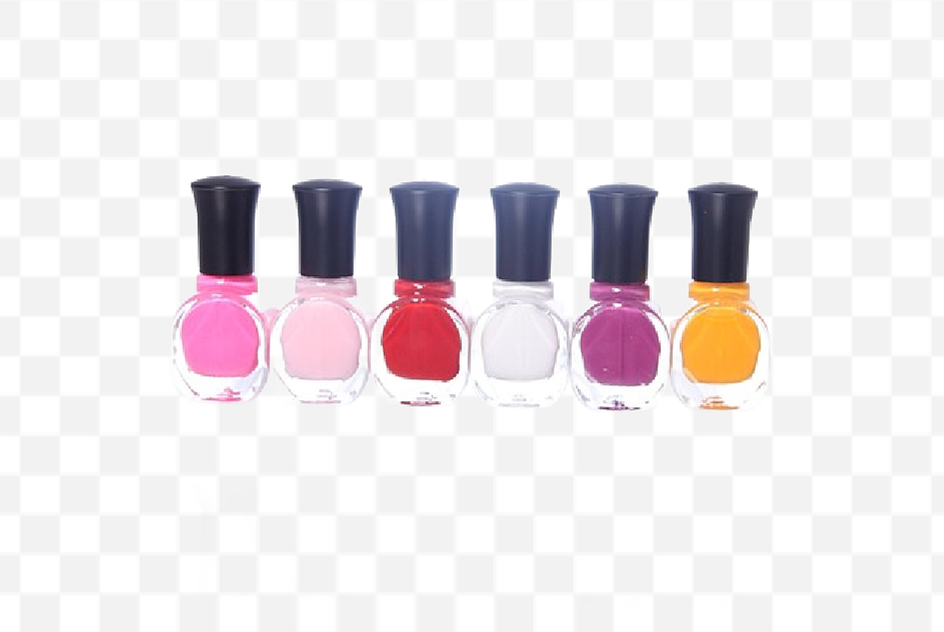
Save with a transparent background, or swap in any color or image you like.
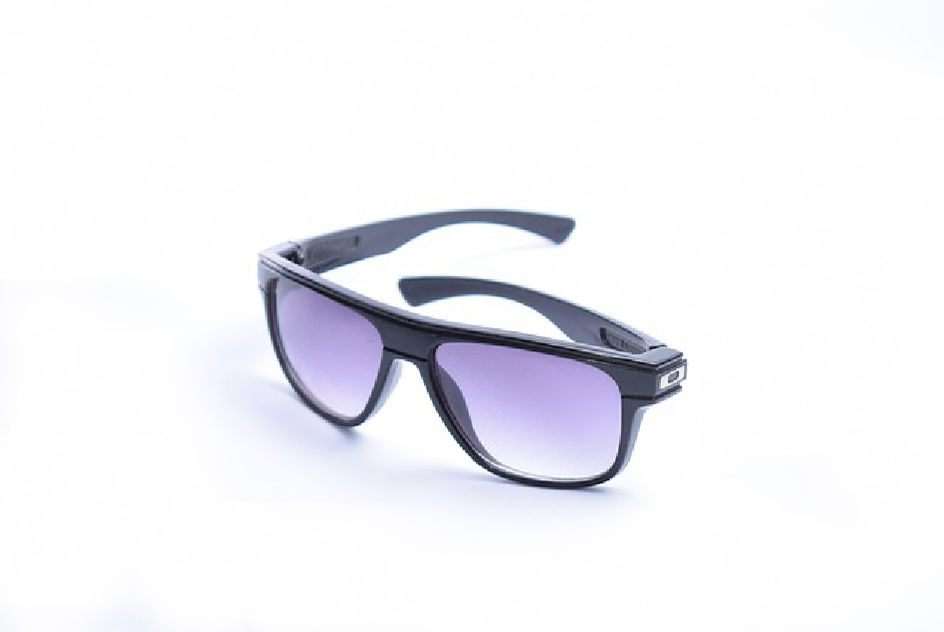
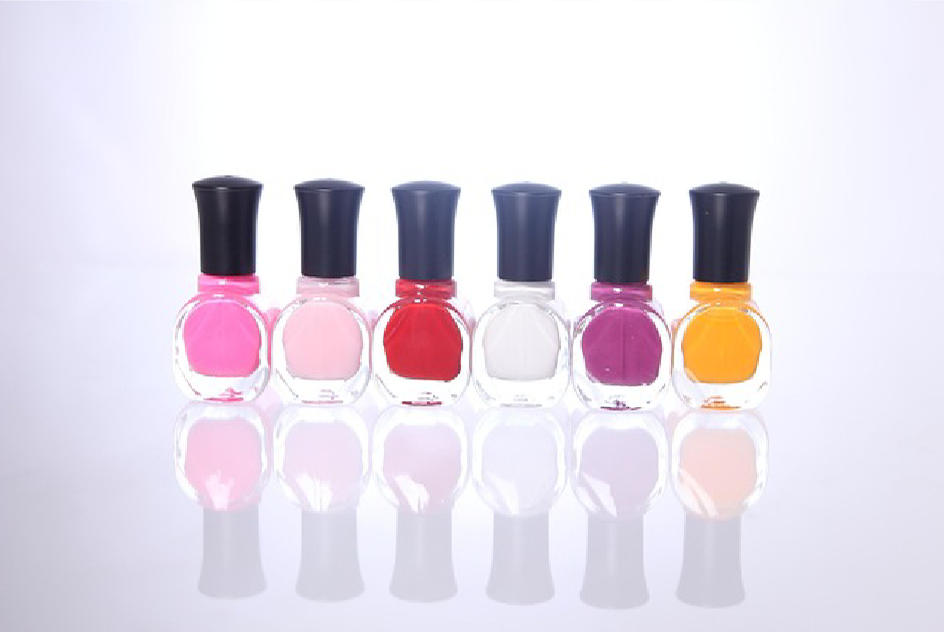
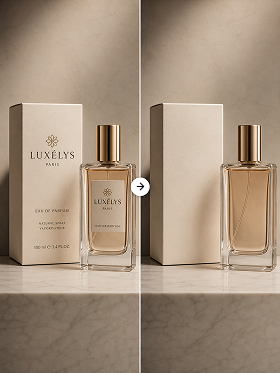
Before and after removal
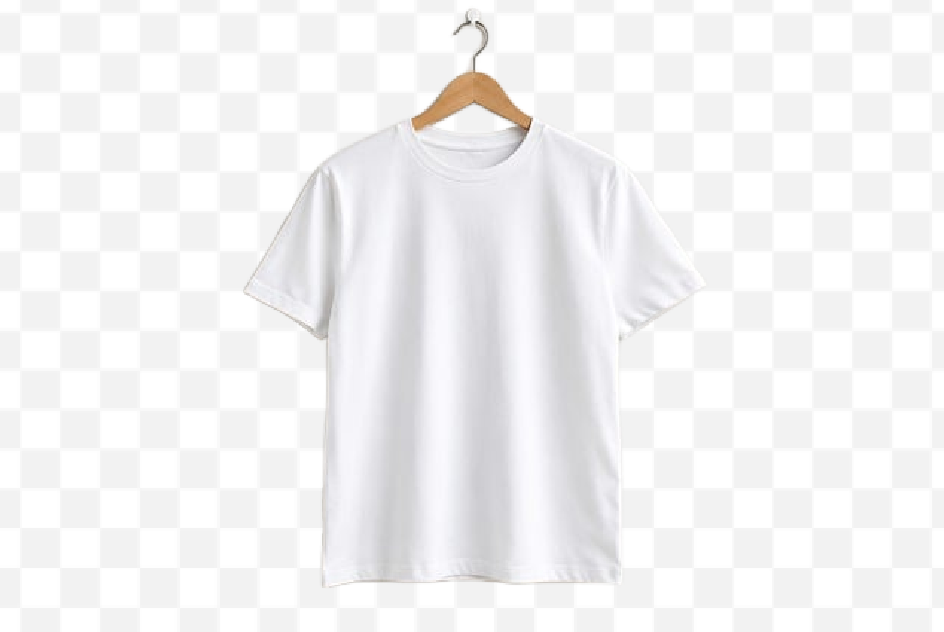
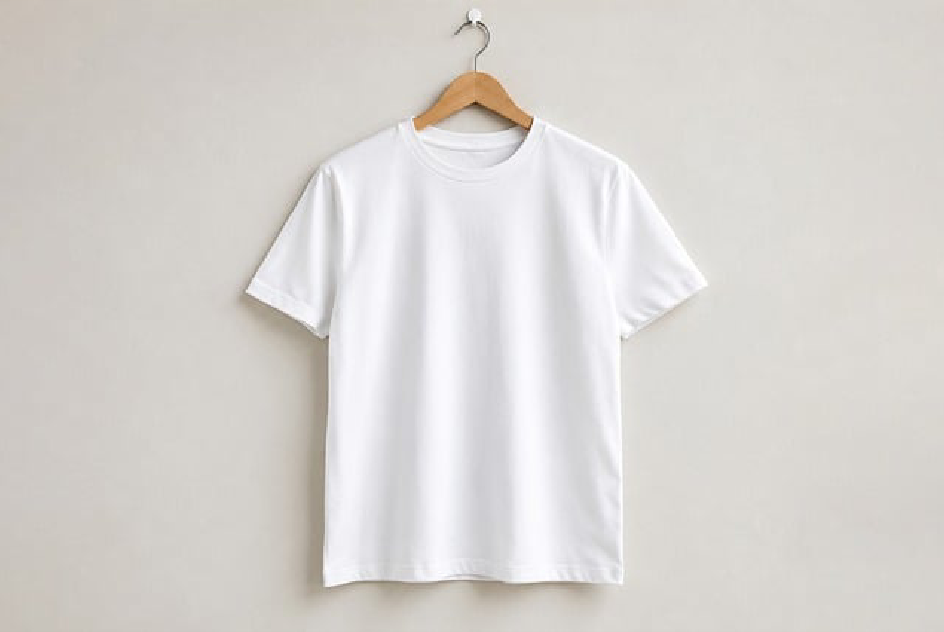
How to use it
STEP 1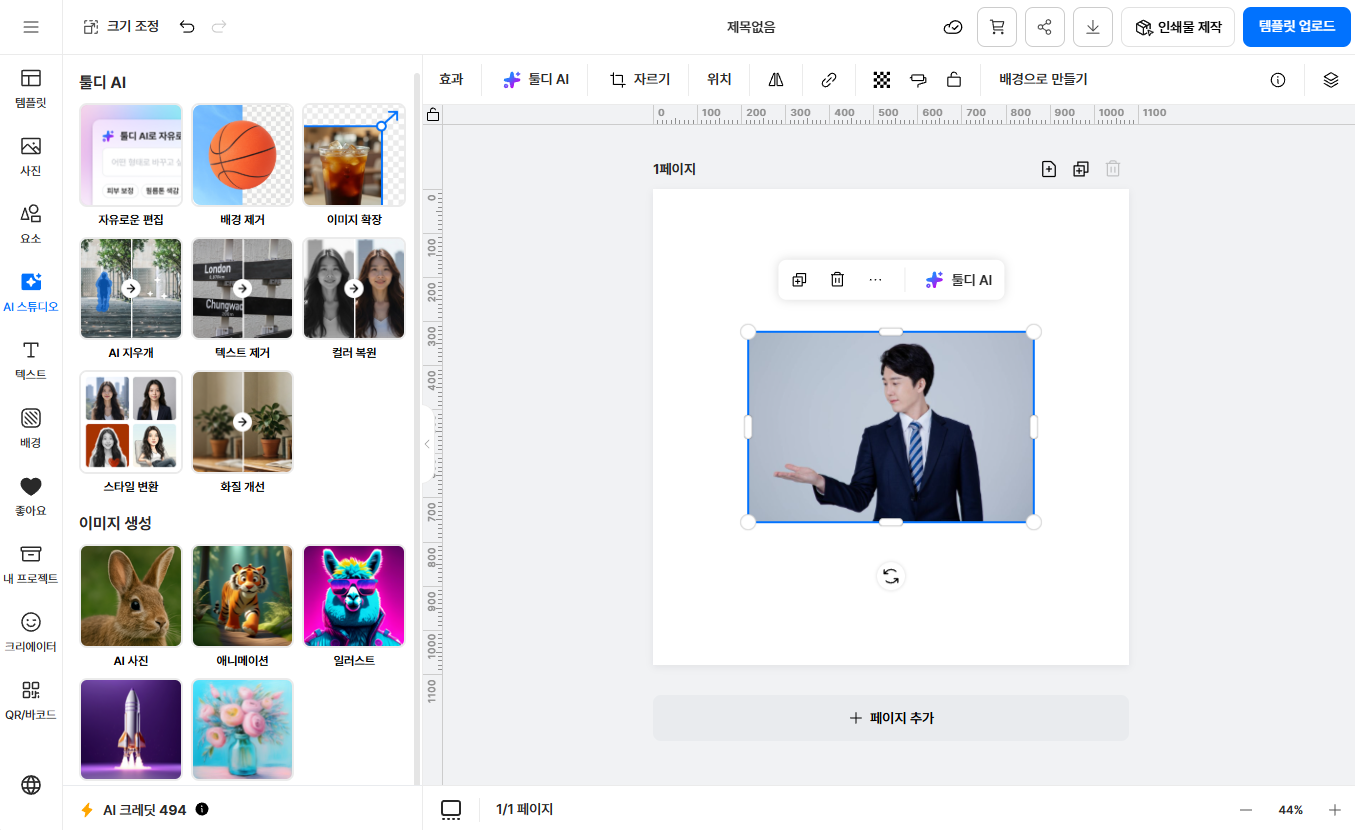

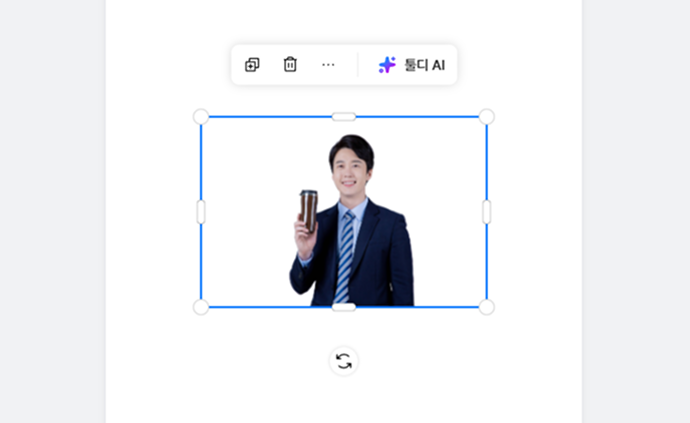
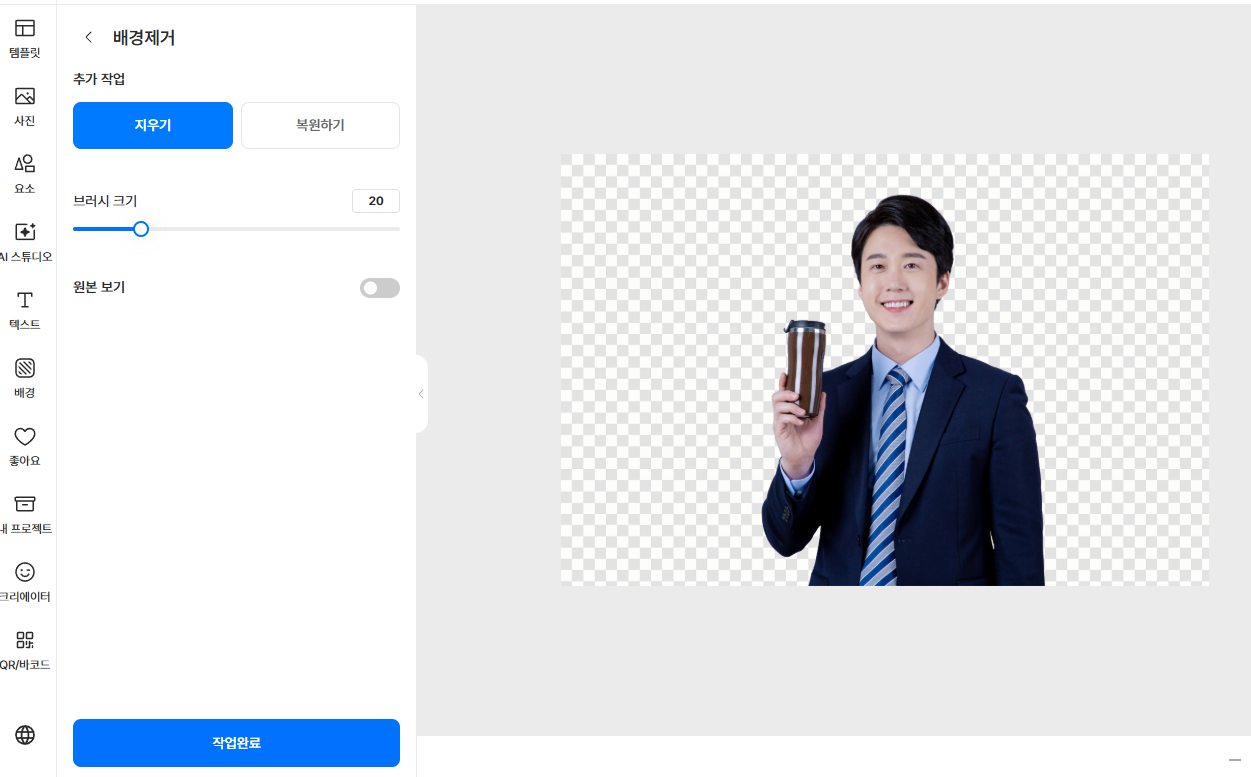
Here's how to use it

Turn profile and social photos into clean cut-outs
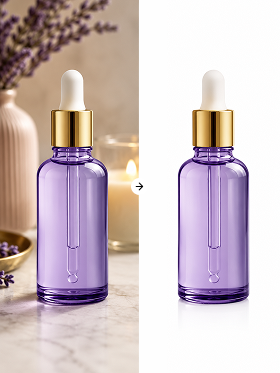
Unify product shots on a white background

Composite cut-out subjects into thumbnails and banners
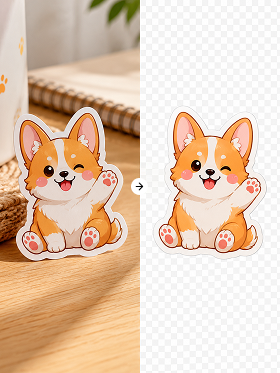
Make goods and stickers as transparent PNGs
Tooldi AI — your questions, answered!
You can try it on the free plan. Watermark-free high-resolution saving and batch processing are included in the Pro plan. No software to install — use it right in your browser.
It works for most images, including people, product shots, animals and logos. The sharper the edge between subject and background, the cleaner the result.
Yes. Hair, fur and semi-transparent areas are handled naturally, so you can composite onto other backgrounds without that boxy, cut-out look.
The removed result is saved as a transparent PNG. You can also replace the background with a solid color or a new image and save it as a JPG.
Of course. After removal, add a solid color, gradient or any image you like, then use it right away on product pages, social posts, profiles and more.