Start from a finished design and tweak only what you need.
01
Pick a template
Choose the design you want from hundreds of thousands of templates.
- Narrow by purpose, format, and price
- Preview every page of multi-page templates
- Use free templates with no watermark
02
Edit it freely
Change the text, images, and colors, then polish it with AI tools.
- Swap text, images, and colors as you like
- Hundreds of free fonts and text effects
- Remove backgrounds, sharpen, and generate with AI
James Miller
Marketing · Senior Manager
03
Download & print
Save it in the format you need, or send it straight to print.
- Save as an image, PDF, or whatever you need
- Order a print through Tooldi right away
- From 25 sheets to large runs
Everything you need to edit a template
Drag and drop
Just drag elements where you want them. Position and size, all adjusted with a fingertip.
Free text editing
Font, size, color, letter-spacing. Set the mood with hundreds of Korean fonts.
Crop & adjust images
Crop, rotate, filter, opacity. Every photo tool you need, on one screen.
AI tools
Free editing, background removal, AI eraser, image upscaling, color restore, and more — edit faster with AI.
Layer arrangement
Stack, align, and group. Keep even complex compositions tidy with layers.
Smart alignment guides
Guides snap elements into place as you move them. No more crooked layouts.
Start your design right away
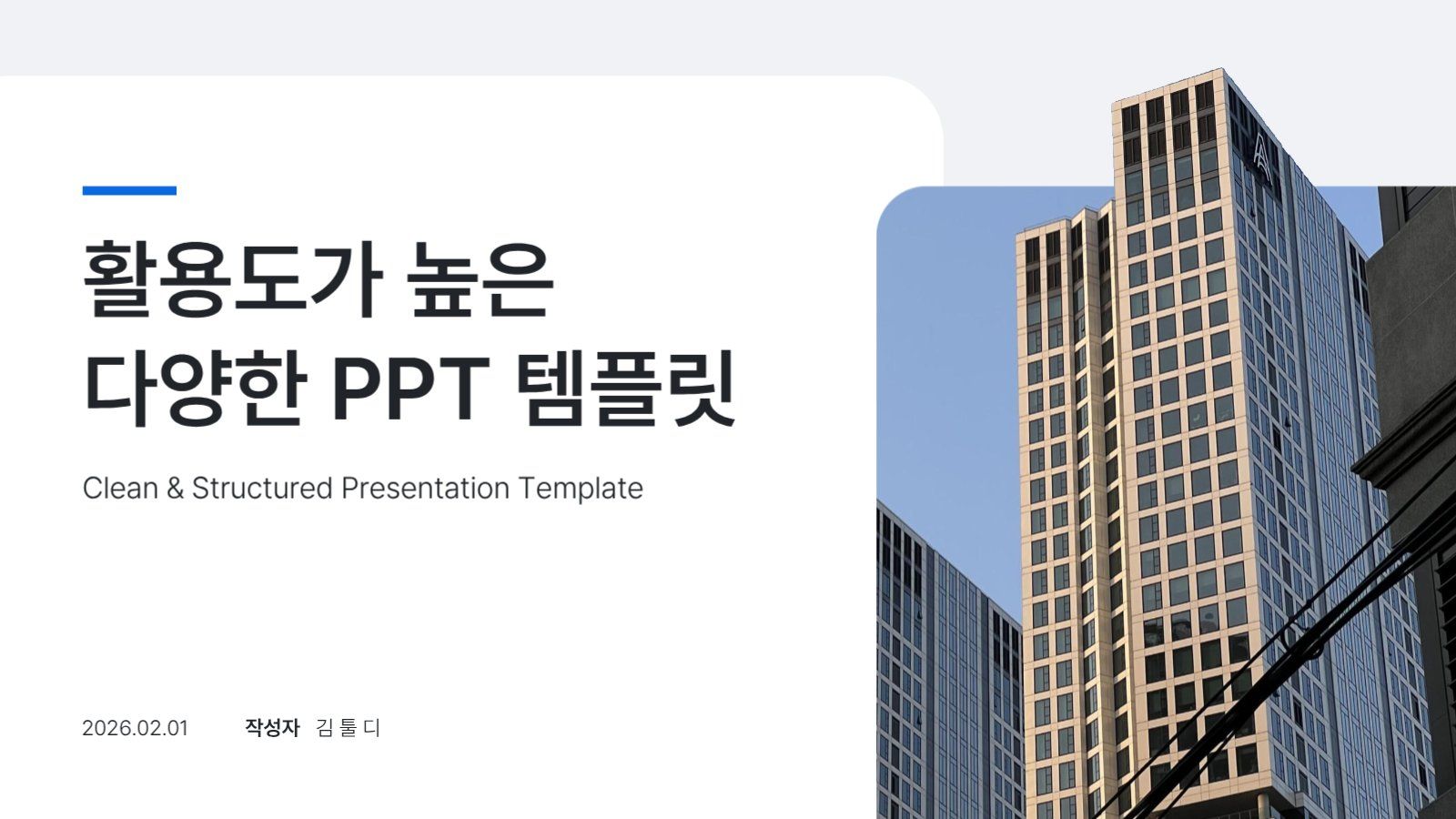
Presentations
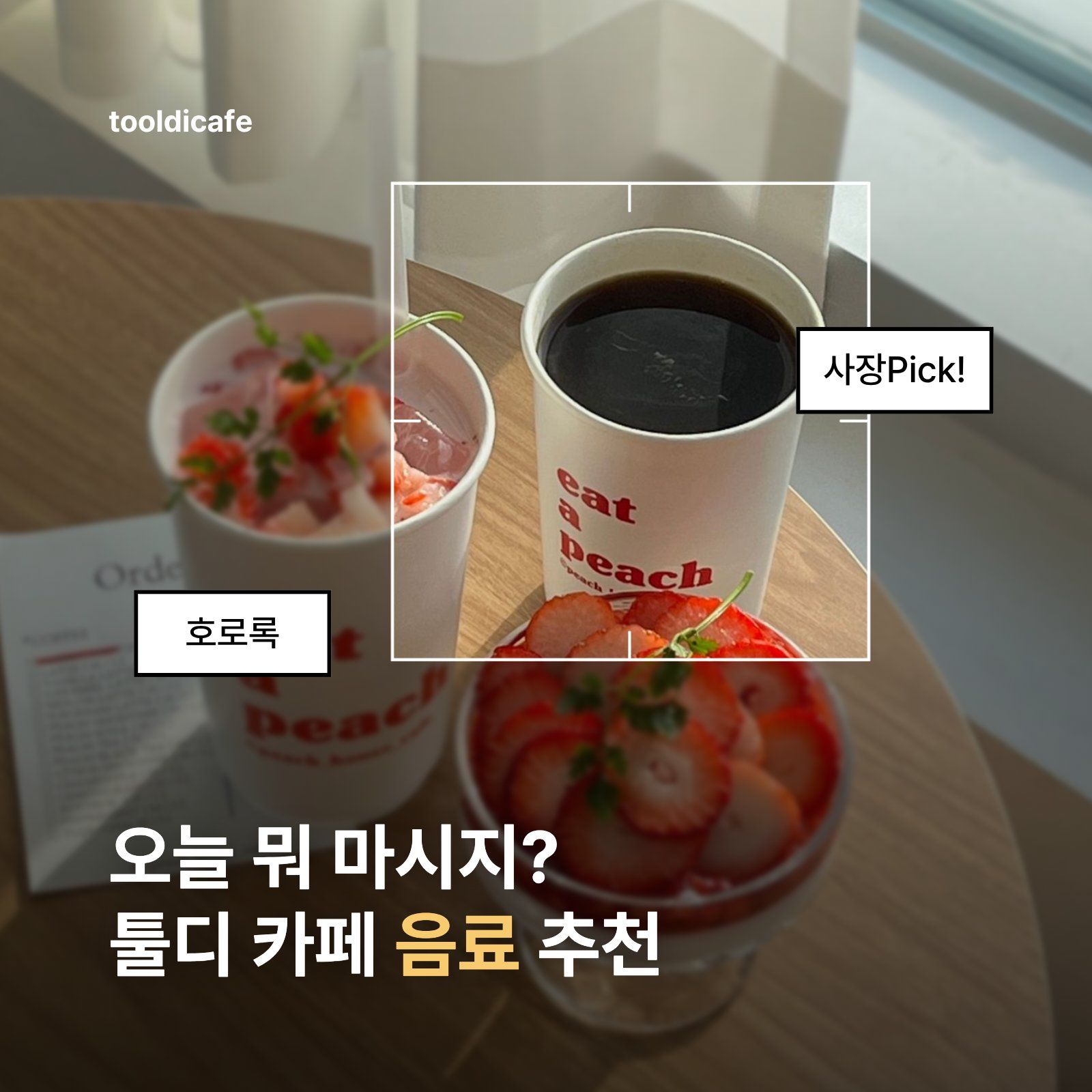
Card News
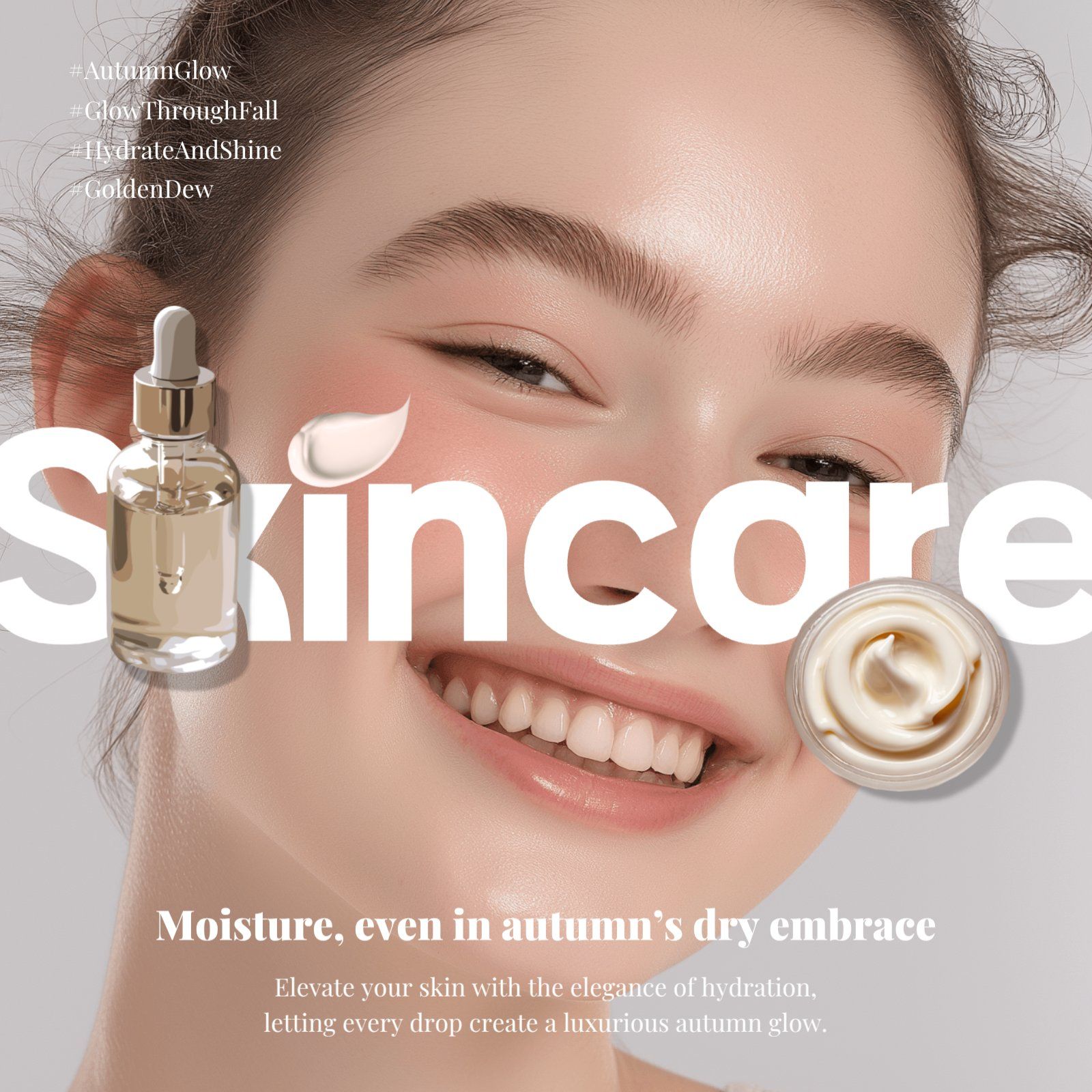
Social Media
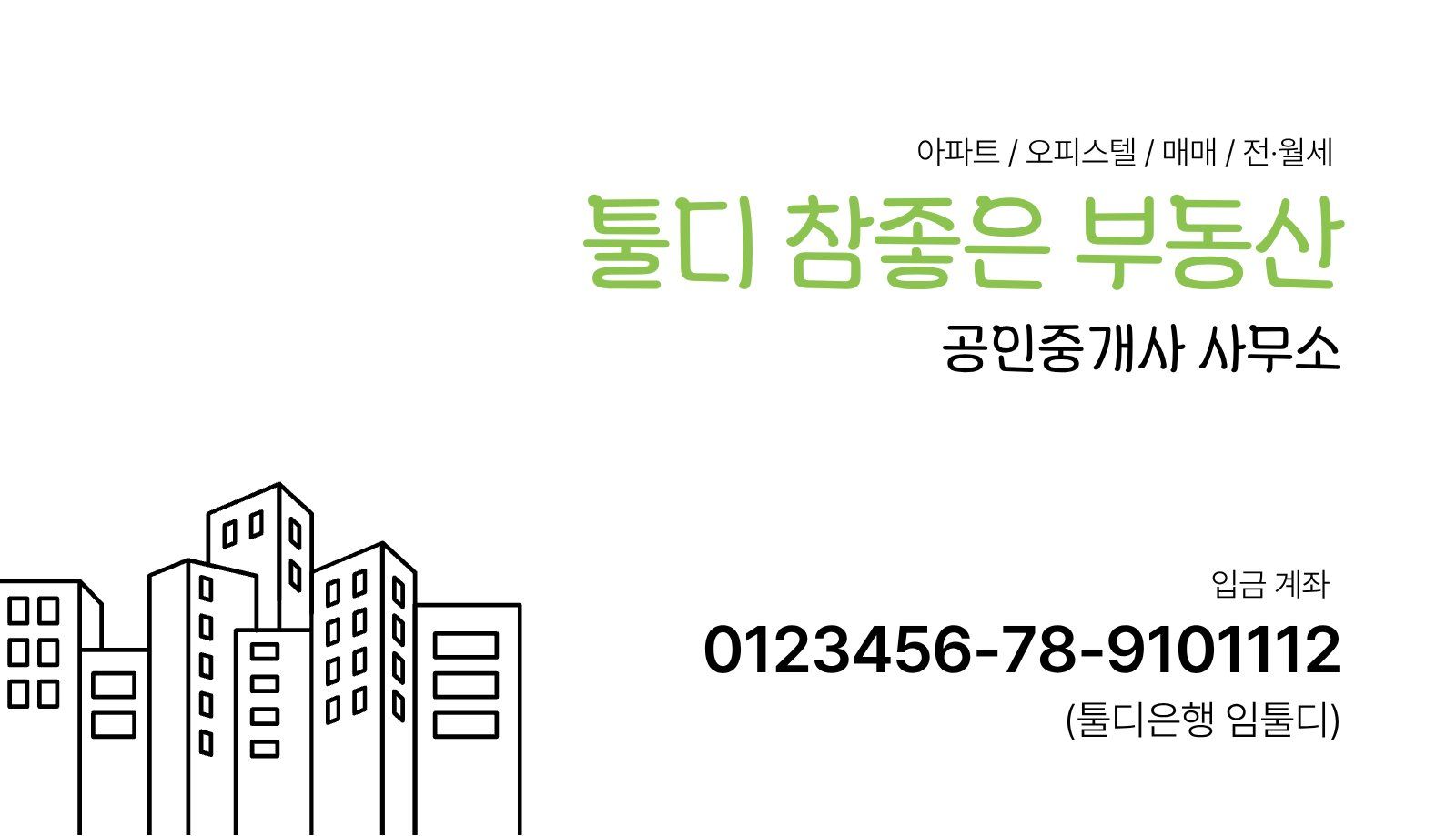
Business Cards
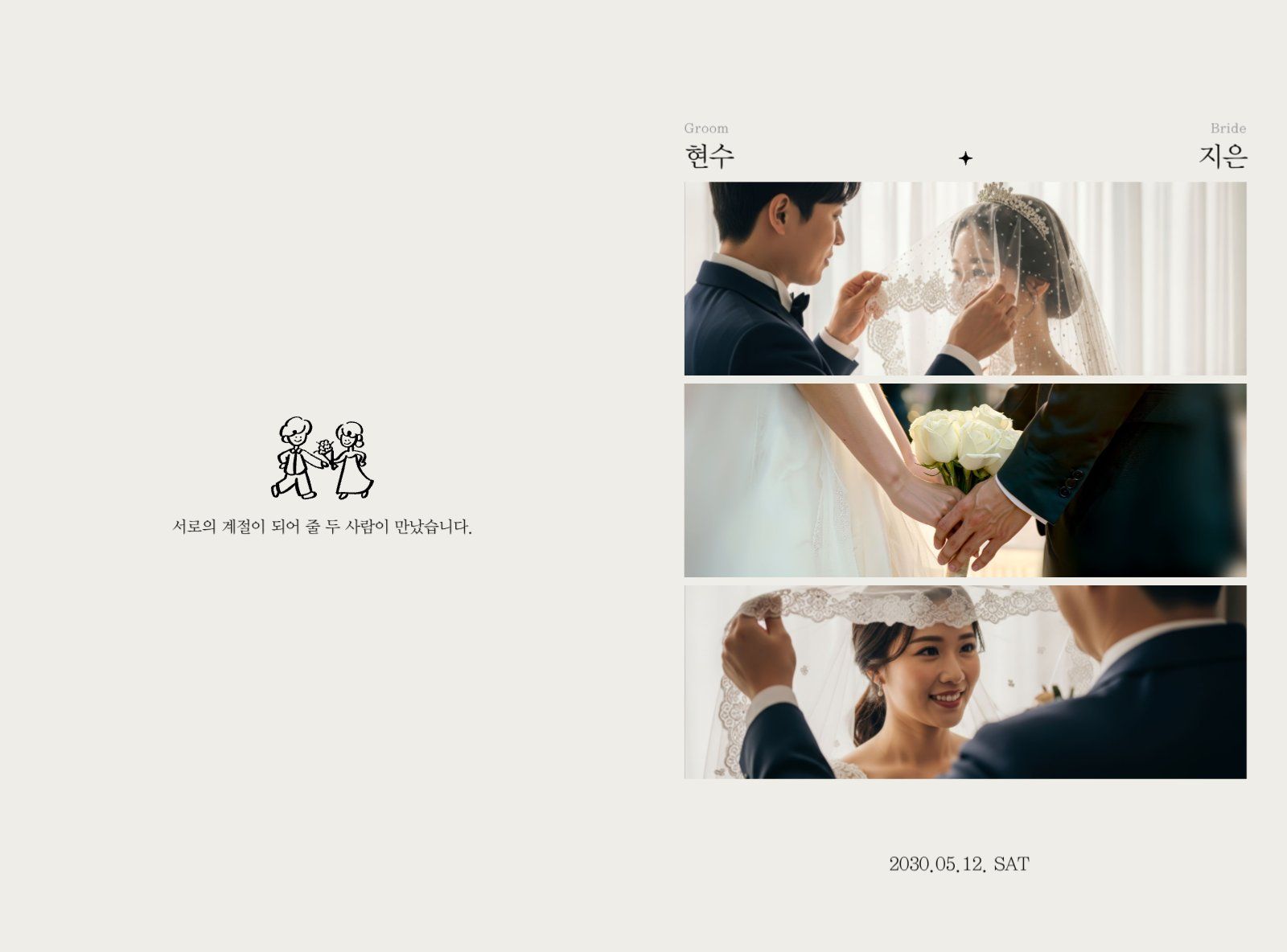
Invitations
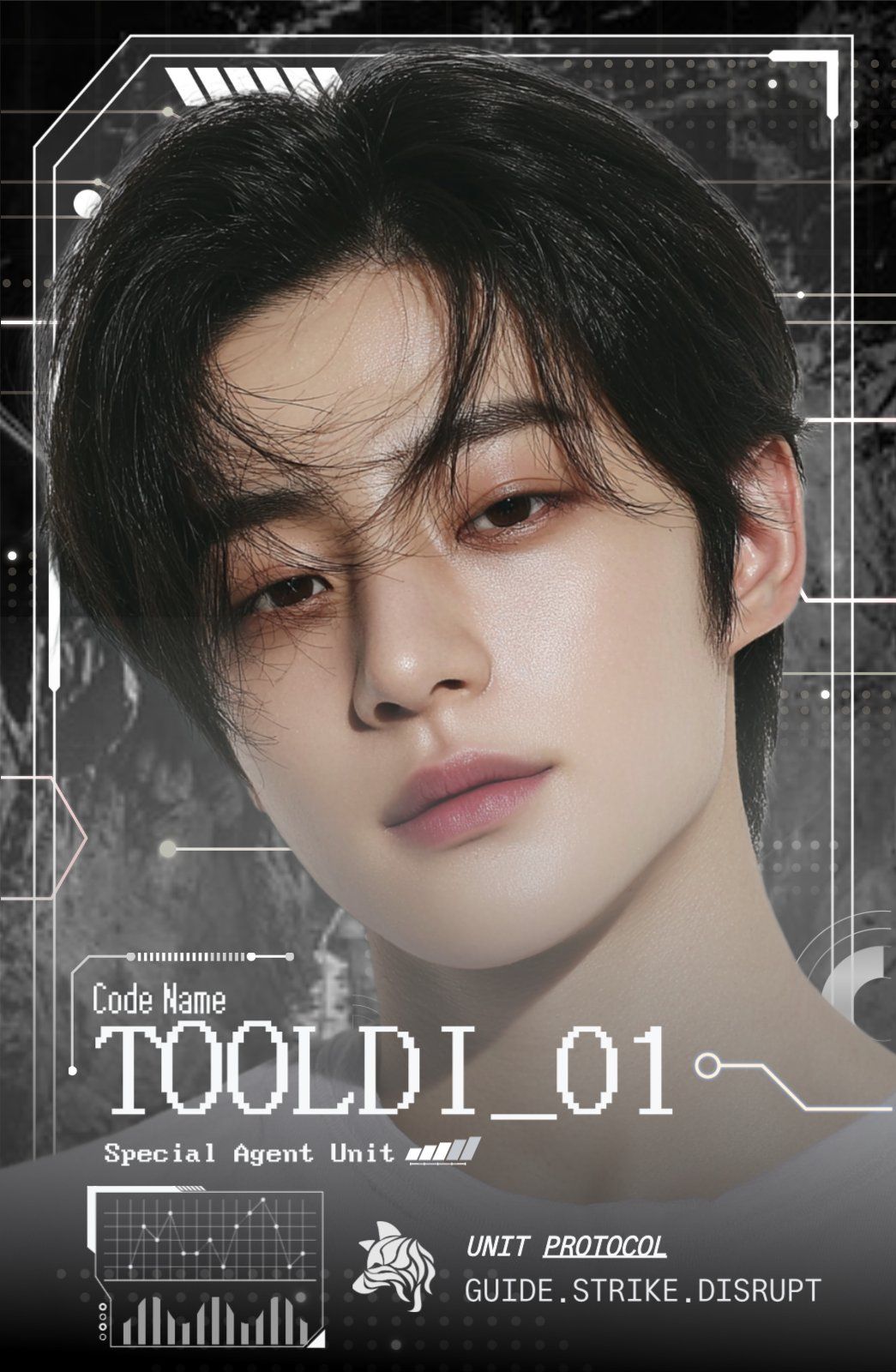
Photo Cards
Frequently Asked Questions
Yes. Designs created in compliance with Tooldi's Terms of Use and License Policy may be used for commercial purposes. The results you create with Tooldi (your user content) can be freely downloaded and used for distribution and commercial purposes such as web posting, social media sharing, and printed materials. However: ① downloading a single element on its own (one photo, icon, or shape) is considered a violation of the copyright terms; ② downloaded content cannot be re-edited in other design tools — exceptions are converting a print PDF to CMYK, adjusting text/image positions in a PPT, and combining the result with video or other creative works; ③ content containing elements that infringe a third party's copyright cannot be used; ④ mere reproductions lacking the user's own creativity are restricted from commercial use; and ⑤ creator content, whether free or paid, may not be used as-is or for commercial purposes such as merchandise, trademark, copyright, or patent registration. For full details, please see the Content License Policy.
In principle, content downloaded from Tooldi cannot be re-edited in other design tools. Exceptions are allowed, such as converting a PDF to CMYK for printing, adjusting text and image positions within a PPT, or combining your design with other creative works like videos. See our content license policy for details.
It runs in the browser with no installation, so you can edit on tablet and mobile as well as PC. For detailed work, we recommend a PC screen.
Your edits are saved automatically, so you can pick up where you left off anytime from 'My Projects'.