



Sharper with AI
AI image quality enhancement
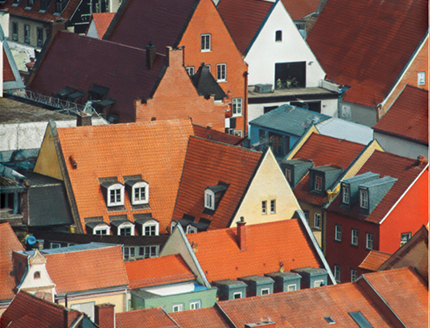
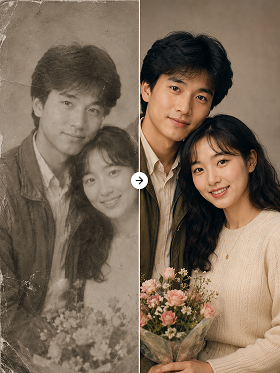
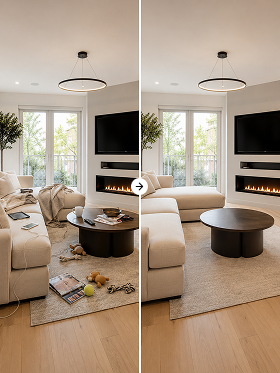
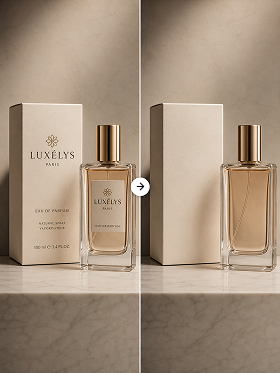
AI analyzes low-quality images and naturally fills in blurry areas and missing detail. Your image gets sharper while keeping its original size.
Sharper detail
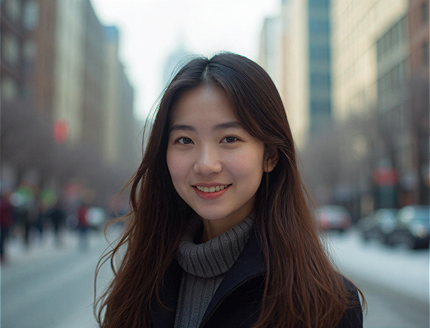
AI analyzes the key detail in people, products, and backgrounds, then sharpens the parts that came out blurry.
Better color and edges
Naturally restores colors and edges that were blurred or smudged for a noticeably sharper result.
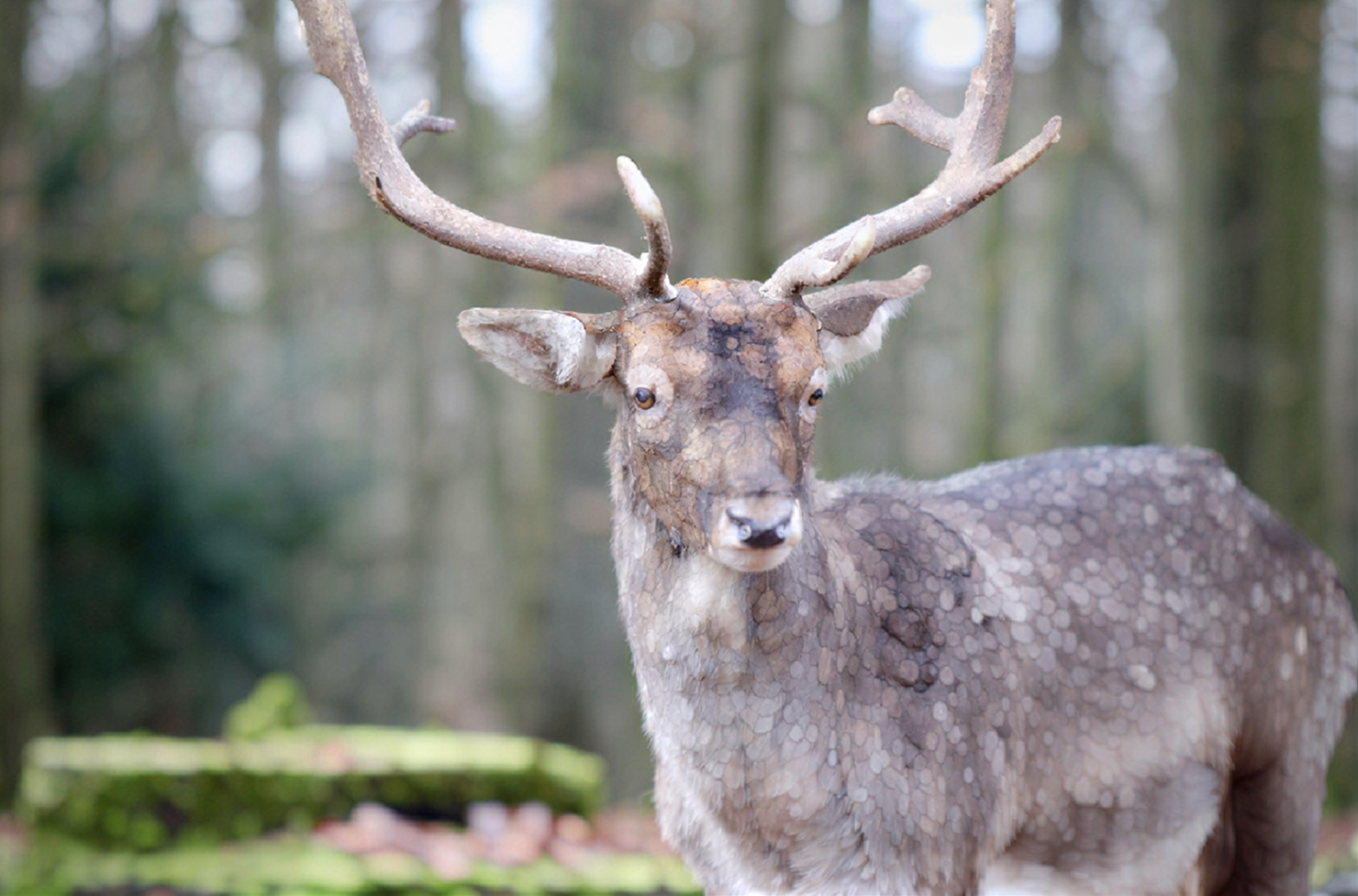
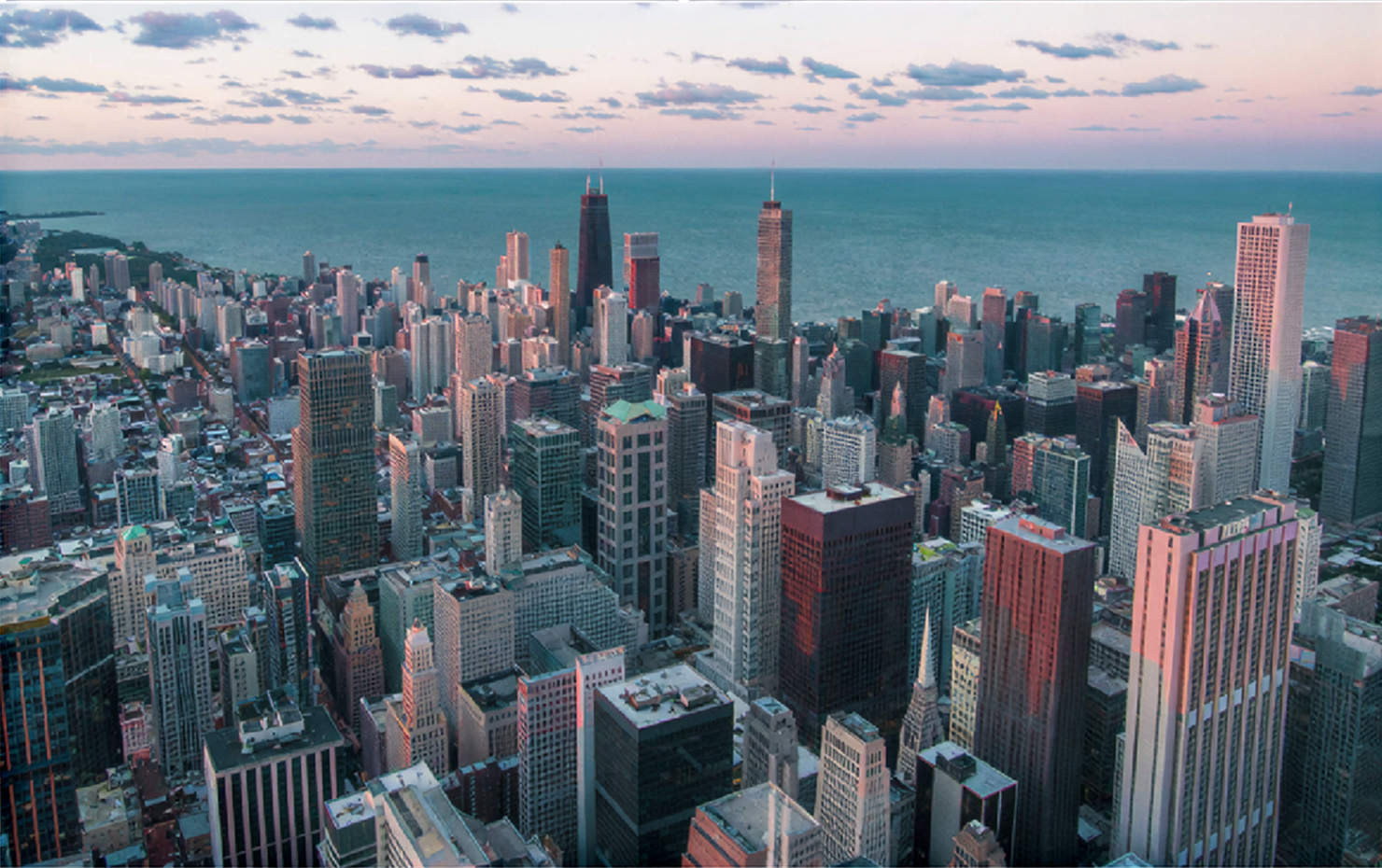
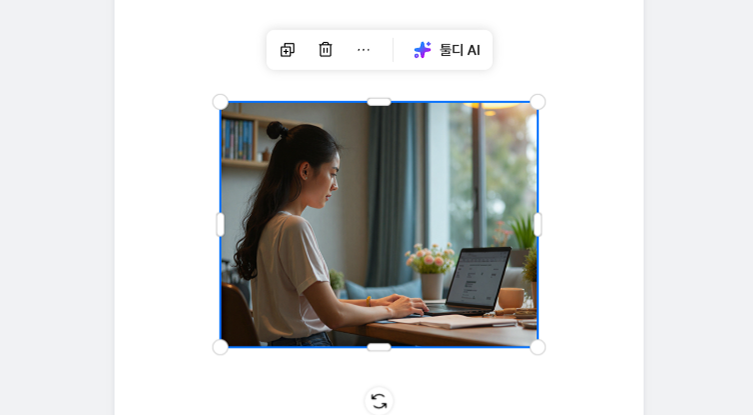
Before & after upscaling
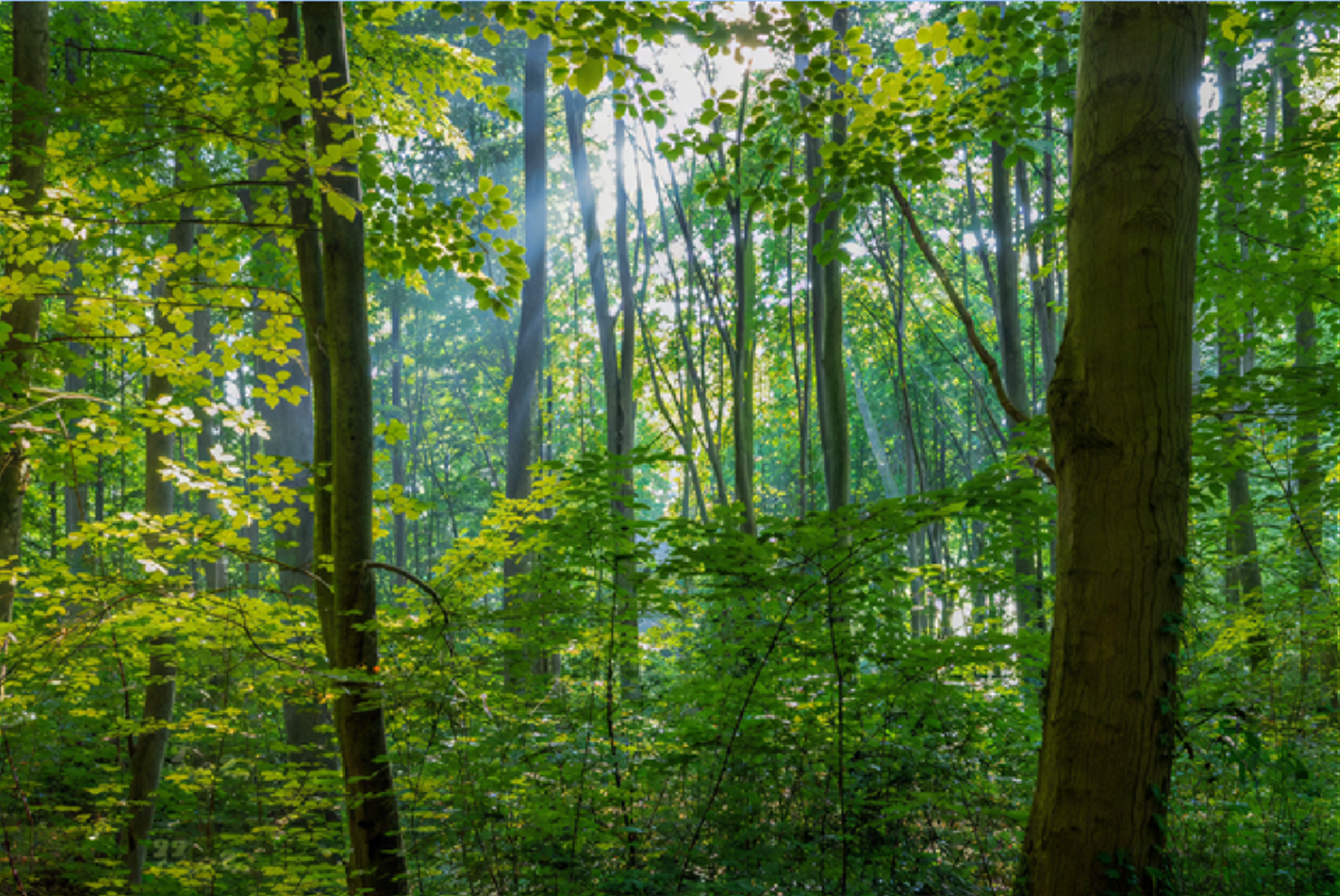
How to upscale
STEP 1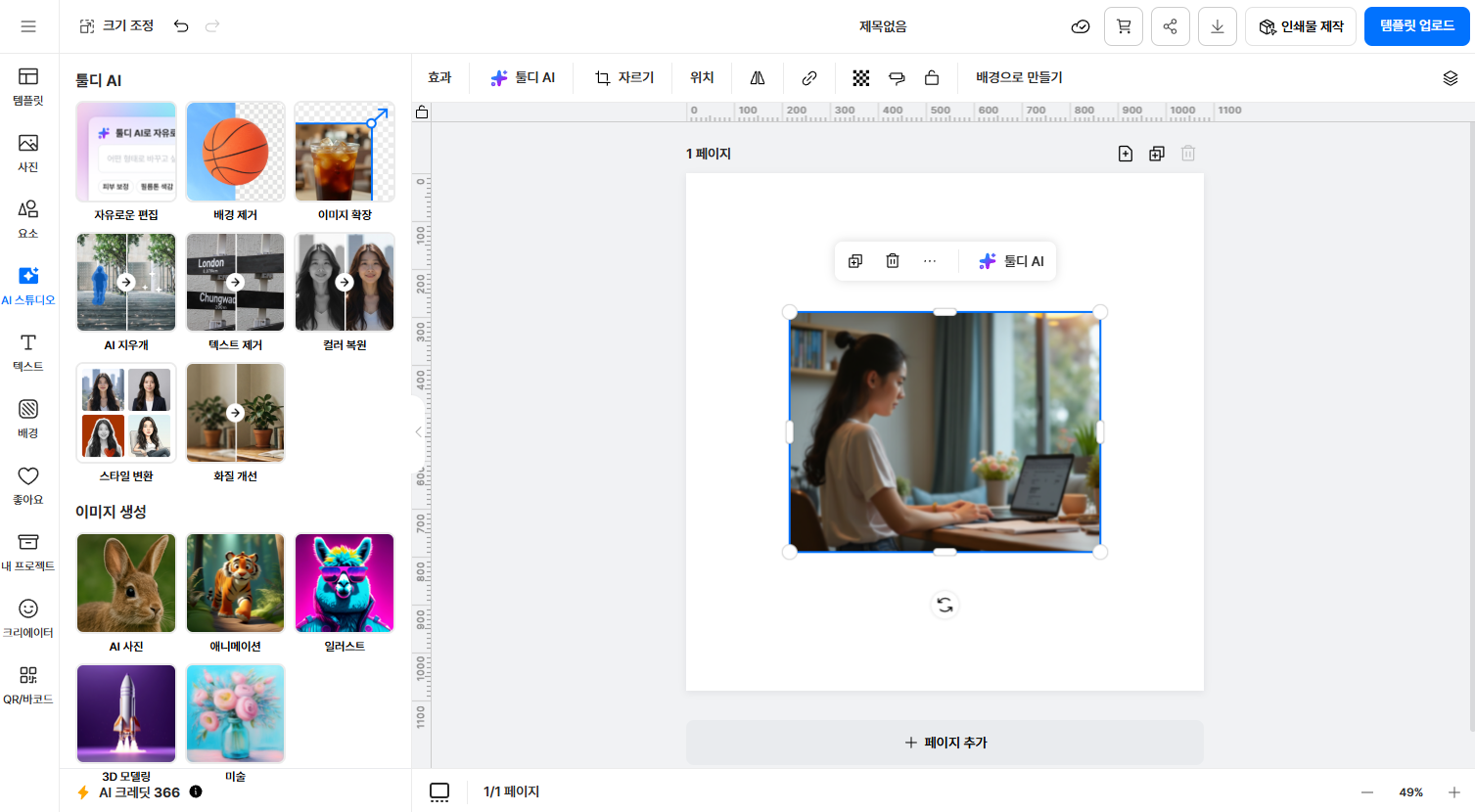
Great for photos like these
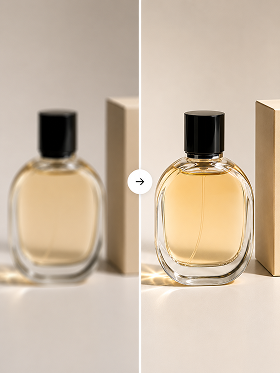
Low-quality product shots into detail-page quality
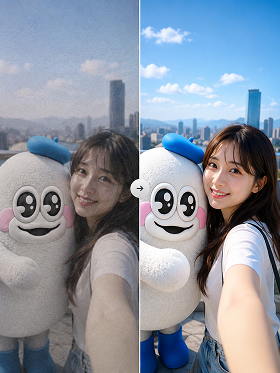
Old smartphone photos into SNS & print quality
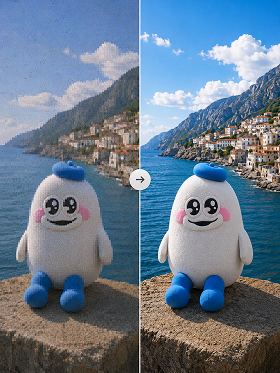
Compressed messenger images back to original quality
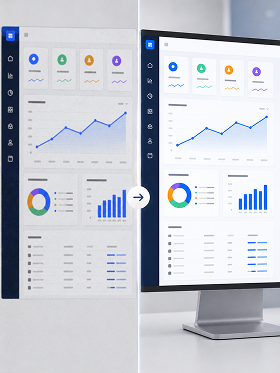
Screenshot images into report & slide quality

Tooldi AI — your questions, answered!
You can try it on the free plan. Watermark-free high-resolution downloads and batch processing are included in the Pro plan. No software installation needed — use it right in your browser.
Plain enlargement just stretches the pixels, so the bigger it gets the more broken and blurry it looks. tooldi's AI analyzes pixel patterns, removes noise, and uses learned data to infer and fill in detail you couldn't see before. It doesn't just enlarge — it rebuilds a sharper image.
You can enlarge up to 8×. The larger the original, the higher the resulting resolution — more than enough for detail pages, printing, and large-format output.