
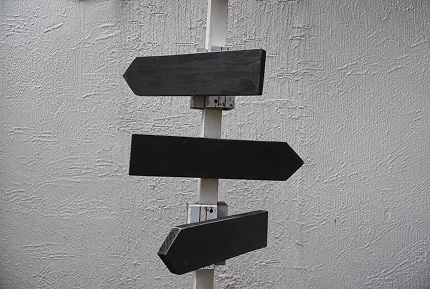

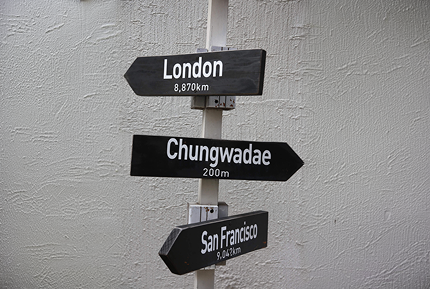


Erase the text, keep the background
Automatic text detection
AI automatically locates text areas within your image.
Natural background restoration
The space left behind is filled to match the surrounding image for a clean result.
Supports all kinds of text
Remove Korean, English, numbers, and many other types of text.
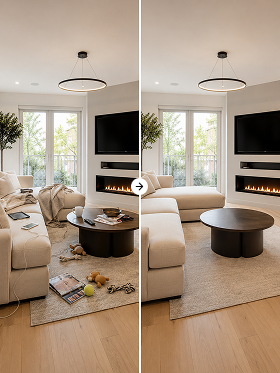
Before and after text removal






How to remove text
STEP 1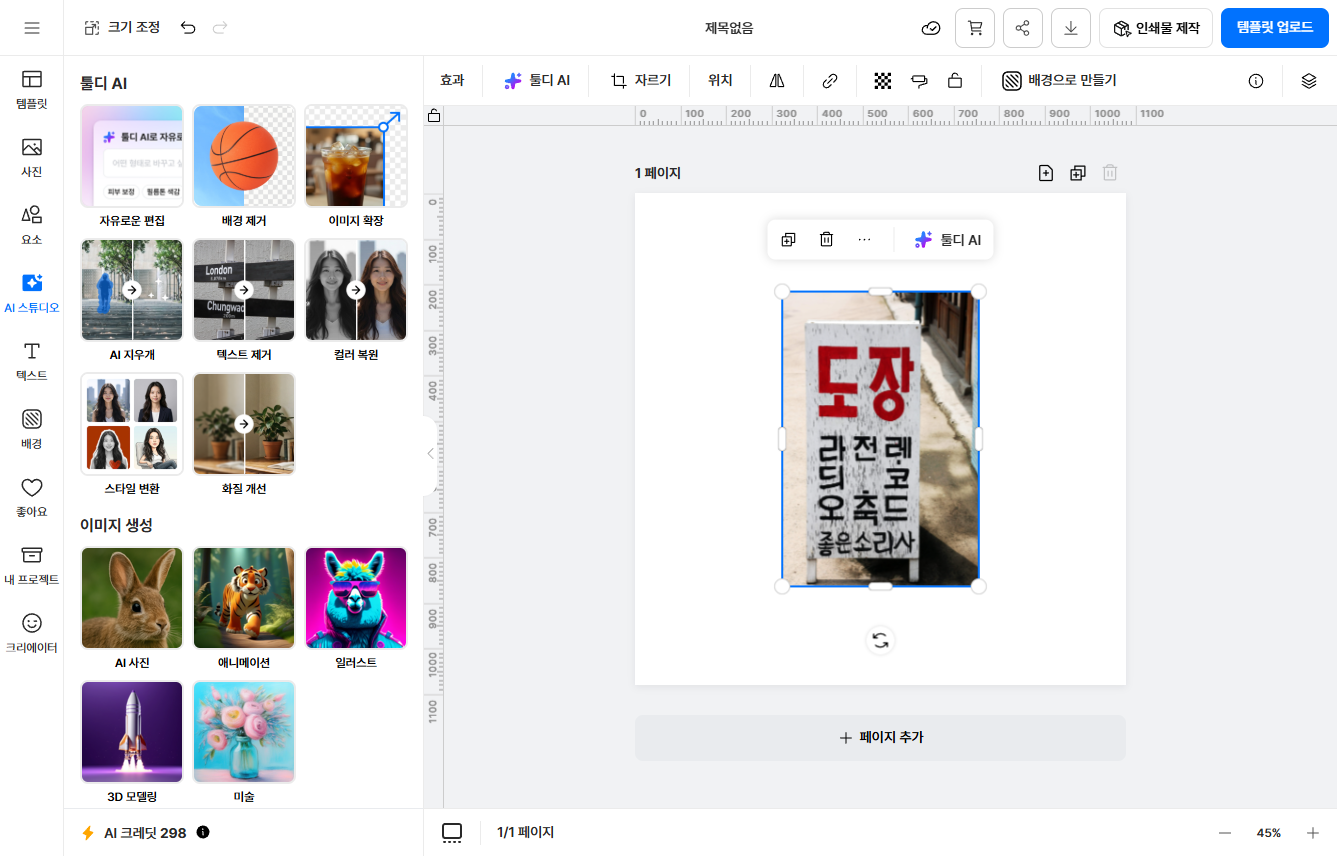

Great for photos like these
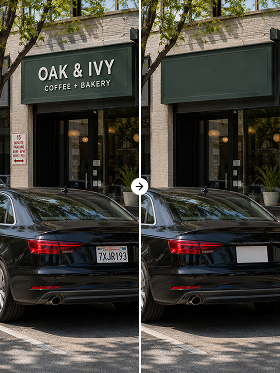
Remove watermarks from resale listing photos
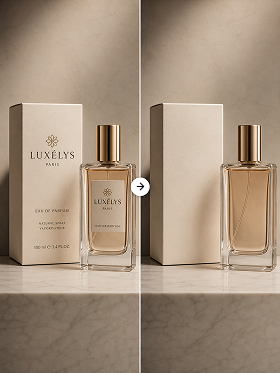
Tidy up logos and text on product shots
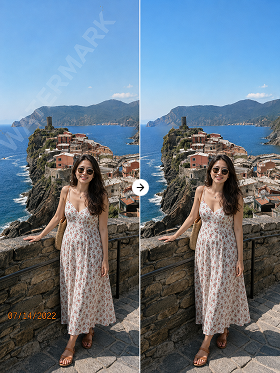
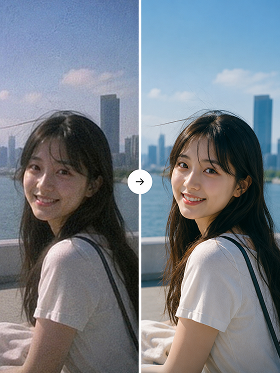
Erase date stamps from photos without a trace
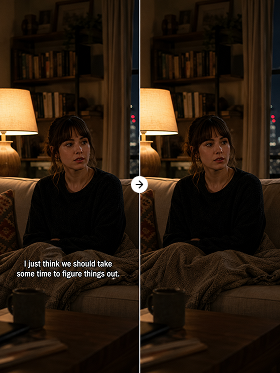
Restore captioned images back to their original background


Tooldi AI — your questions, answered!
You can try it on the free plan. Watermark-free high-resolution downloads and batch processing are included in the Pro plan. No software to install — use it right in your browser.
You can remove most text overlaid on images, including watermarks, captions, logos, date stamps, and speech-bubble text. Korean, English, and numbers are all supported.
AI analyzes the color, texture, and patterns of the surrounding background and reconstructs it naturally. It handles both solid-color and patterned backgrounds seamlessly.
Yes. It recognizes and removes semi-transparent watermarks, diagonal or curved text, and decorative fonts. That said, results may vary when the text is barely distinguishable from the background.
Only use it on images you own the rights to or have permission to edit. Removing and using others' copyrighted works or watermarks without authorization may infringe their rights.