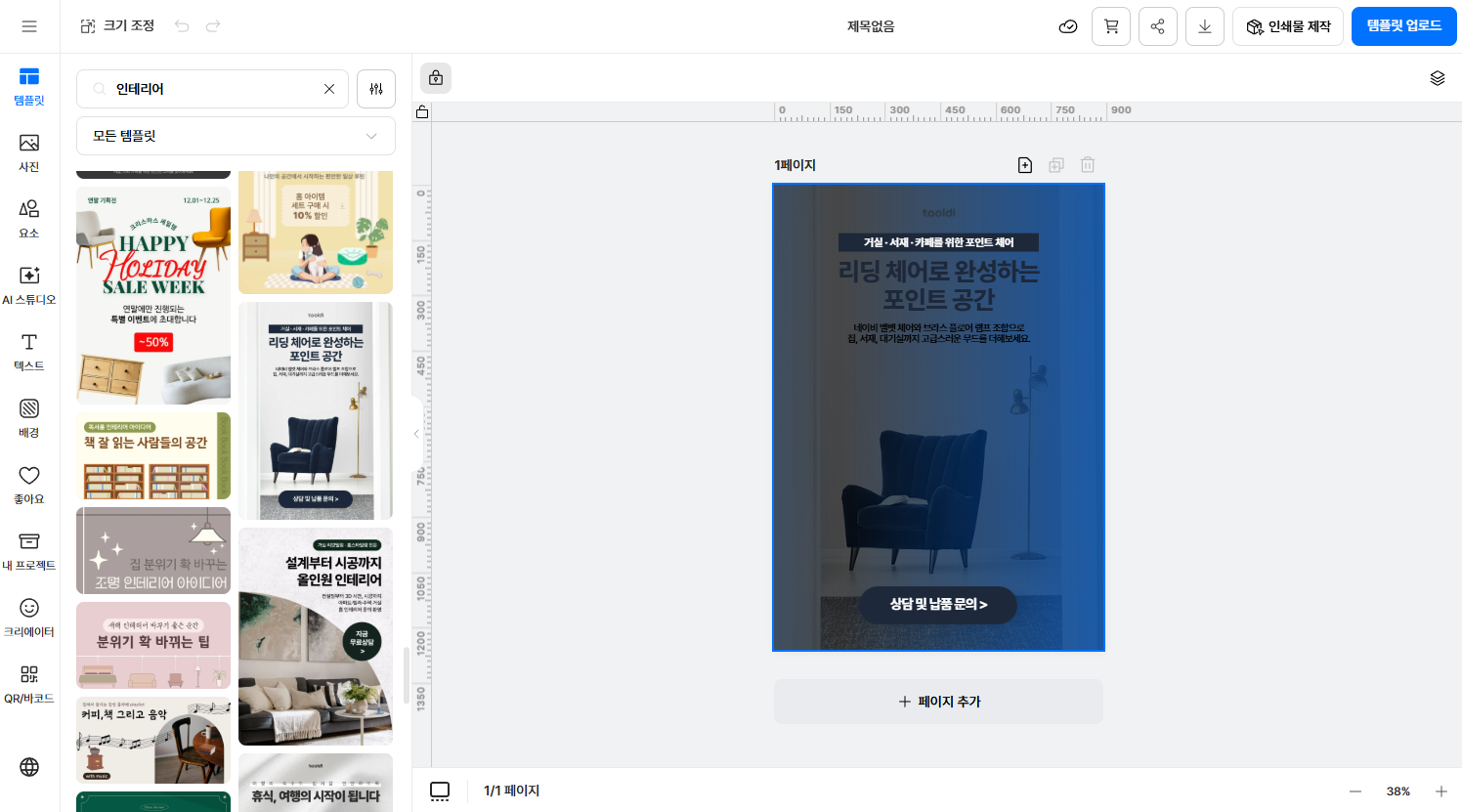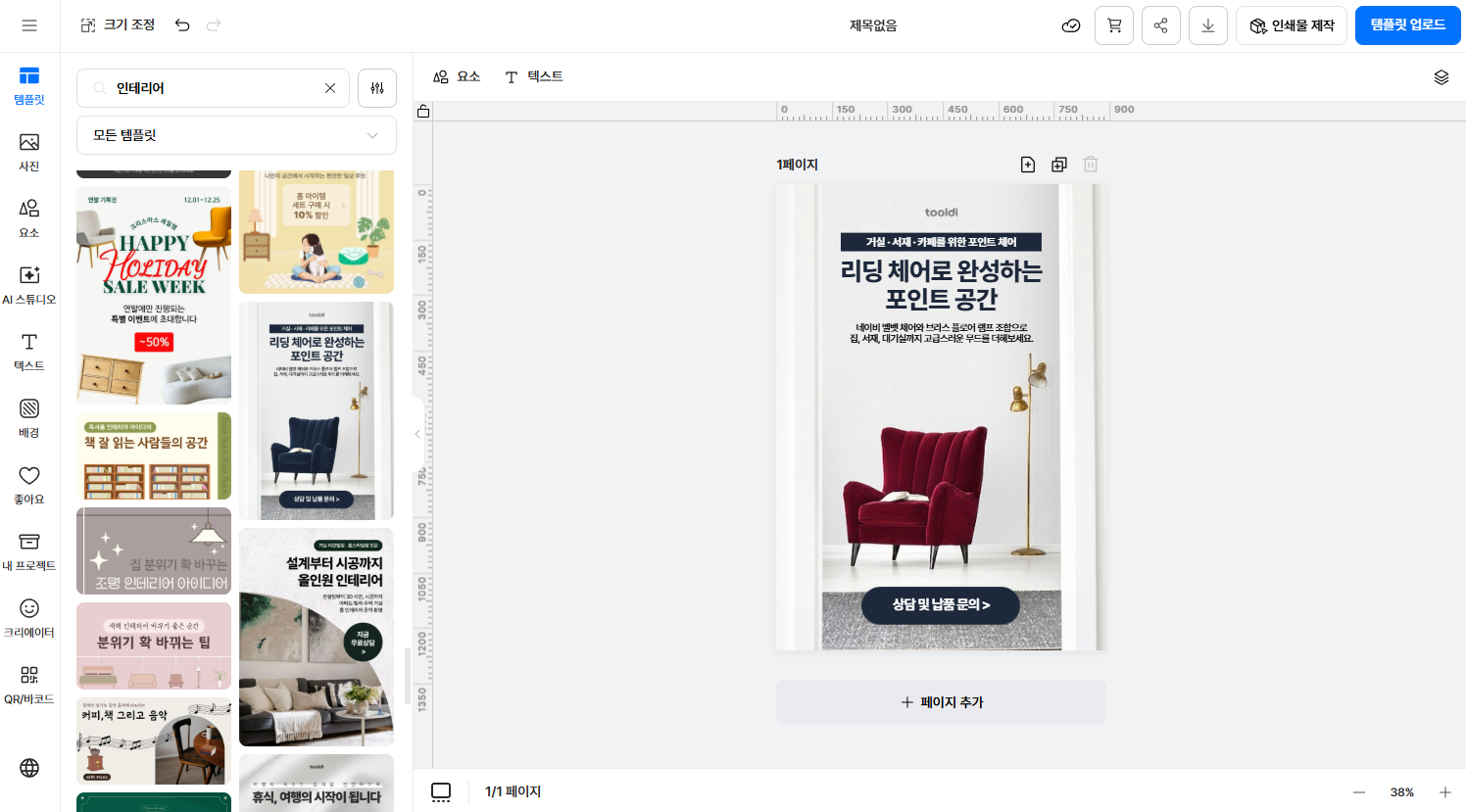
tooldi

One sentence, one finished design

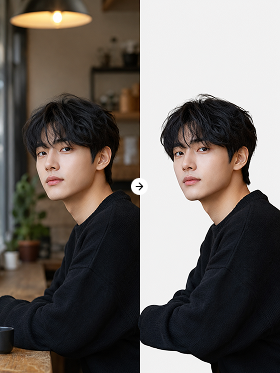
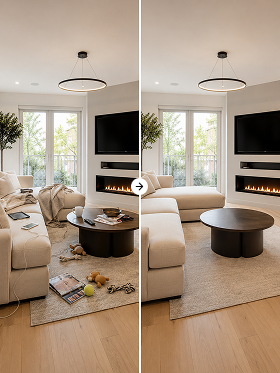
Pick a photo and write what you want changed in one line — background, color, and objects are handled for you.

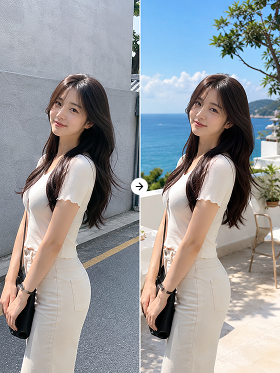
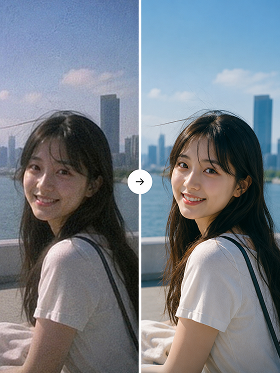
Image edited from a sentenceOriginal image before editing
Original
Examples

Pick a sample image and press the button to watch the edit happen.

What you can do with Tooldi AI editing

Precise retouching

Without marking any region, AI reads the subject, background, color, and lighting, then retouches naturally without breaking the original context.

Remove unwanted objects

Erase objects or noise you do not want, then rebuild the area to match the surrounding background. No reshoot, no complex retouching.

Change outfit, style, pose

Go beyond retouching and reshape the subject itself. Adjust clothing, hairstyle, and pose however you want.

Swap background and mood

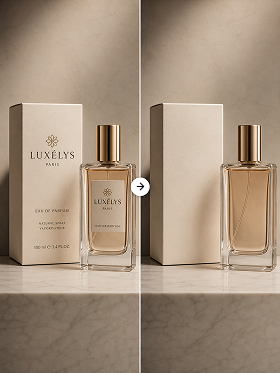
Keep the subject and change only the background to fit a place or concept. Set the mood of product and profile shots without booking a location.

Adjust color, texture, style

Apply a seasonal tone or filter style to the whole image or to one subject only. Useful for matching brand guideline colors.

One photo, many styles

Create several images in different concepts and styles from a single original photo, then pick the result you like best.

One line, a different image
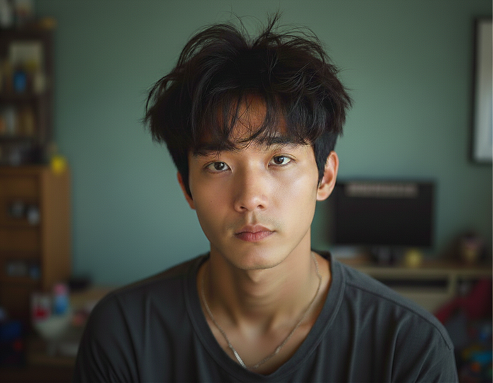
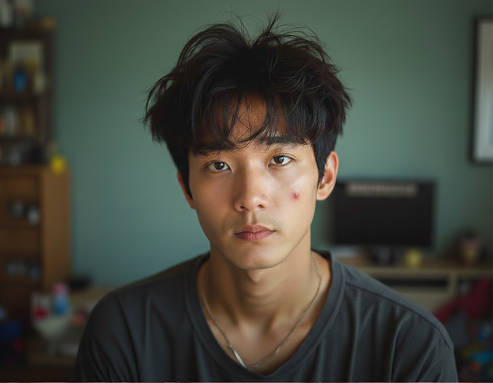
Skin tone evenedOriginal
OriginalSkin tone evened
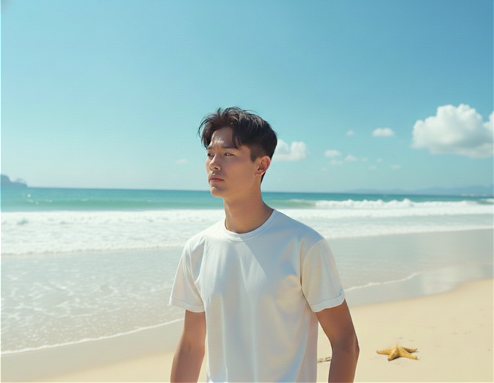
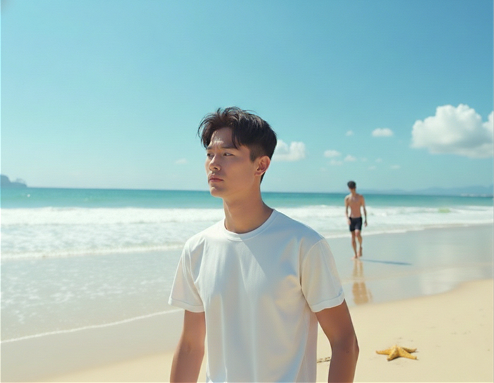
Person behind removedOriginal
OriginalPerson behind removed
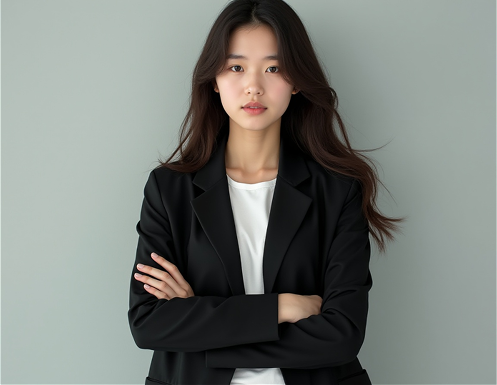
Waving poseOriginal
OriginalWaving pose

From photo to finished, in a minute
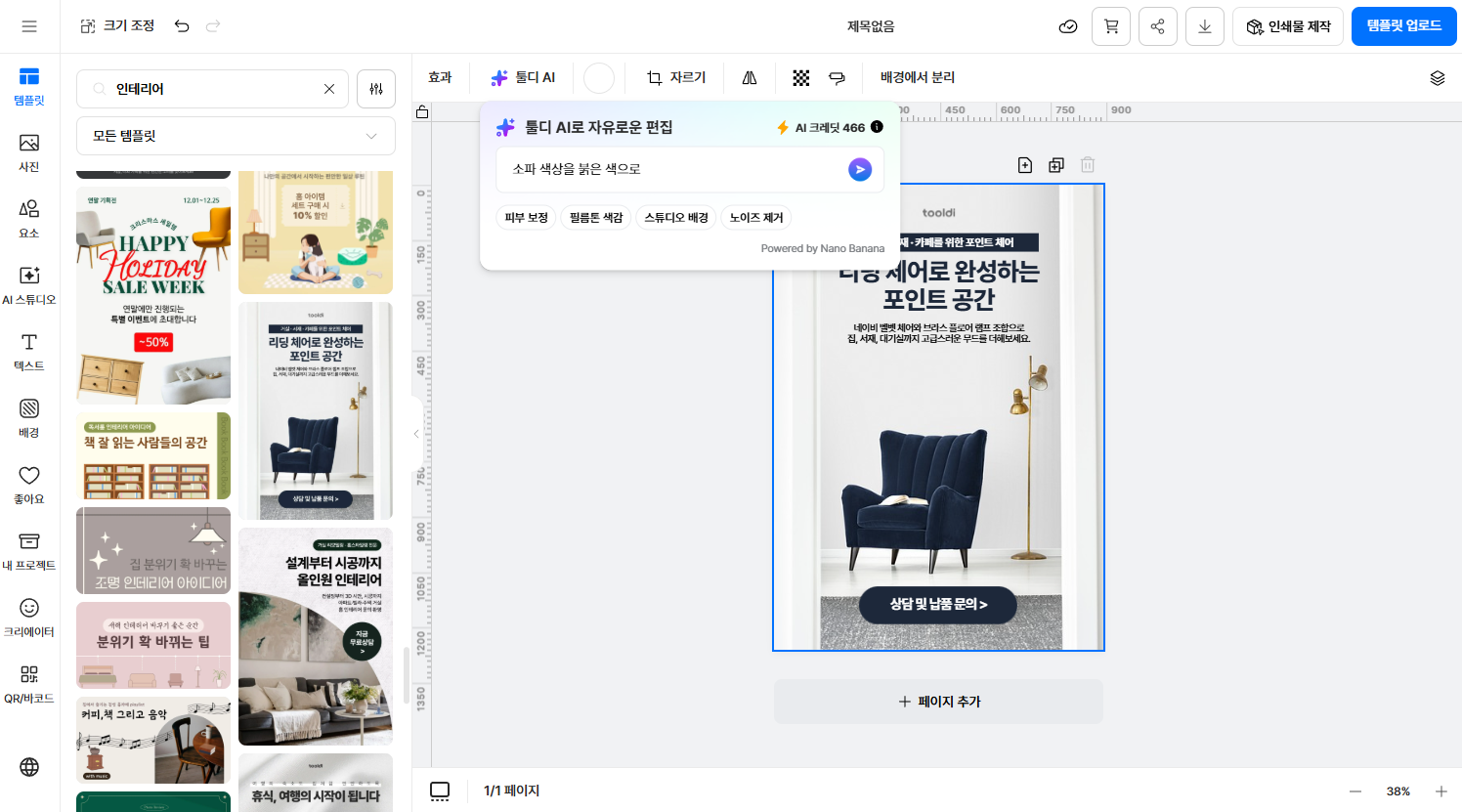
STEP 1
Pick a photo

Good for work like this

Product background swaps and color grading
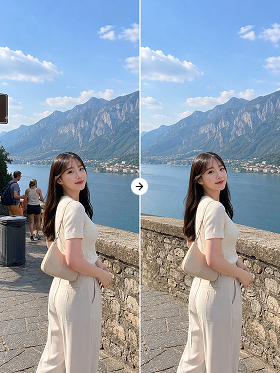
Product background swaps and color grading

Card news and thumbnails in your brand tone
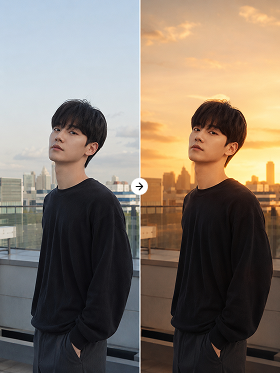
Card news and thumbnails in your brand tone

Deck and report cover images
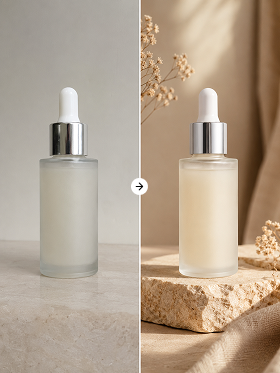
Deck and report cover images

Quick edits for flyers, cards, profiles

Quick edits for flyers, cards, profiles

Before you start

Photos, photo backgrounds, and AI content (JPG) can be edited. Other formats are not supported yet.
Find them under [My Projects › Uploads › AI content].
However many times an image is edited, the original content creator stays listed as a contributor, protecting their rights.
The more specific you are about the subject and the result, the better. Prefer “brighten the lighting on the face” over “brighter,” “shift to a warm autumn tone” over “make it pretty,” and “change the black jacket to a beige coat” over “change it.”

Finish the detail with one line

No tool to learn, no jargon. Try it in Tooldi right now.