
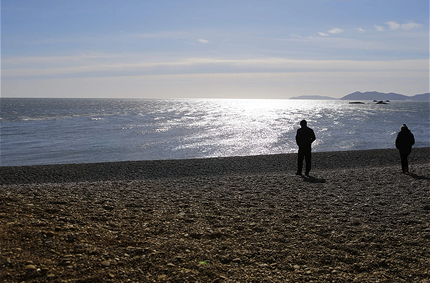
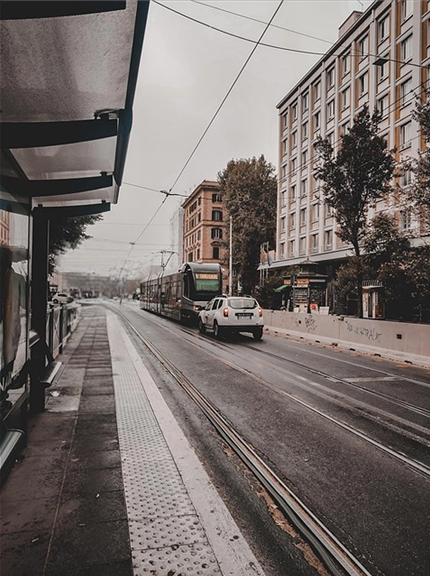
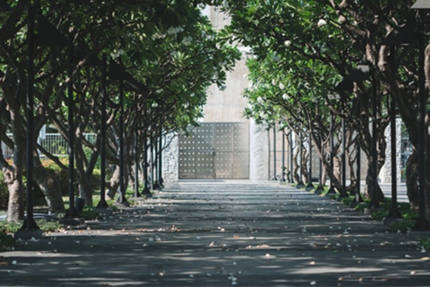
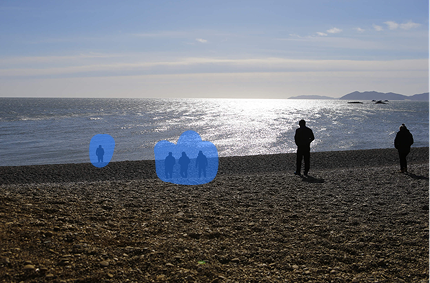
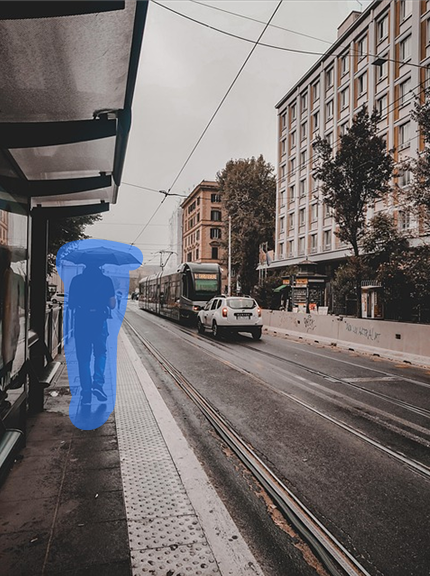
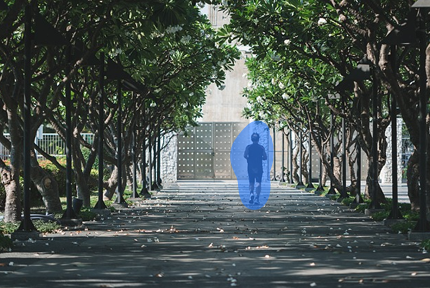
Erased without a trace, naturally
Select only what you want
Easily remove unwanted elements like passersby, objects, logos and text.
Natural background restoration
AI analyzes the surrounding image and fills the erased area naturally.
Cleans up shadows and reflections too
Not just the object — shadows and reflection traces are cleaned up as well.
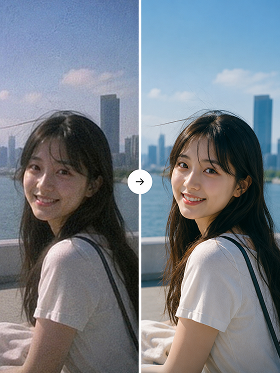
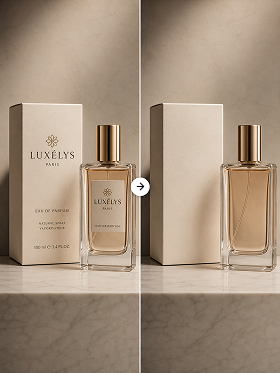
Before and after erasing






How to use it
STEP 1
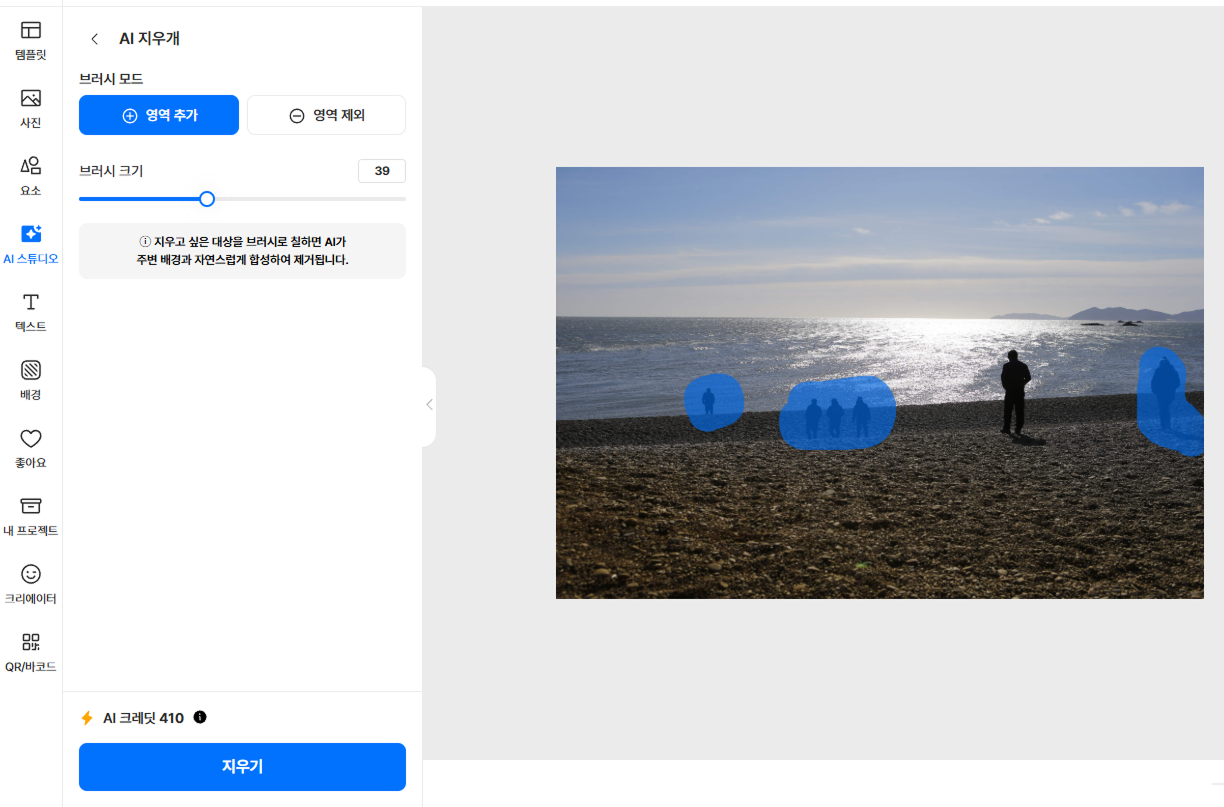

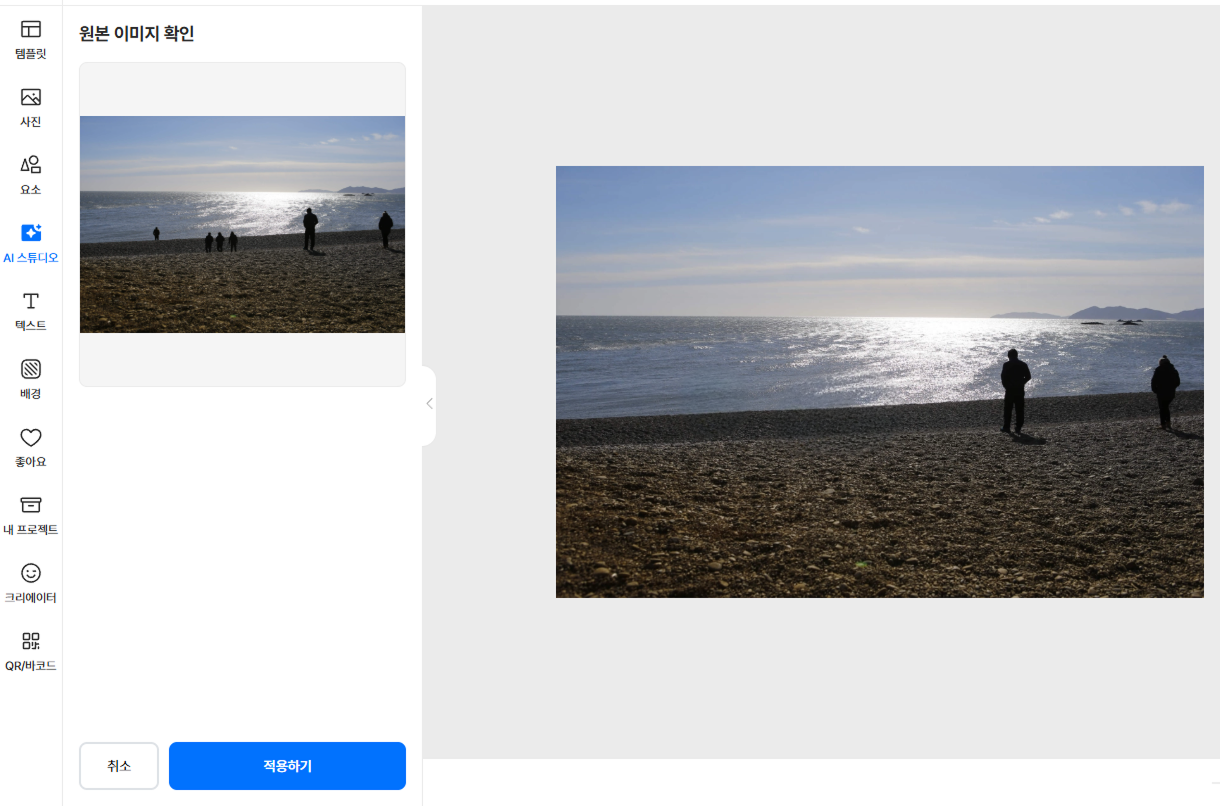
Here's how to use it
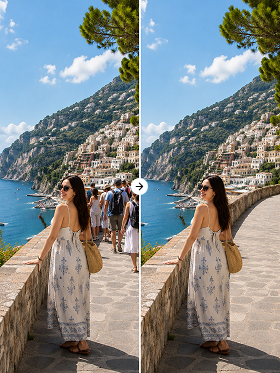
Clean passersby out of your travel photos
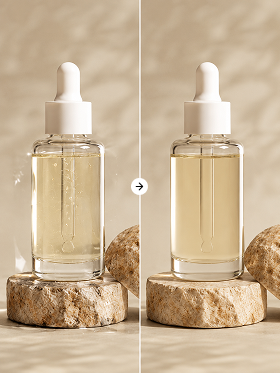
Tidy up blemishes and reflections on product shots
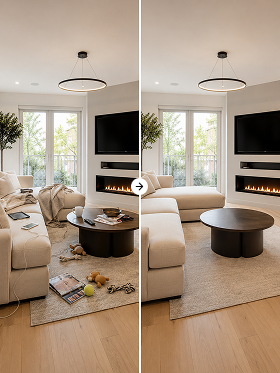
Remove everyday clutter from listing and interior photos
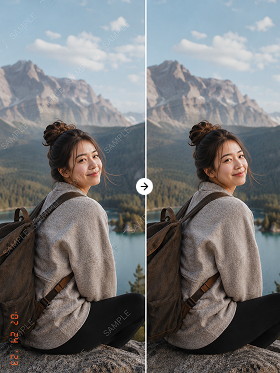
Delete date stamps and watermarks without a trace


Tooldi AI — your questions, answered!
You can try it on the free plan. Watermark-free high-resolution saving and batch processing are included in the Pro plan. No software to install — use it right in your browser.
You can erase most distractions in a photo — passersby, objects, shadows, reflections, date stamps, logos and more. Just brush over the area you want gone.
AI analyzes the color, texture and pattern of the surrounding background to infer and restore it naturally. It works on solid backgrounds as well as patterned ones like grass, sky or walls.
Yes. You can brush over and remove multiple objects at once. That said, if the area to erase covers most of the frame or there are few cues for what's hidden behind it, the result quality may vary.
Everything outside the erased area is preserved exactly as in the original. If you need a higher resolution, try using it together with the upscale feature.