
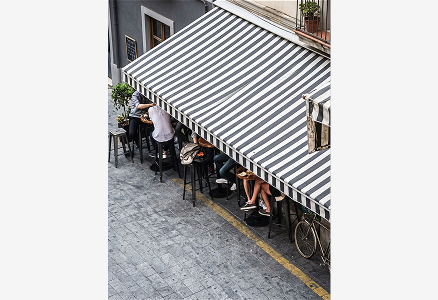
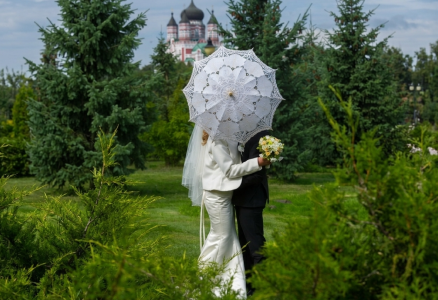
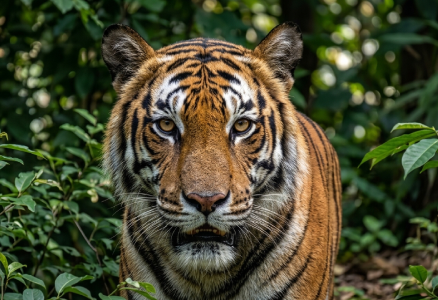
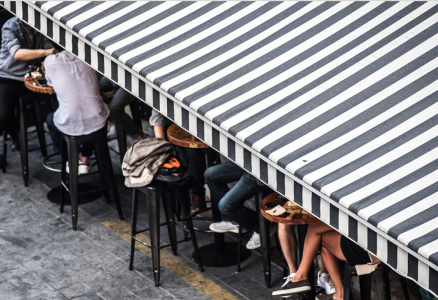
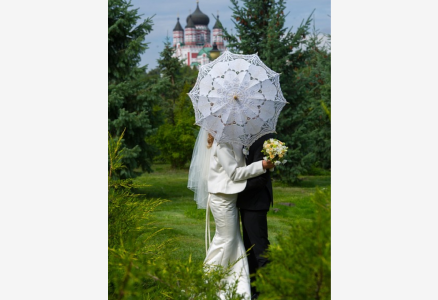
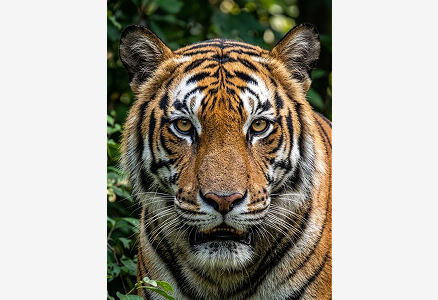
AI fills it in naturally
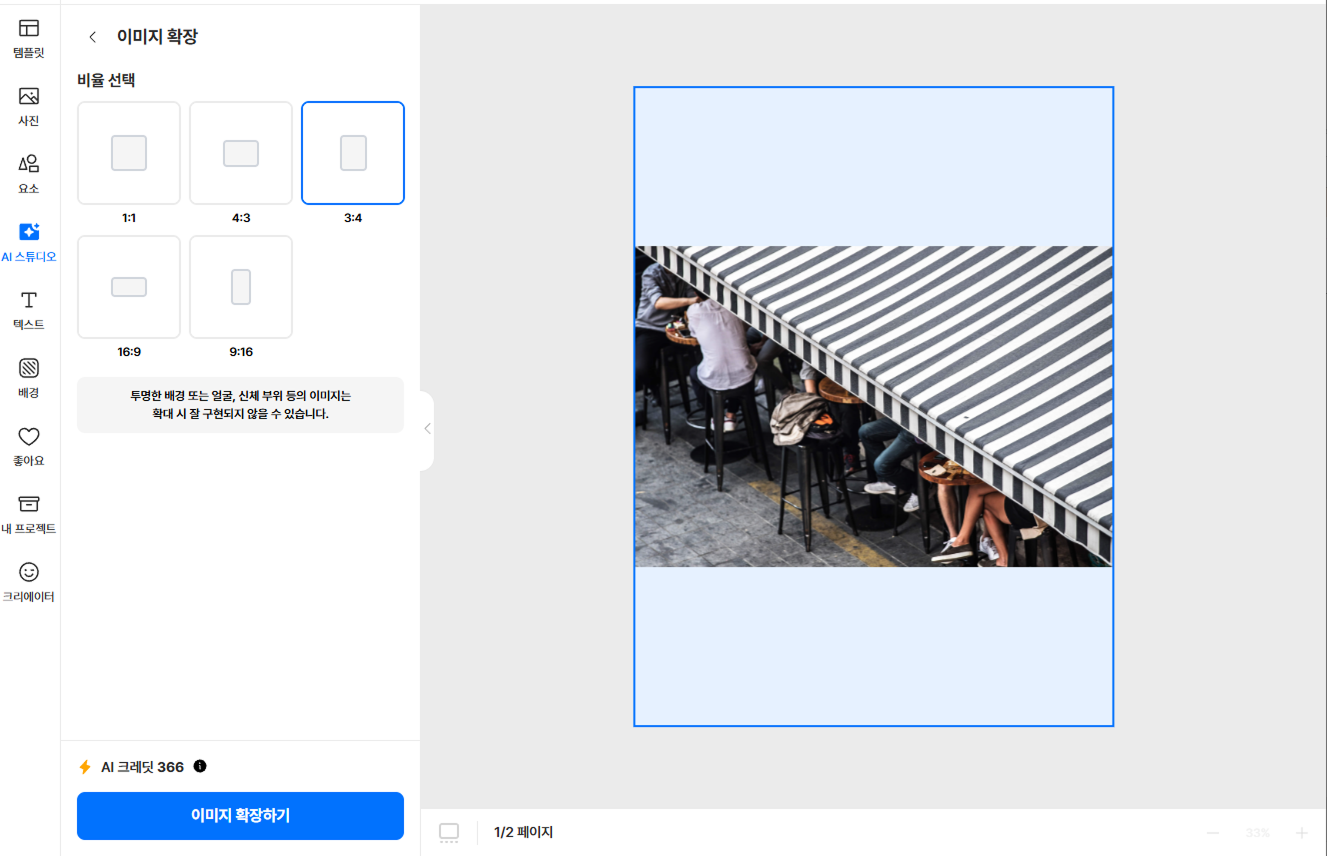
Expand to any ratio
Naturally expand your image to ratios like 1:1, 4:3, 3:4, 16:9, and 9:16.
Auto-generated backgrounds
AI reads the photo's colors and patterns to fill missing areas seamlessly.
Original quality intact
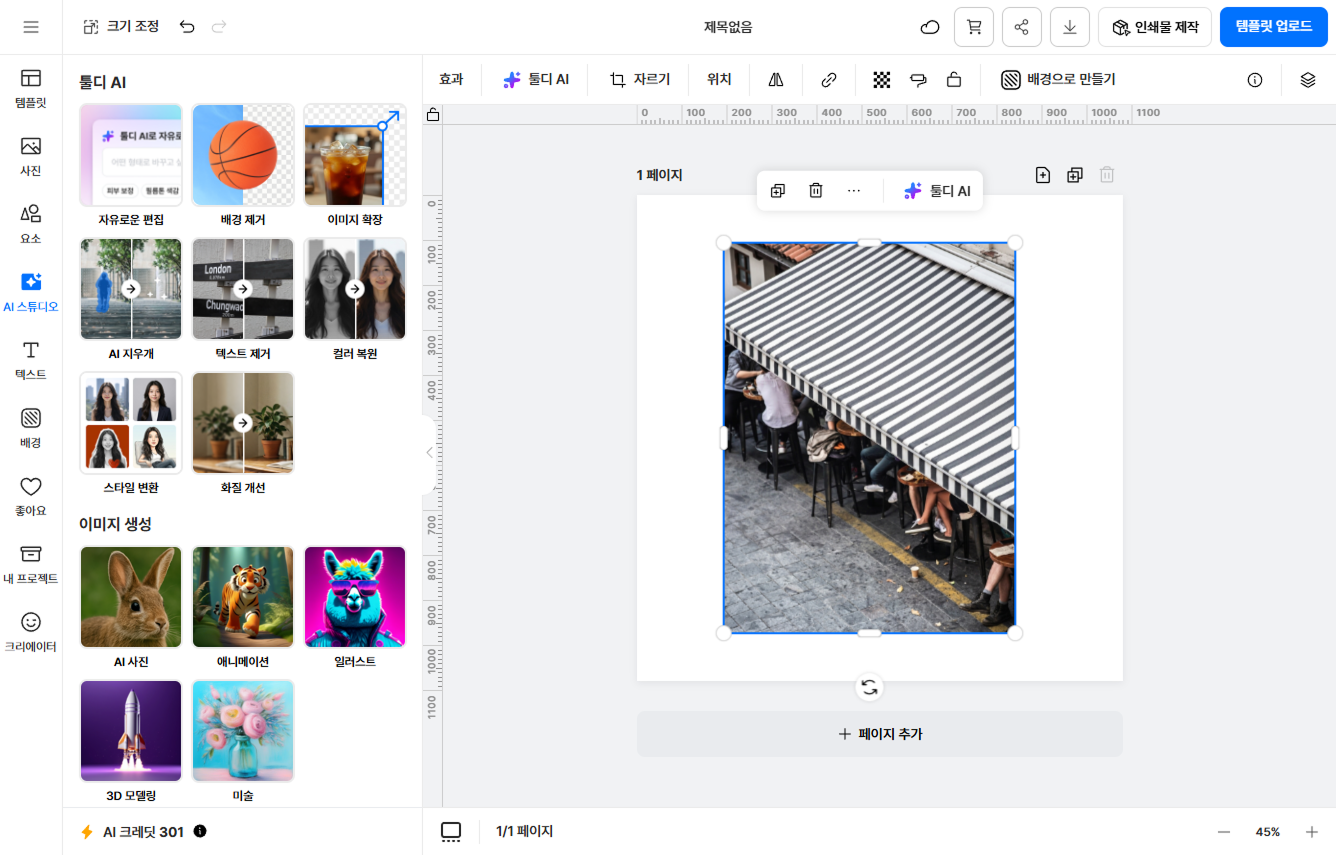
The original stays untouched; only the outer area is newly drawn, staying sharp.
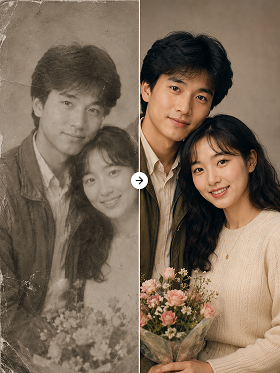
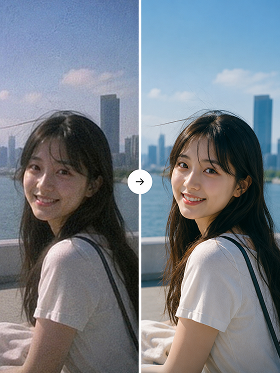
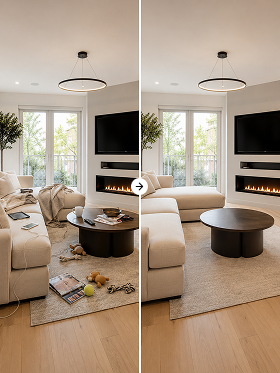
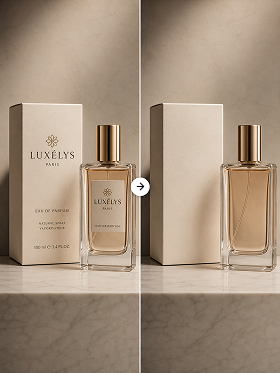
Before and after expanding
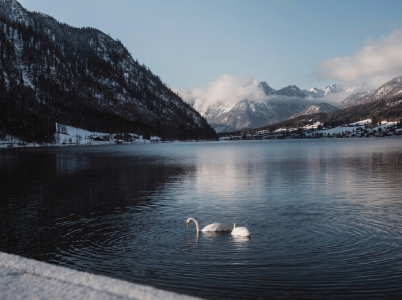
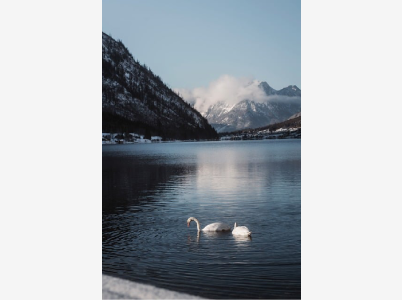
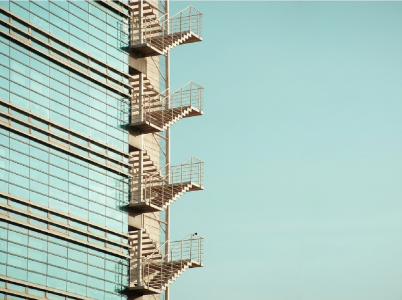
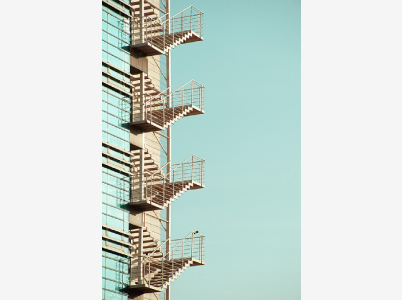
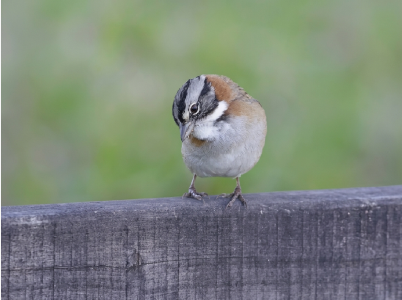
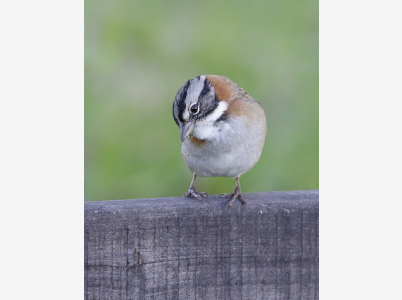
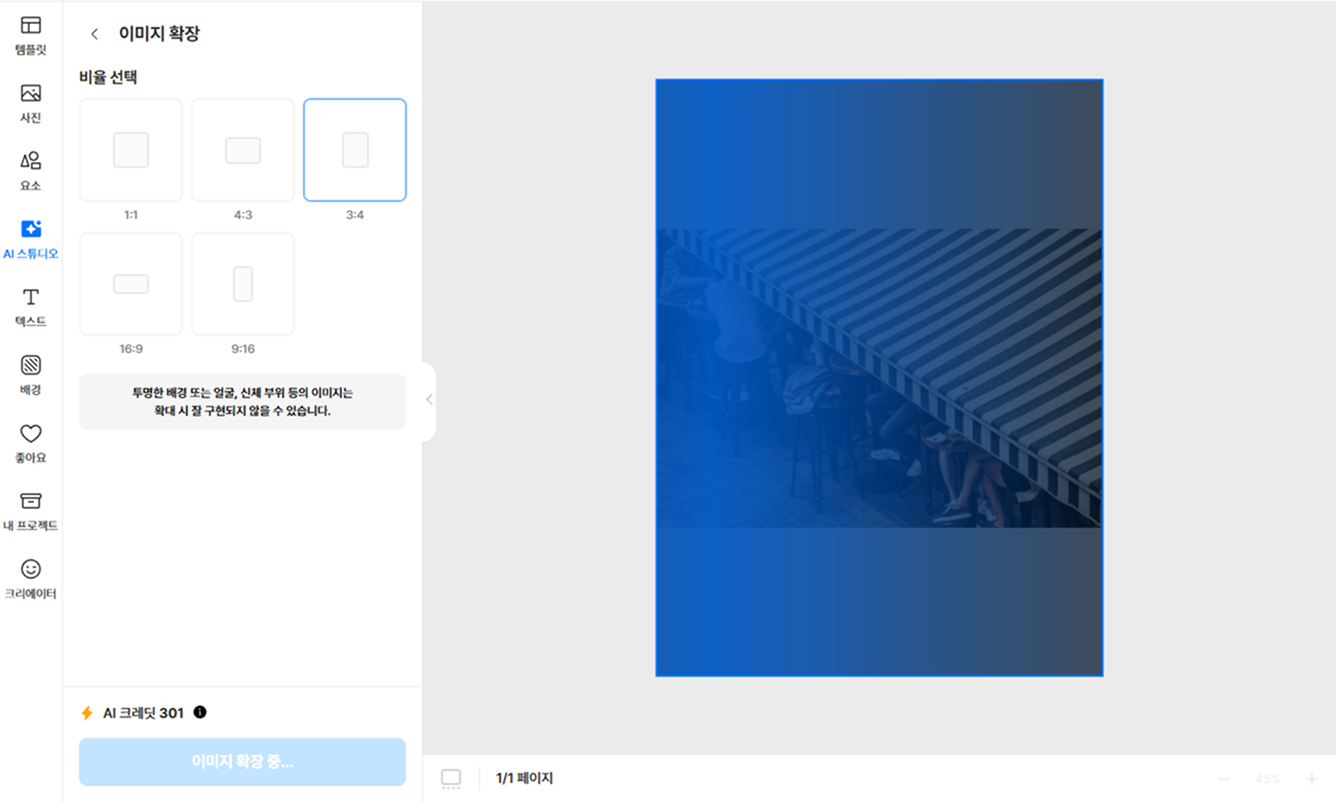
How image expand works
STEP 1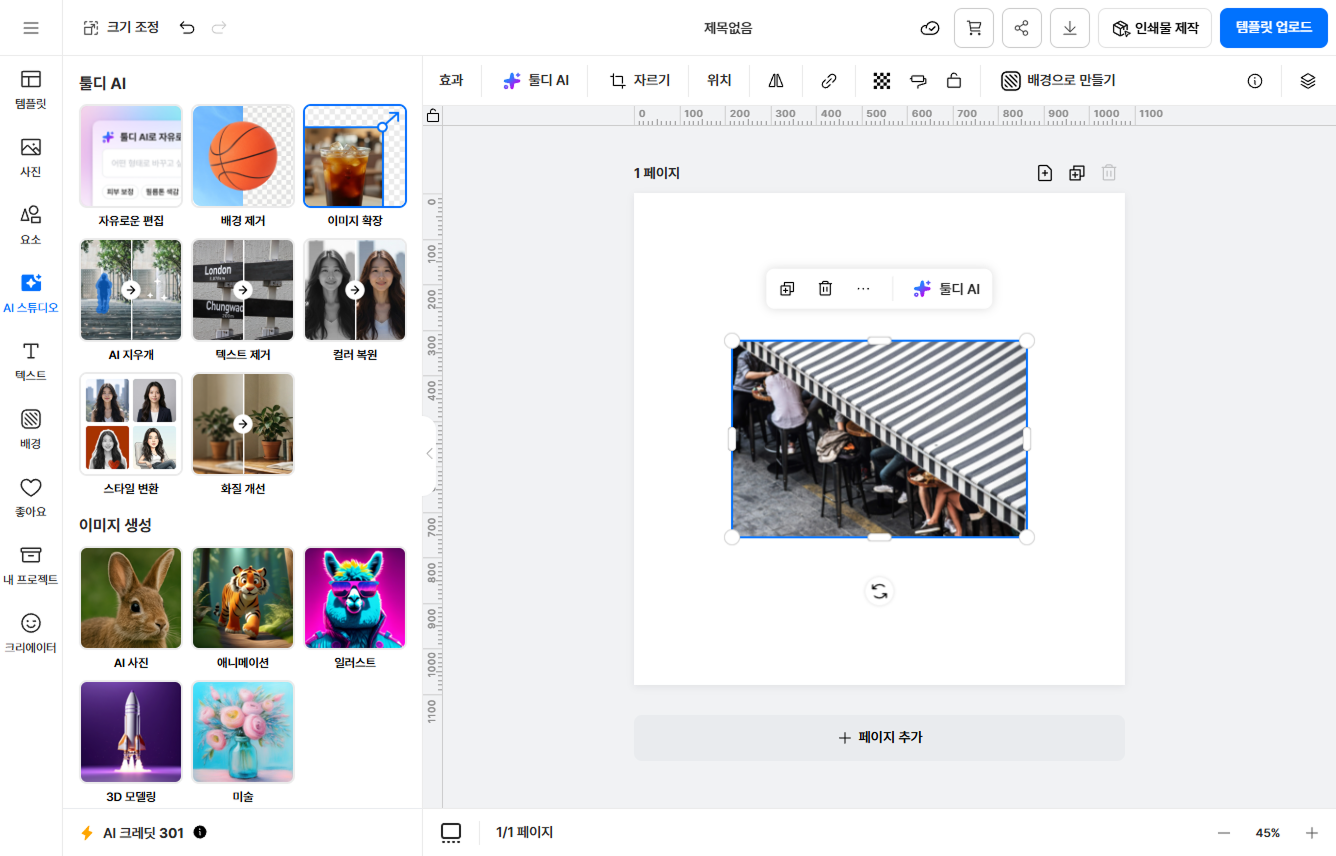
Try it for images like these
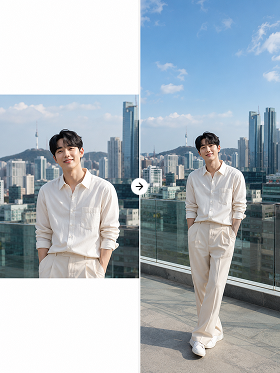
Expand cropped photos naturally
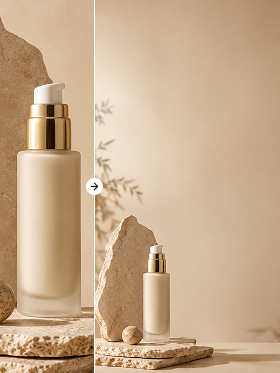
Make designs that need whitespace
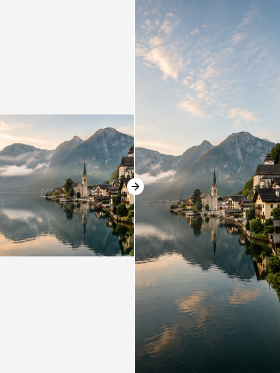
Change aspect ratios
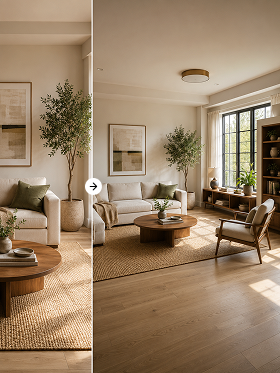
Fill cropped backgrounds naturally
Questions about tooldi AI
We support ratios like 1:1, 4:3, 3:4, 16:9, and 9:16 — easily resize for social posts, YouTube thumbnails, blog images, and more.
Yes. The original image stays intact and AI generates only the missing areas, keeping the original sharpness for a natural result.
People, landscapes, and product shots all work; images with simple backgrounds like sky or walls give the most natural results.