

Try-on shots from just photos
No models to book, no photo shoot. With two photos, Tooldi makes the try-on shot for you.
- Upload productsUp to 3 photos
- Choose a modelPresets · My photo
- Choose a posePhoto pose · Presets
Three steps to a model try-on shot
Upload product photos
Upload up to 3 photos of clothes, bags, shoes, hats or accessories, then crop each one so only the item you want to try on is left.
Choose a model
Upload your own photo or pick a Tooldi model. Front-facing photos that show from head to below the knees work best.
Pick a pose and make it
Choose a pose you like. If you uploaded your own photo, you can also keep its pose. Your try-on shot is ready in about 10 seconds.
Photos that work well
- A single product on a simple background
- A person shown from head to below the knees
- A person whose face and body are not covered
- A photo where the whole product is visible and not cut off
Photos that don't work well
- Several items in one product photo
- A product photo of someone already wearing it
- A dress on an upper-body-only photo
- Small accessories on a person shot from far away
Two photos become shots like these
How to use it
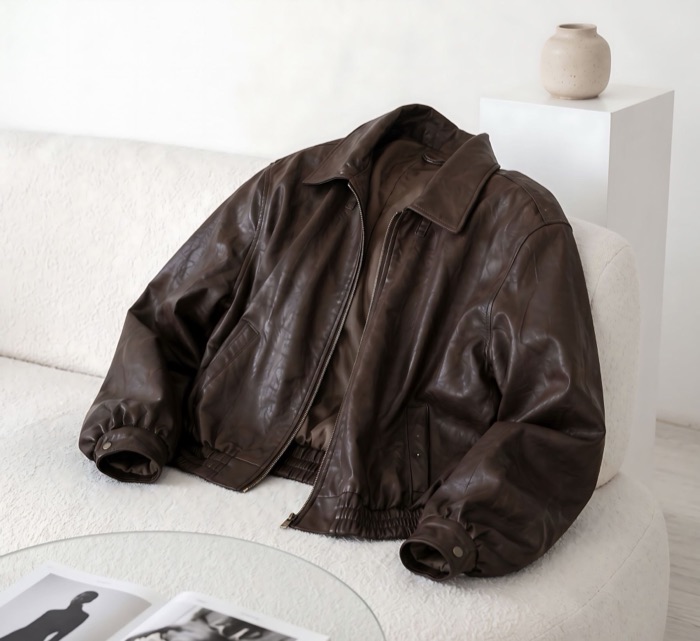
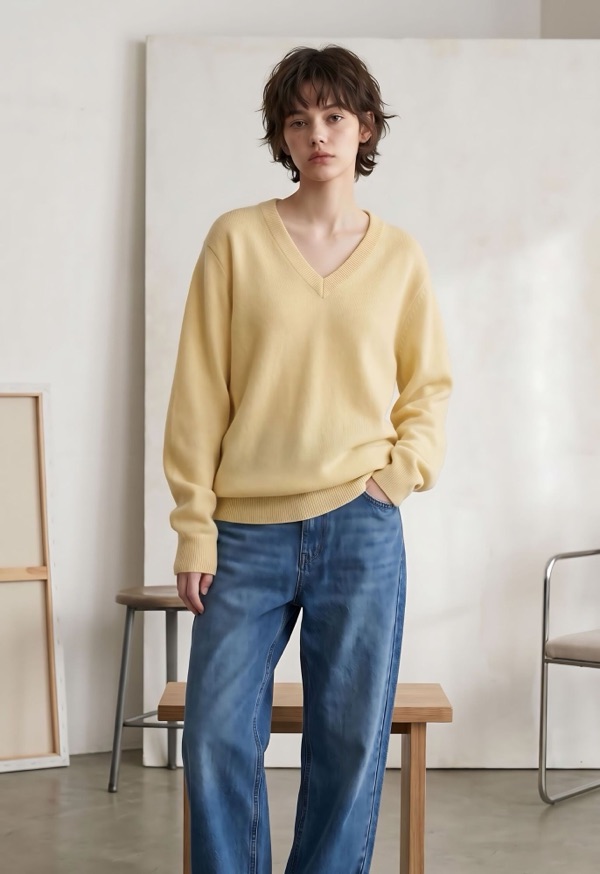
+
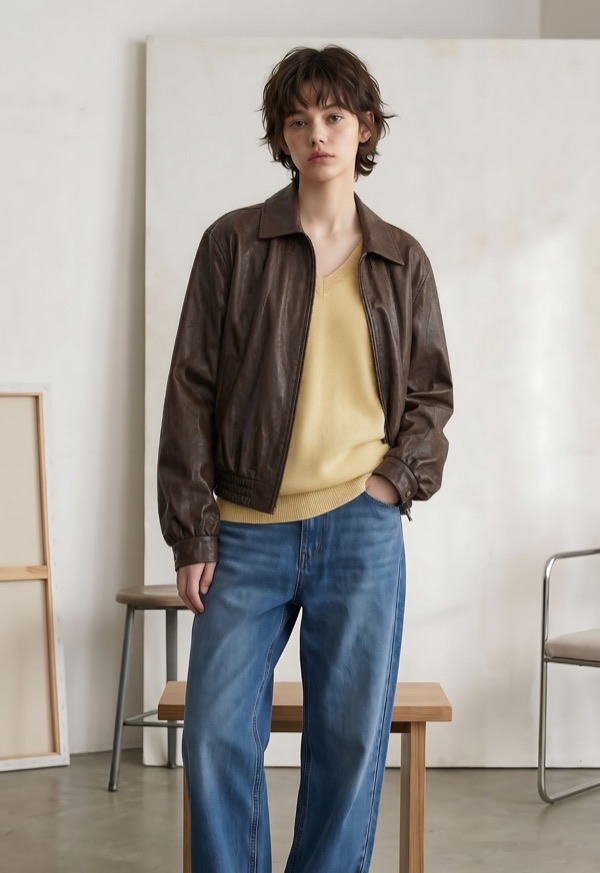
Marketing photos without model or shoot fees
Tooldi refills your AI credits every month (10 for free members, 500 for Pro). No model or studio needed — make marketing try-on shots from just a product photo.

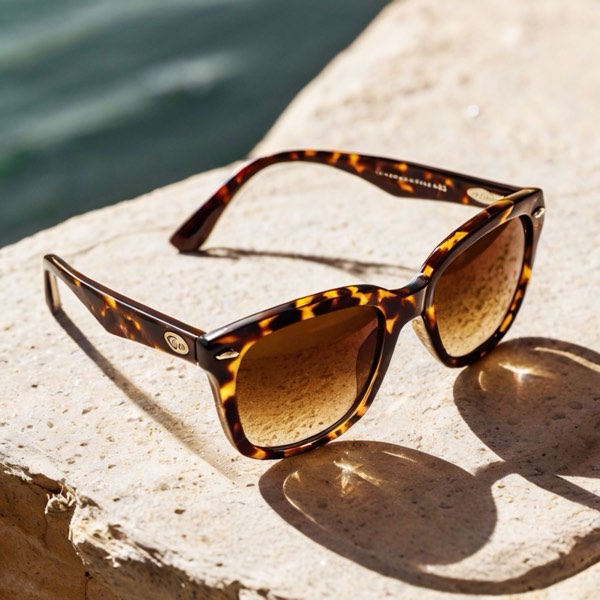
Use your photos as they are on social and product pages
Open your finished try-on shot right in the Tooldi editor and turn it into Instagram feed posts, ad banners and product pages. Just add your copy and logo, and your marketing creative is ready.
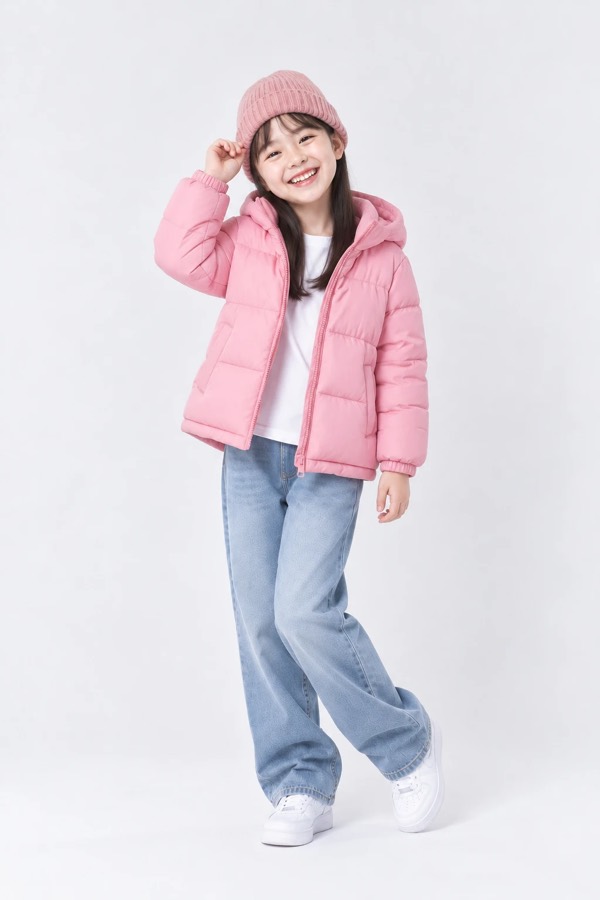
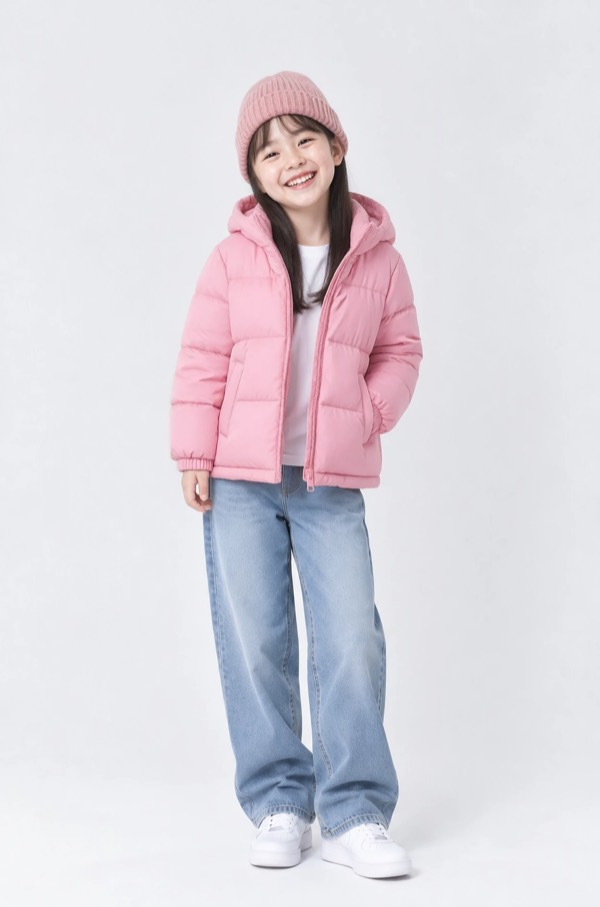


Fill a lookbook by changing poses
Make the same outfit in several poses to fill a lookbook. Upload several products to put on a top, bottoms and a bag at once.
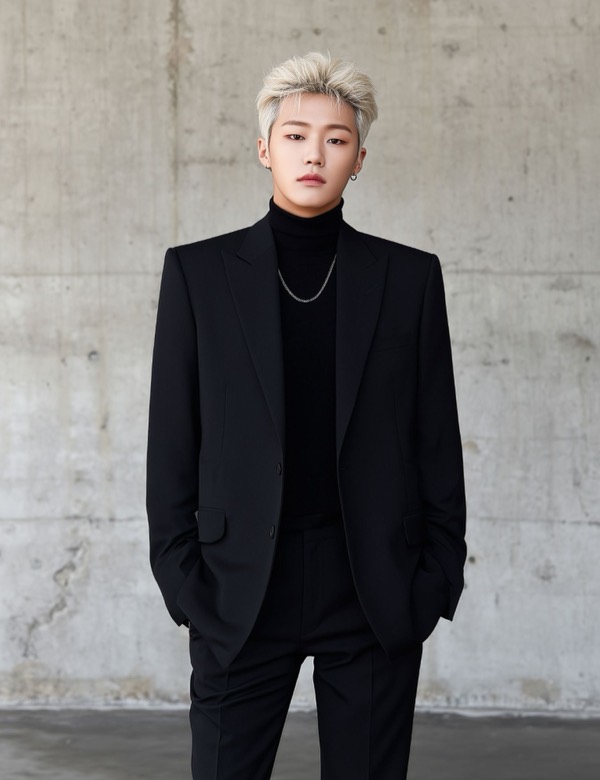
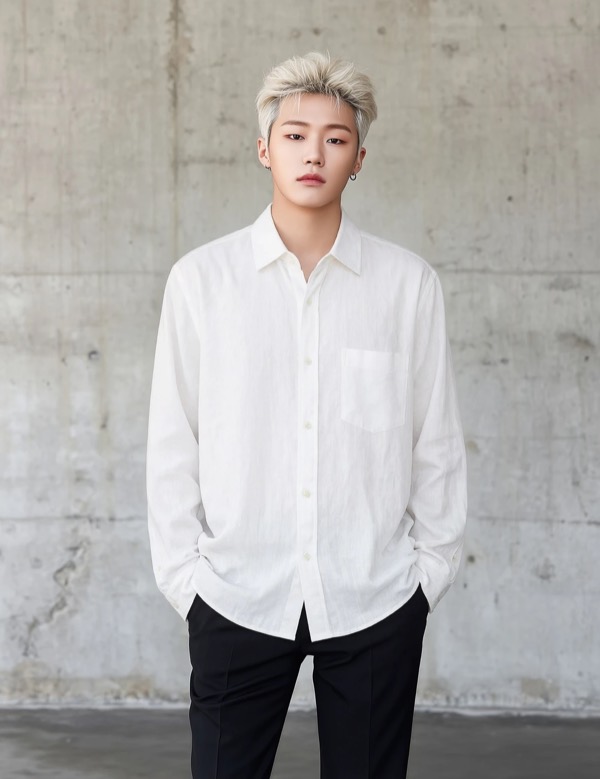
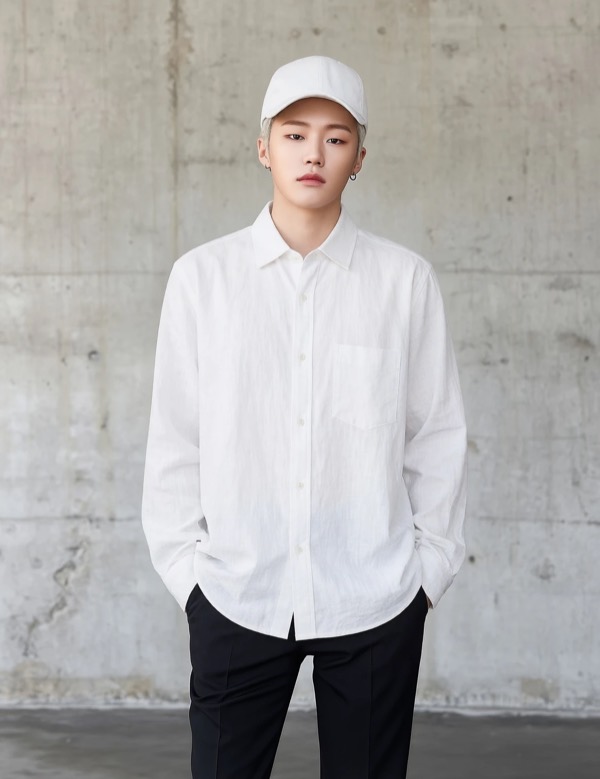
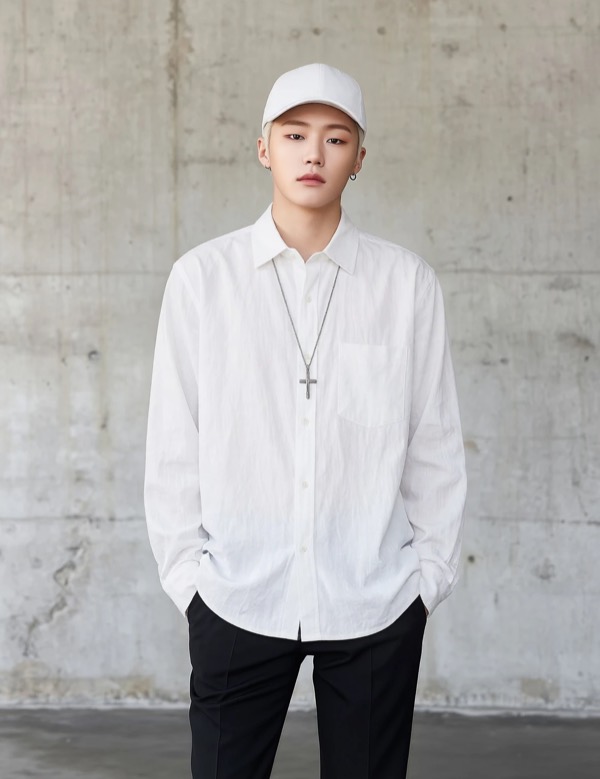
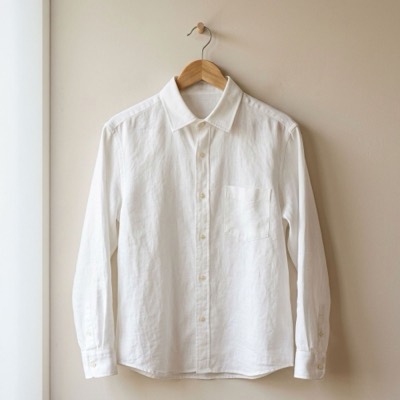
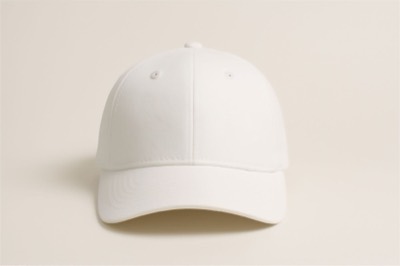
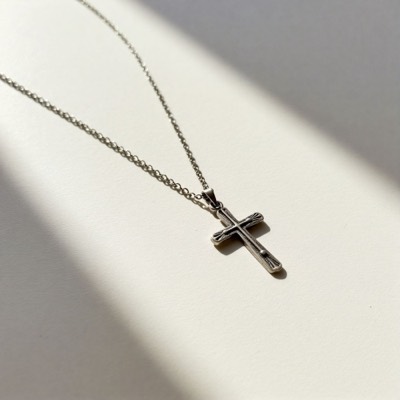
From clothes to accessories, the whole look in one shot
Clothes, bags, shoes and accessories — put up to 3 on at once for bundle listings or promotion banners.
FAQ
Yes! You can upload your product photos and pick a model and pose without logging in. When you tap "Make try-on shot" at the end, just log in (or sign up quickly) and we'll pick up right where you left off with everything you chose.
It starts at 1 credit, plus 1 credit for each product photo, and 1 more if you change the pose. Tooldi models always need a pose, so they always add 1 credit. For example, your own photo with 1 product and "Keep the photo's pose" is 2 credits, and 3 products with a new pose is 5 credits. You can see the cost right below the "Make try-on shot" button before you start.
Free members get 10 credits every month once they sign up. If you need more, subscribe to Pro for 500 credits a month. When you run low, we'll show you when your credits refill and how Pro works, right on the screen.
If we can't make your try-on shot, the credits you used are returned right away. No worries, just give it another try in a little while.
You can upload up to 3 photos at a time and try them on together. Once you upload a photo, the crop screen opens, so just crop it to fit one product inside the frame. Even if other clothes are in the picture, like in a screenshot from a shopping site, cropping lets you try on only the item you want.
Most things you wear or carry will work, such as tops, bottoms, dresses, outerwear, shoes, hats, bags, necklaces and watches. Bright photos with a simple background and a clearly visible product give the best results.
You can upload your own photo or choose one of Tooldi's models. Front-facing photos that show from head to below the knees, with your face and body not covered, look the most natural.
If you uploaded your own photo, choose "Keep the photo's pose" and we keep the pose exactly as it is in the photo. If you picked a Tooldi model or a different pose, we move the person into that pose before putting the product on. That costs 1 more credit, and unintended details such as hand shapes or props may appear. If you're not happy with the result, try a different pose, or with your own photo, try "Keep the photo's pose".
You can download the original for 6 hours after it's made. After that it goes away, so save the shots you like right away.
Skip the photo shoot. Start with a try-on shot.
A person photo and a product photo are all you need! Continue in the Tooldi editor to make product pages and ad banners.
Make a try-on shot