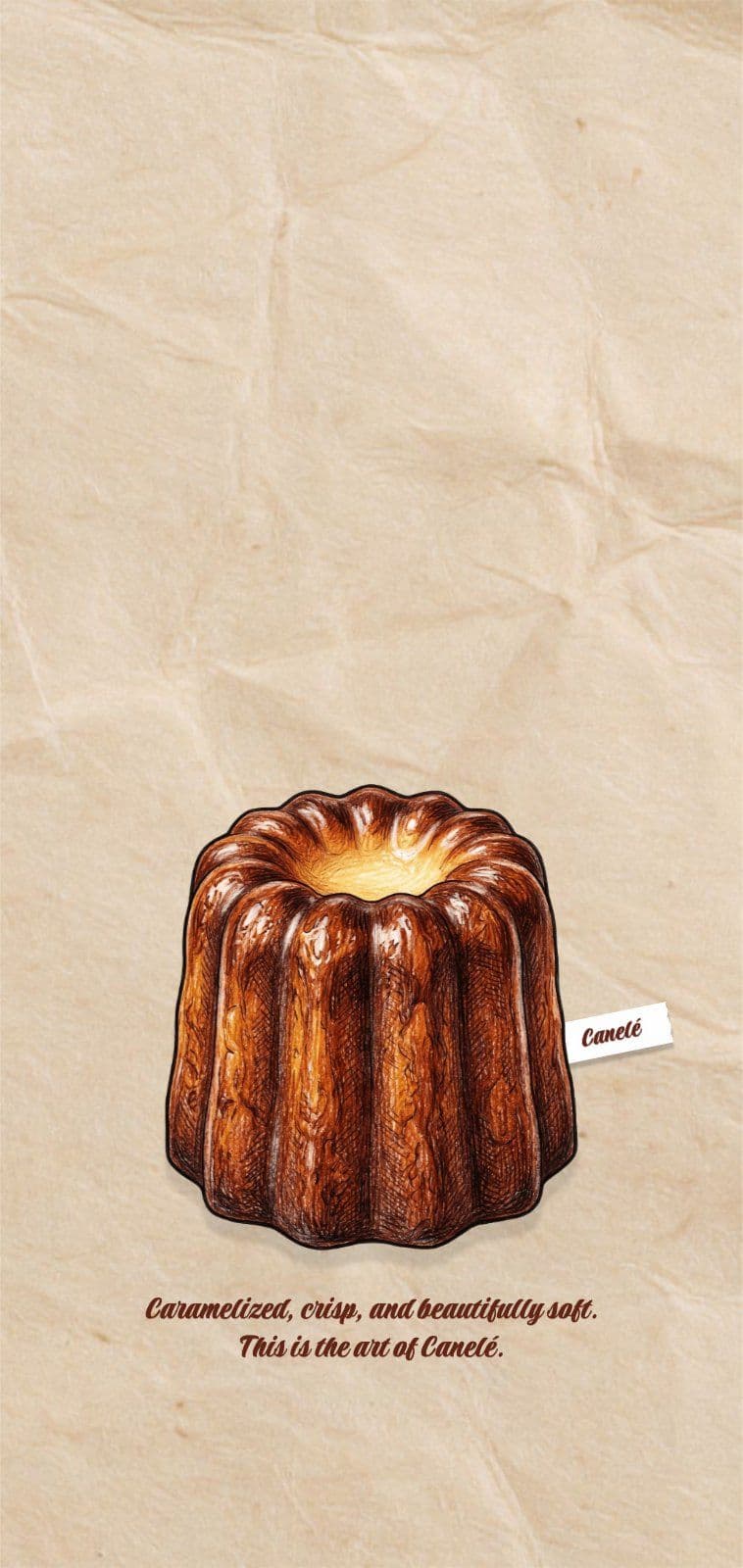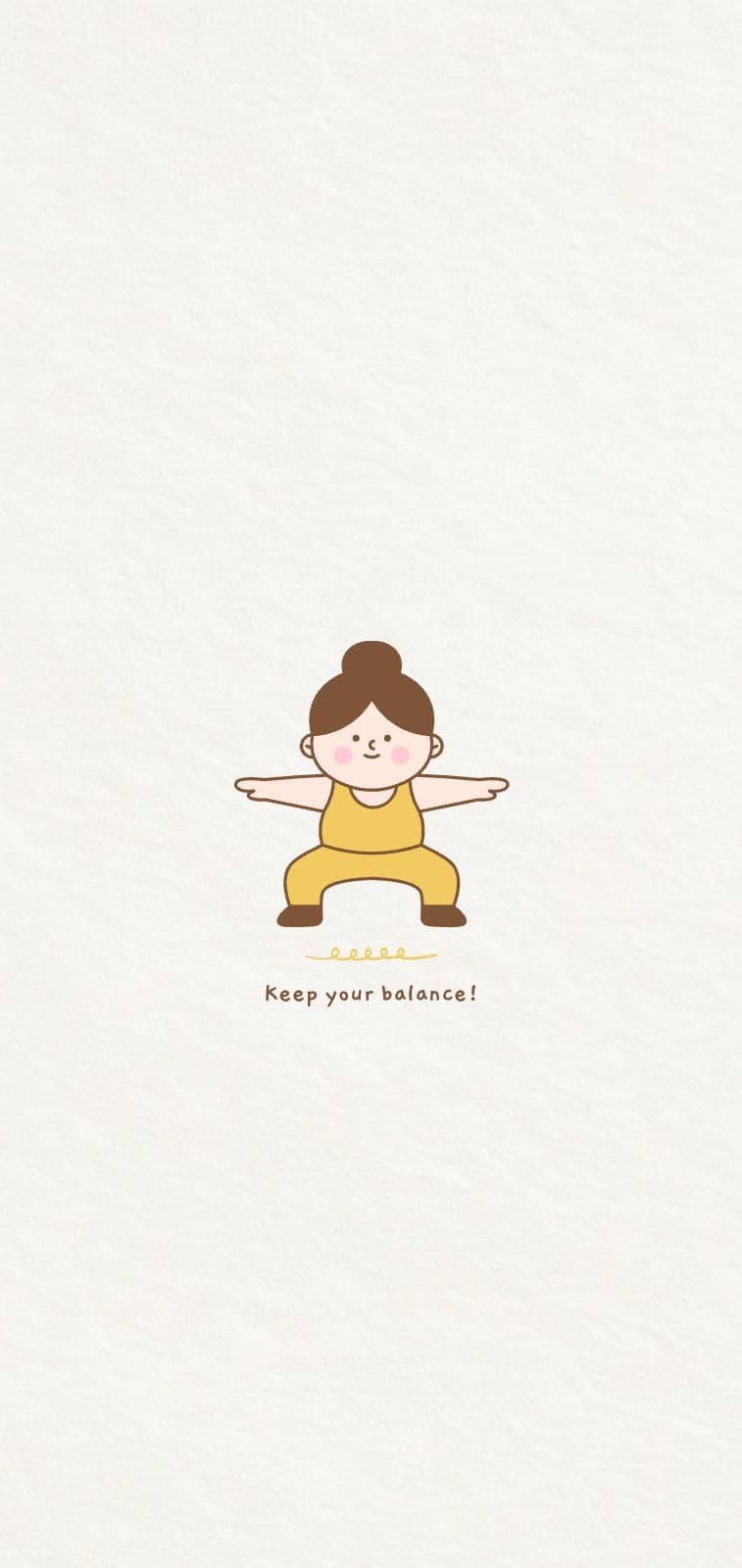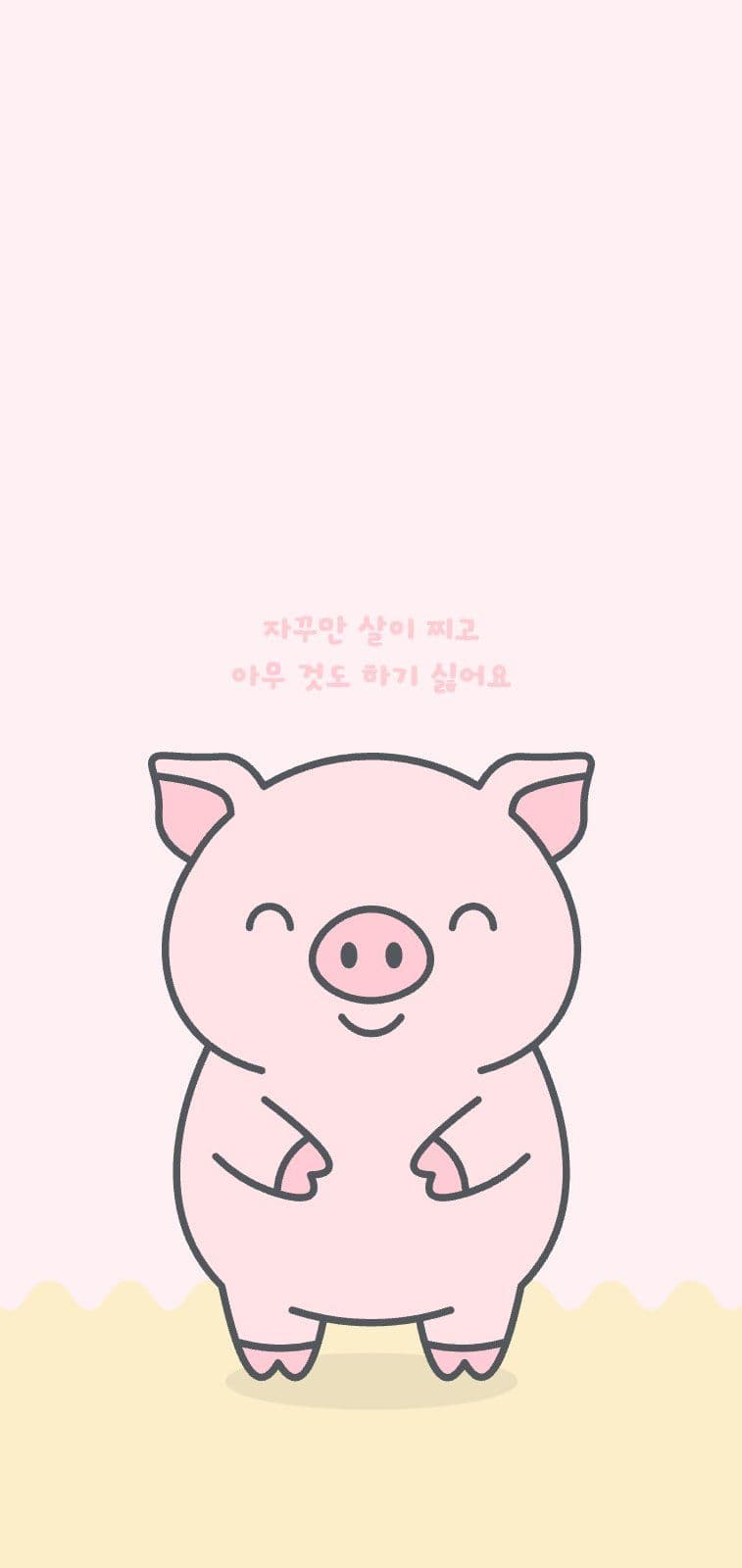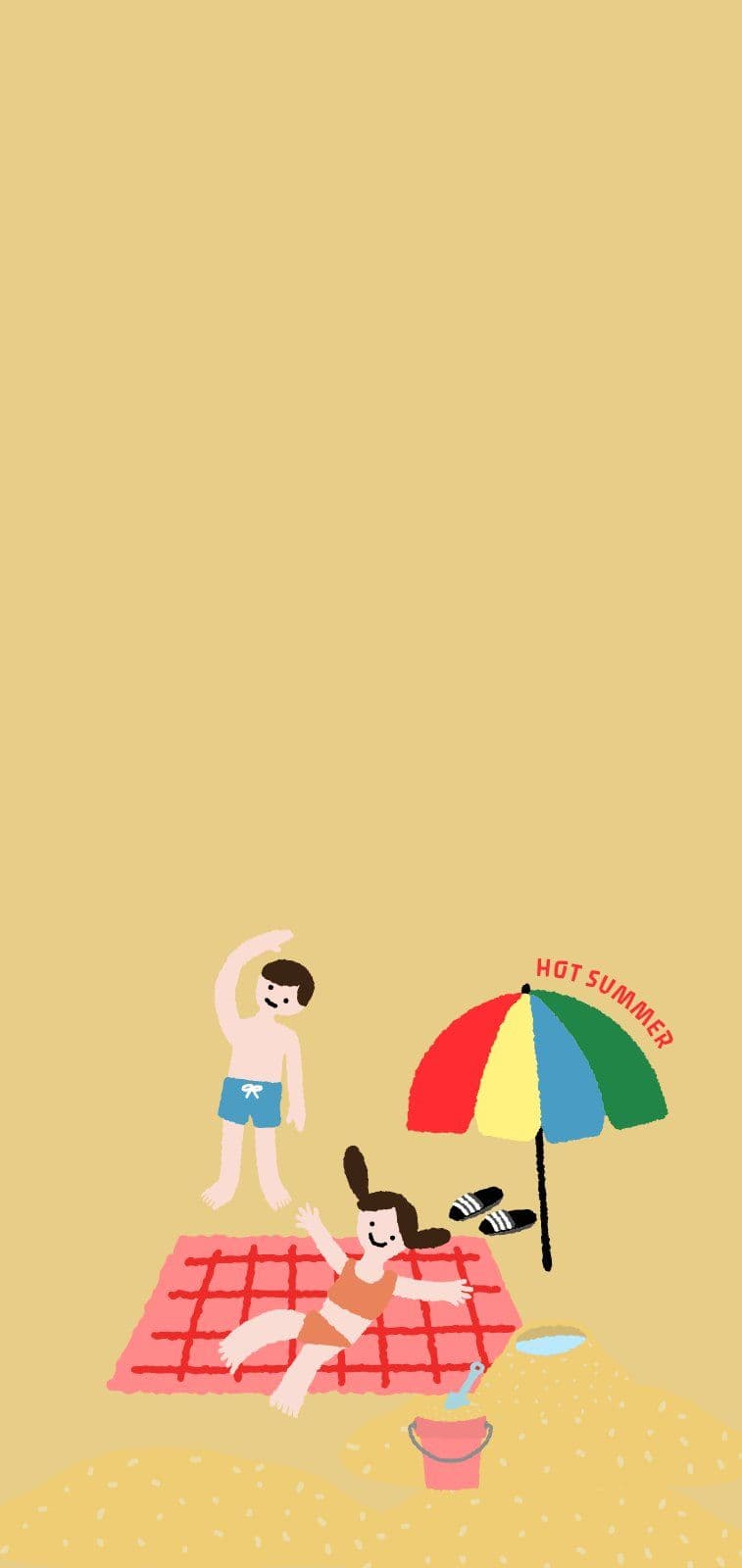

tooldi

From your phone to your desktop,
a wallpaper that fits your taste

From illustrations to calendar wallpapers,
find one sized for the device you use.

Pick the wallpaper you'll switch to today

김뚤디 작당모의 부적
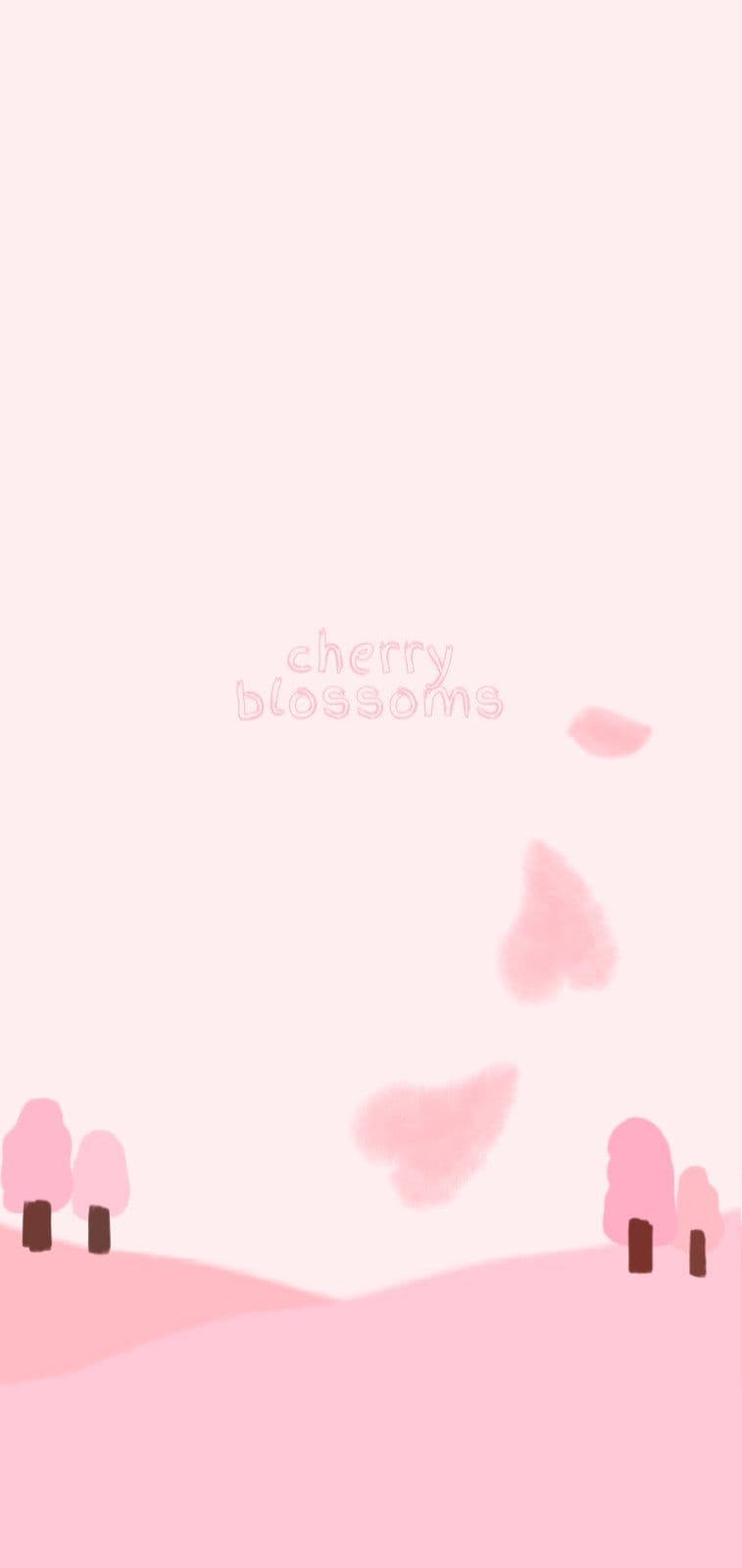
큐트 체리 배경화면
땀이 없으면 달콤함도 없다 배경화면
밤 도시 감성 핸드폰 배경화면
고양이가 있는 심플한 배경화면
도시 노을
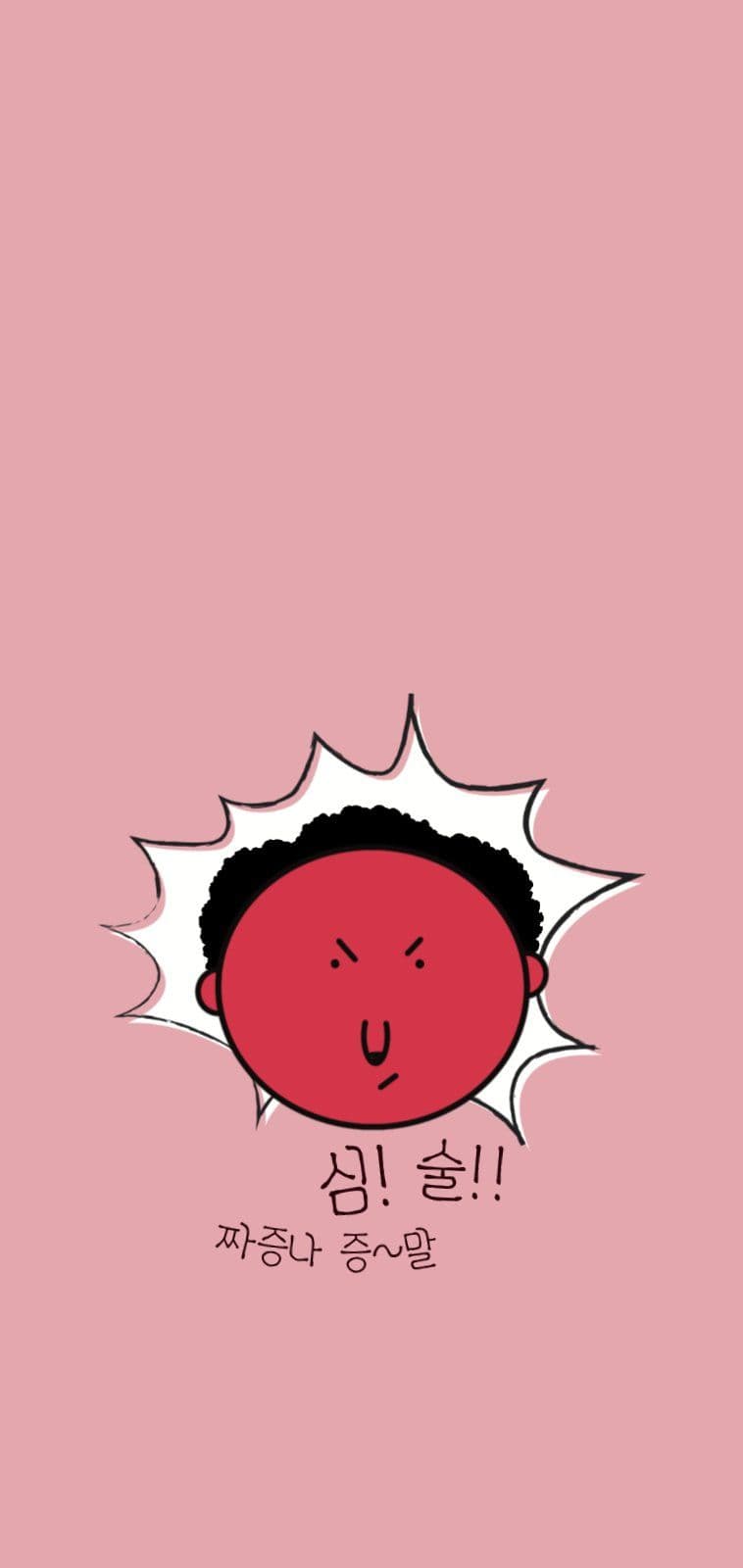
분노 폭발
귀여운 찹츄 배경화면
예쁜방배경화면
하늘, 여름 배경화면
레트로 폴더 화면
귀여운 토끼 숨참기 핑크 배경화면
심플 폴라로이드 일러스트 배경화면
빈티지 은하수 별 아이폰 배경화면
메탈 3d 디자인 PC 배경화면
다댐벼 배경화면
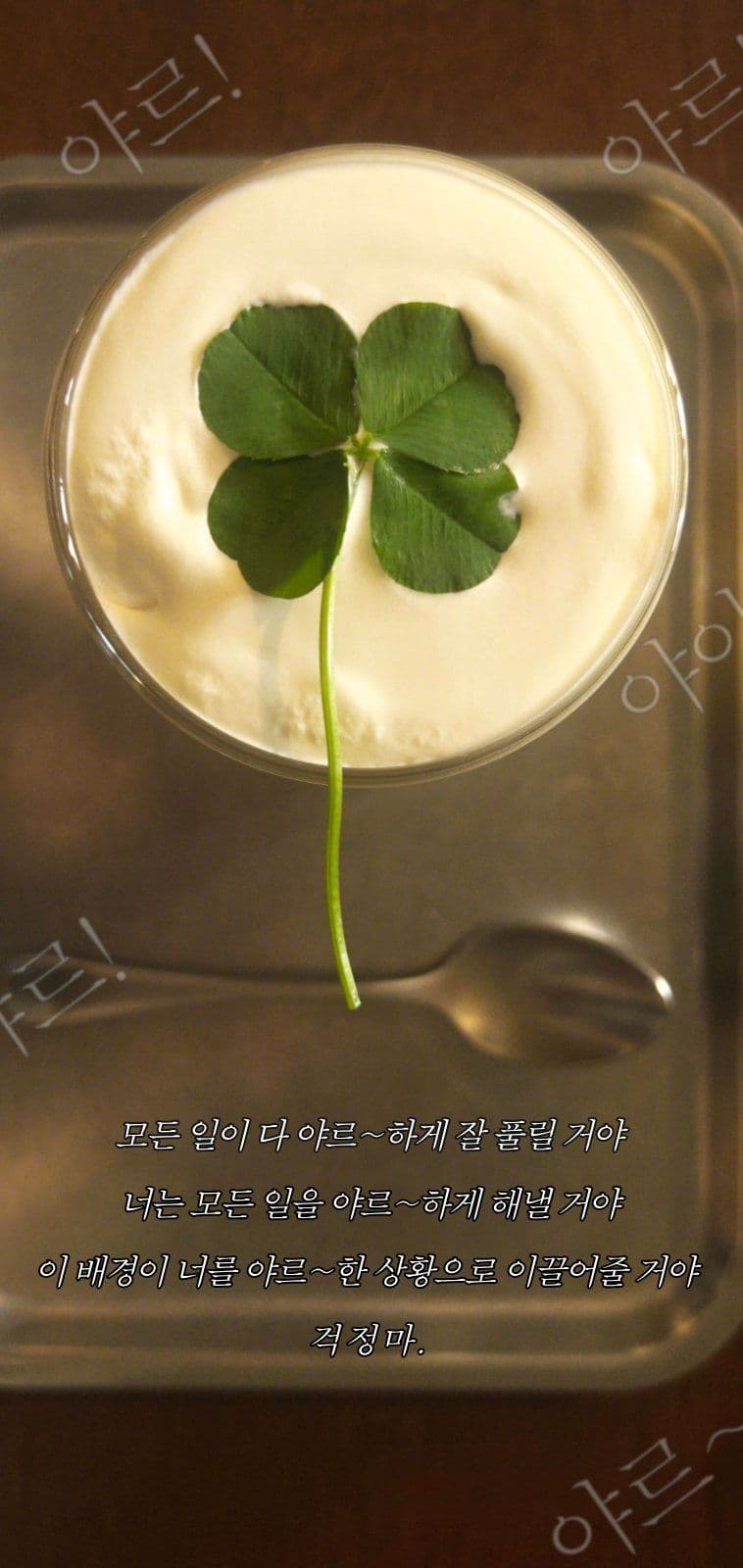
네잎클로버 배경화면
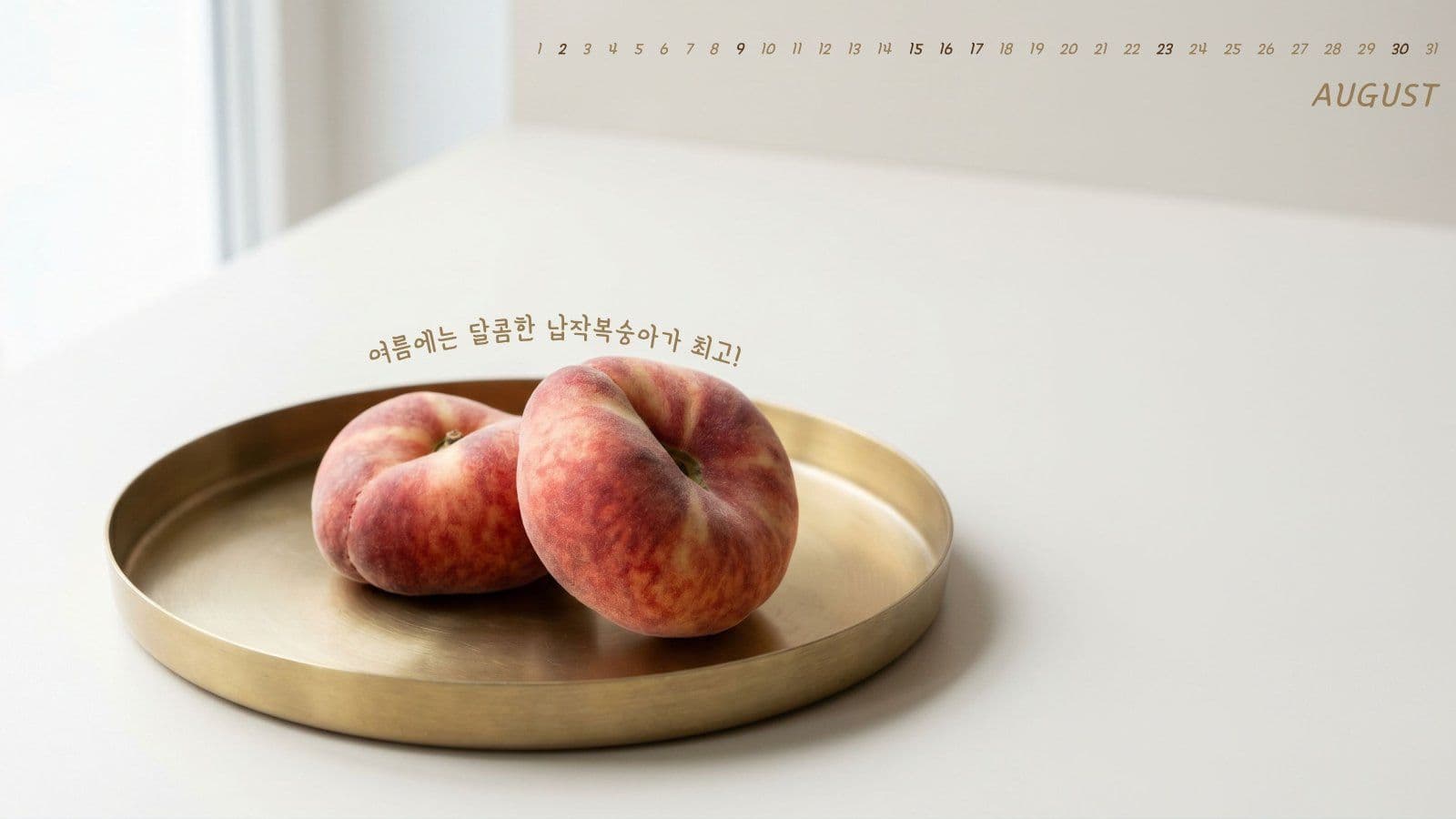
복숭아 배경화면
토마토는 참지 않지
몽환적인 핸드폰 배경화면
Y2K 배경화면
시간표 배경화면 (여름 ver.)
cozy winter days
웨이브 심플 배경화면
도시야경
도시 아이폰 배경화면

When you want a new wallpaper, Tooldi is enough

Wallpapers that fit your device

Choose a wallpaper made for the device you use — phone, desktop, or tablet.

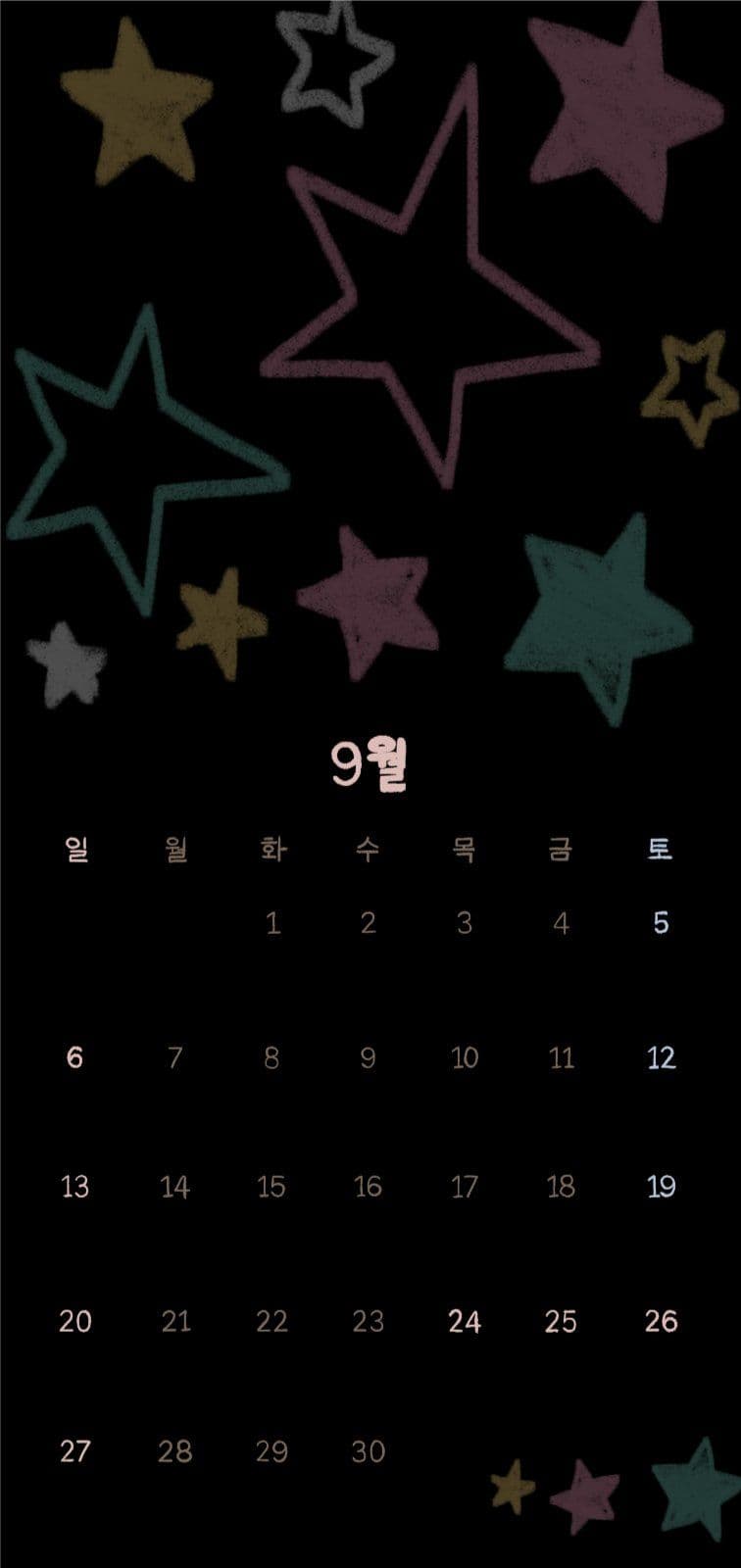
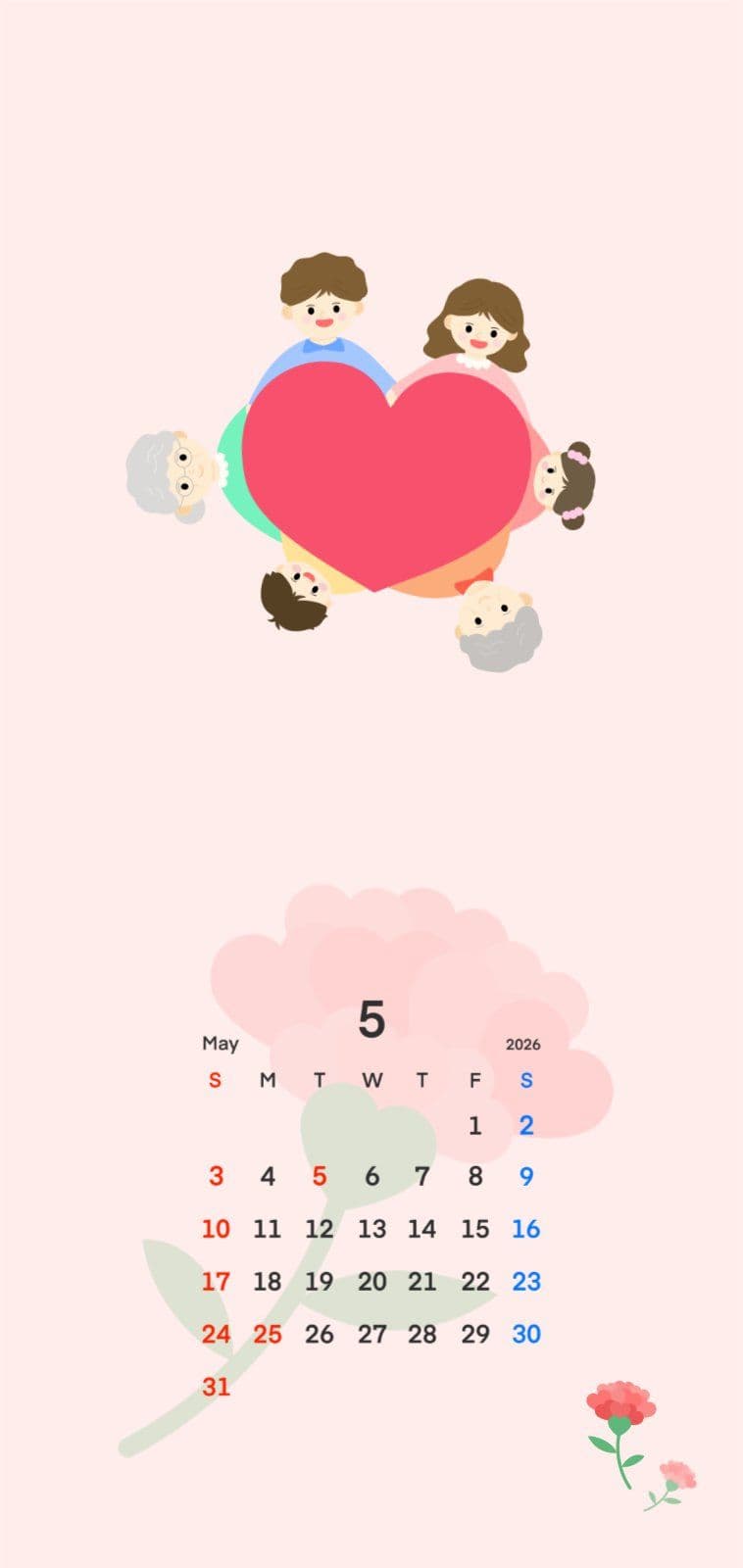
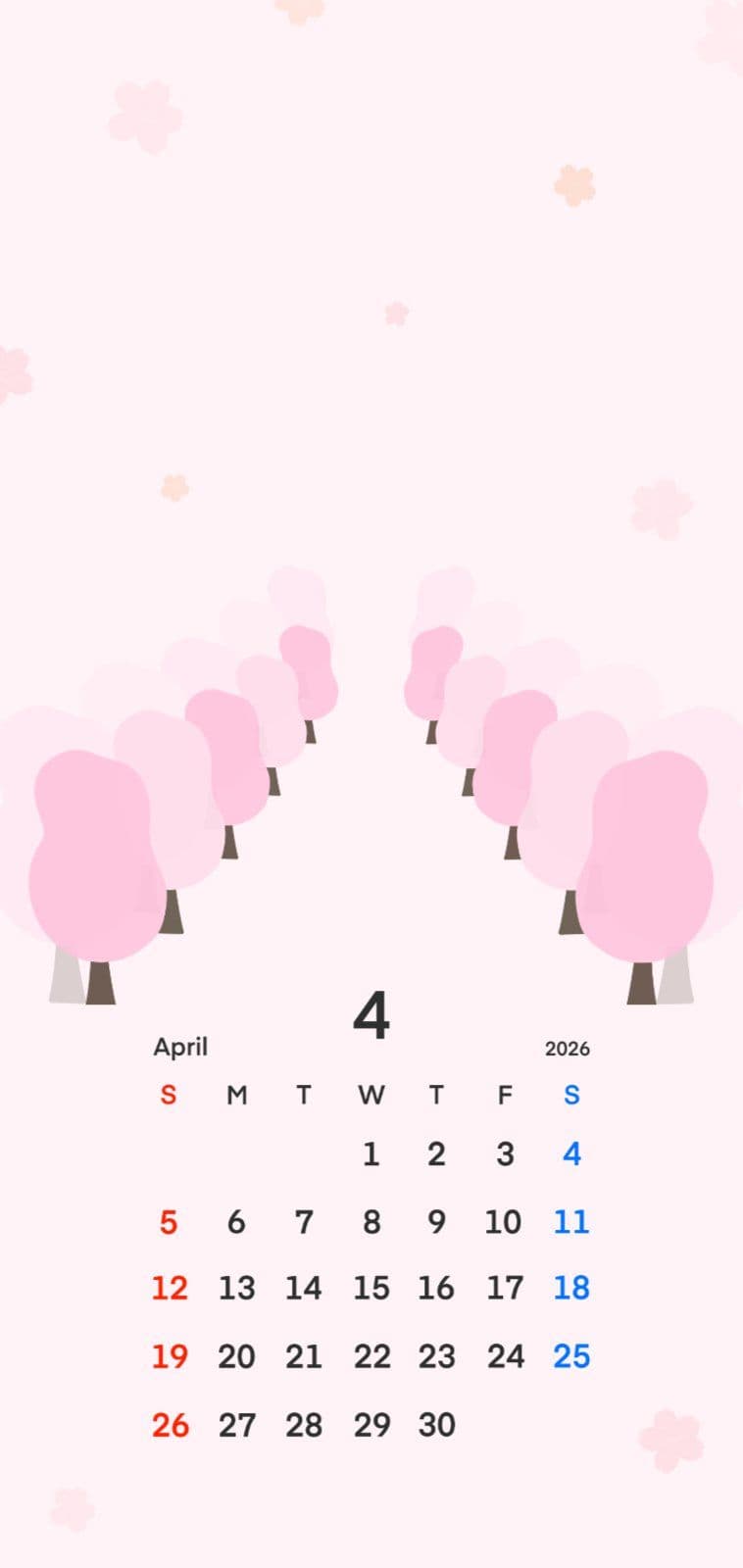
Calendar wallpapers

Use a calendar wallpaper to see this month at a glance.

Make one from your photo

Drop in a photo you love and make your own phone or desktop wallpaper.

Your words, your name

Add the quote or name you want and make the wallpaper yours.

Wallpapers for every season

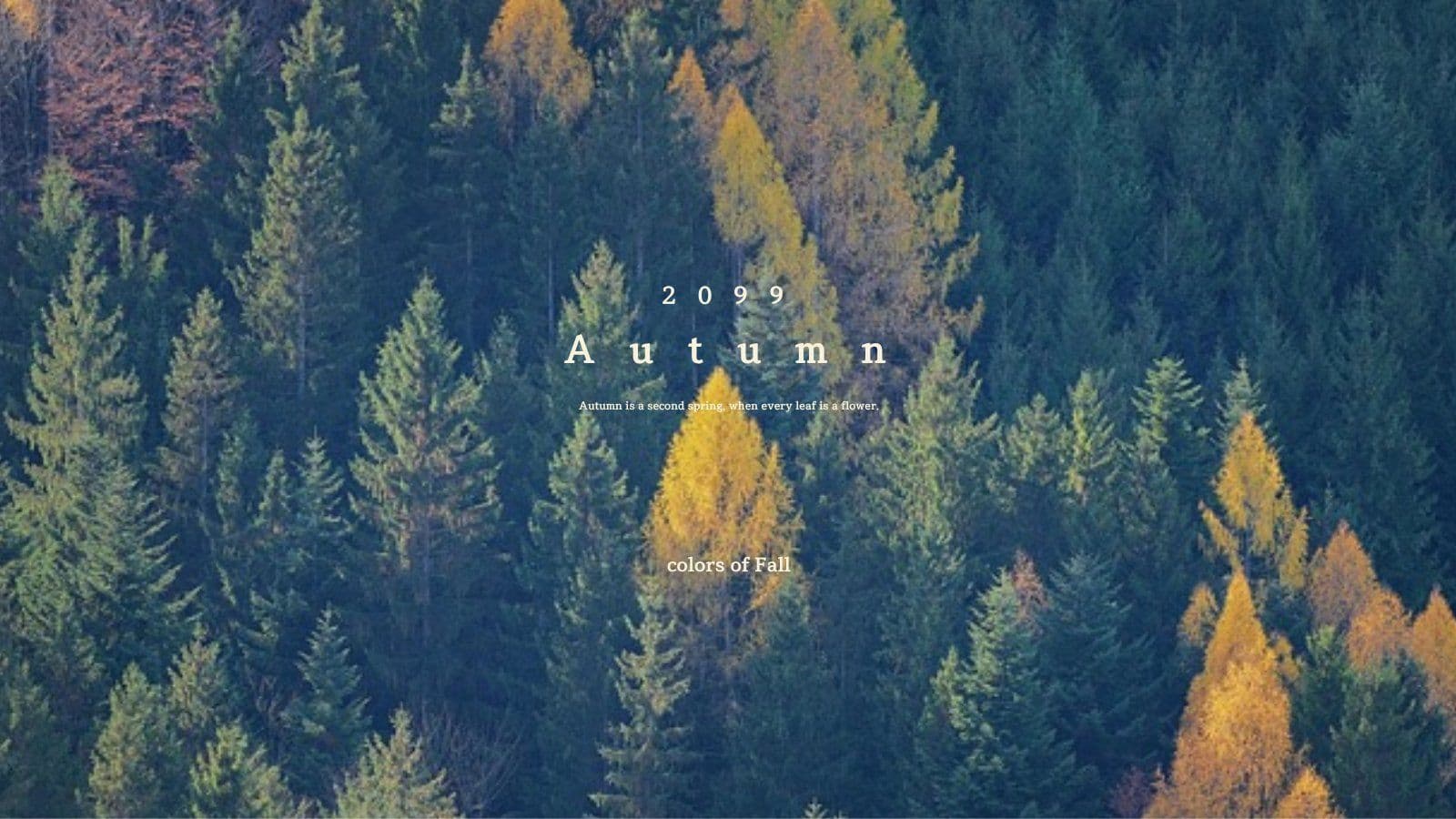
Find wallpapers that carry the mood of spring, summer, autumn, and winter.

More range with AI

Remove backgrounds, generate images, and sharpen quality — decorate freely with AI.

Three steps is all it takes

1

Choose a template

Pick a wallpaper template in the style you want.

2

Edit it your way

Swap the photo and wording, then style it however you like.

3

Download and set it

Save the finished wallpaper as an image and apply it to your device.

Got Questions? We Have Answers

Yes. Upload the photo you want and freely edit the text, names, and wording to make the wallpaper your own.
No. Without any separate design program, pick a template in the Tooldi editor and change the photo and wording to build your wallpaper.
Yes. Download the finished wallpaper as an image file, then set it as the background on your phone, desktop, or tablet.

Find the wallpaper you like
right now

Pick a wallpaper you like,
download it, and apply it right away.