
Fill your letters
with a photo
Turn text into a frame and drop a photo on it. The photo fills the exact shape of your letters.
Convert, drop, adjust
Select your text and click Make frame
Select a text element and click Make frame in the top bar, or choose Text frame from the right-click menu. Your letters become a frame ready to hold a photo.
Drop a photo and it takes the shape of your text
Drag a photo from your canvas over the letters and you see a preview before you let go. Release it and the photo fills the text edge to edge.

Crop to show exactly the part you want
Click Crop to see the parts of the photo hidden outside the letters. Move and resize it to choose what shows through.
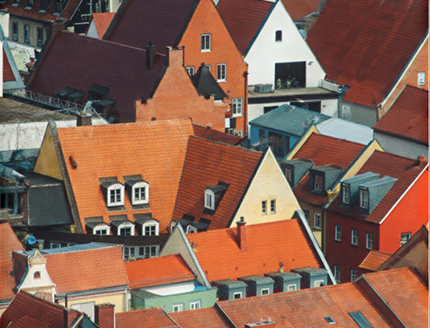
Your photo, in the exact shape of your letters
Edit fonts and size
Change the font, size, and spacing or rewrite the words after making a frame. The photo refills the new letters.
Preview before you drop
Hover a photo over the letters to see how it looks first. Drop it when you like it.
Swap the photo
Drag a different photo onto the same text to replace the one inside.
Detach image
Pull the photo out as its own image. The text stays an empty frame, ready for a new photo.
Copy style
Copy another text's font, size, and spacing and paste them straight onto your framed text.
On mobile too
Make text frames, crop, and detach images from the menu in the mobile editor.