
Generate the image you imagine
Describe the scene you want in one line and pick a style. From photos to illustrations and 3D, your image is ready to drop into a design.
Tap Generate to log in and create it right away · New accounts get 10 AI credits
Create what you imagine
One sentence is enough
No special syntax — just describe it in plain words. The more you say about the subject, place, and mood, the closer you get.
Pick the style you want
From photos to animation, illustration, 3D, and painterly fine art — five styles turn the same idea into different images.
From image to design, instantly
Every image is saved to your files. Drop it into a Tooldi template or add text in the editor and you're done.
Many styles, many different looks
The same prompt becomes a completely different picture in each style. Start from an example you like.
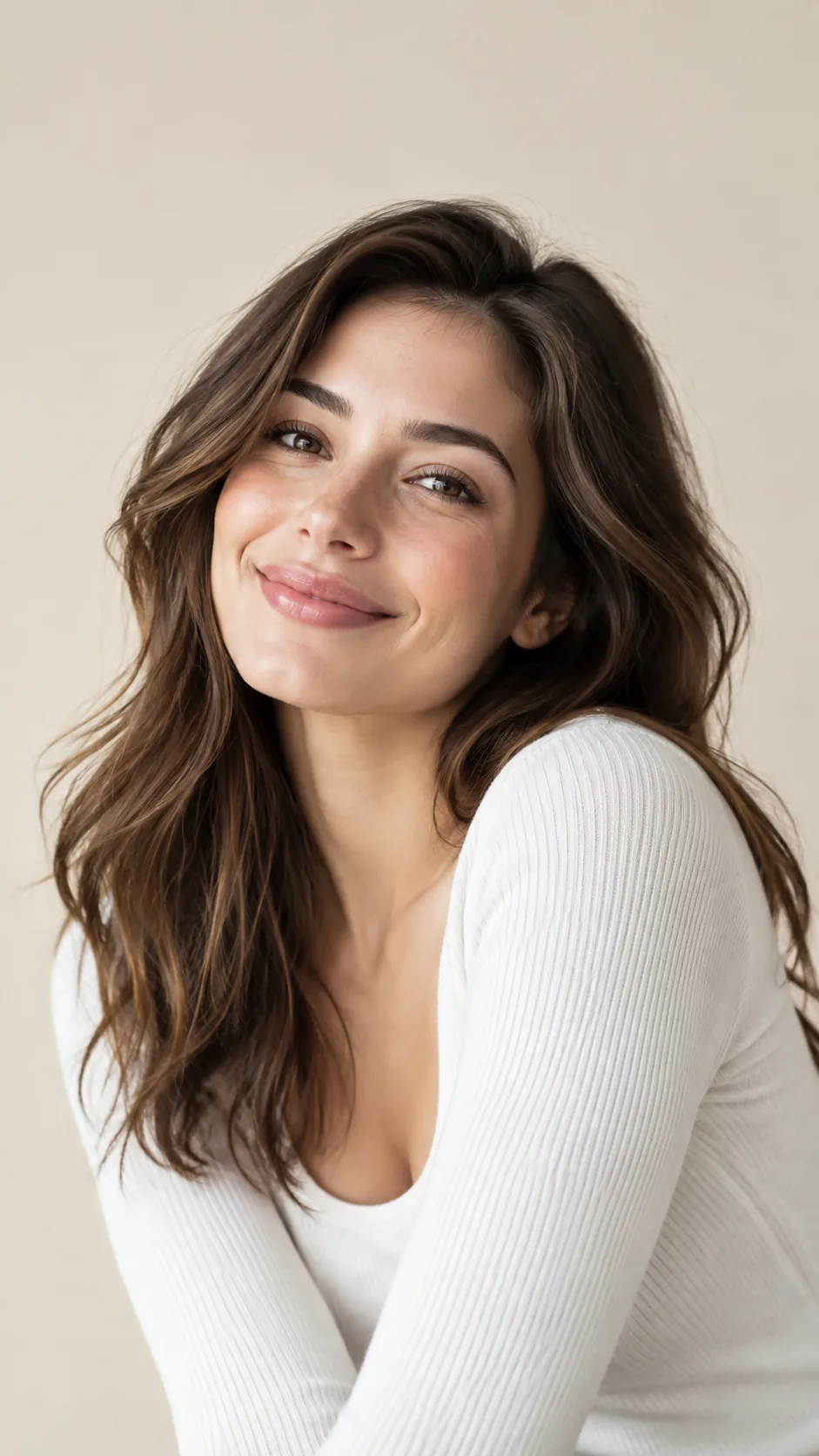
AI Photo
Looks like it was photographed
“A coffee cup by a café window, like a real photo”
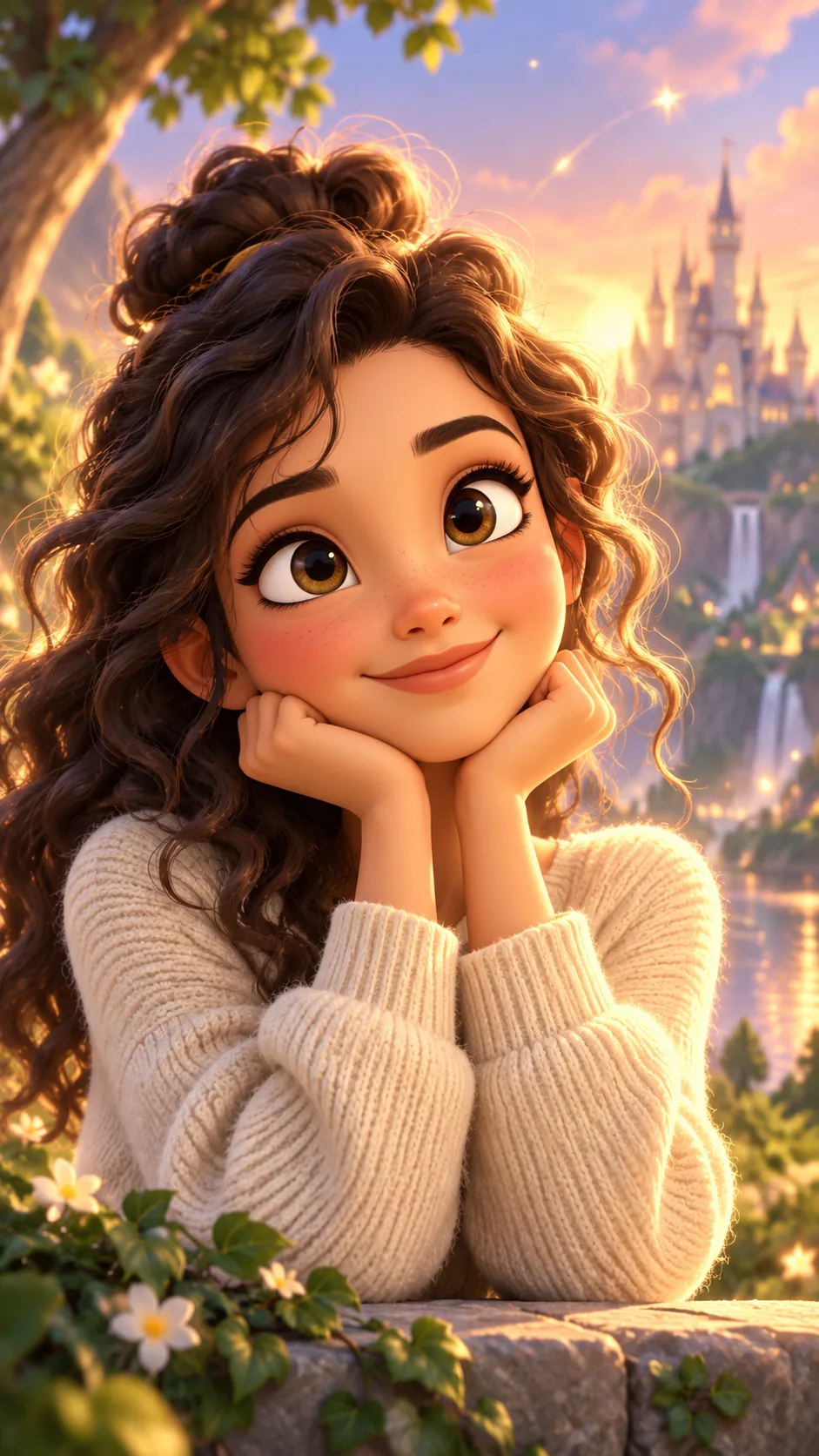
Animation
Cartoon and 3D animation looks
“A girl looking up at the night sky, in an anime style”
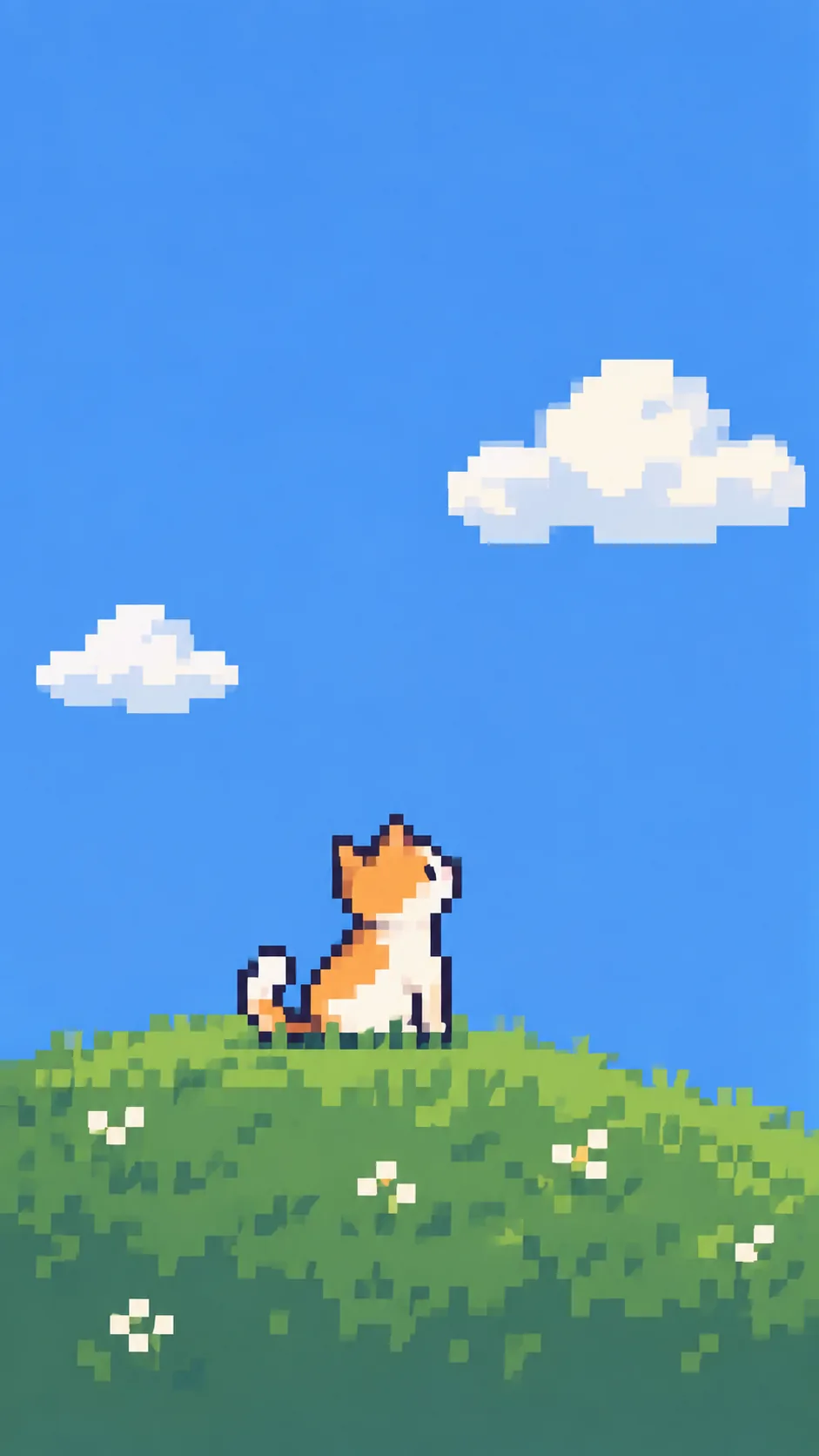
Illustration
Clean lines and shapes
“A dog riding a bicycle as a flat illustration”

3D Modeling
Clay and low-poly 3D
“A round robot with a smiling face, as a 3D render”
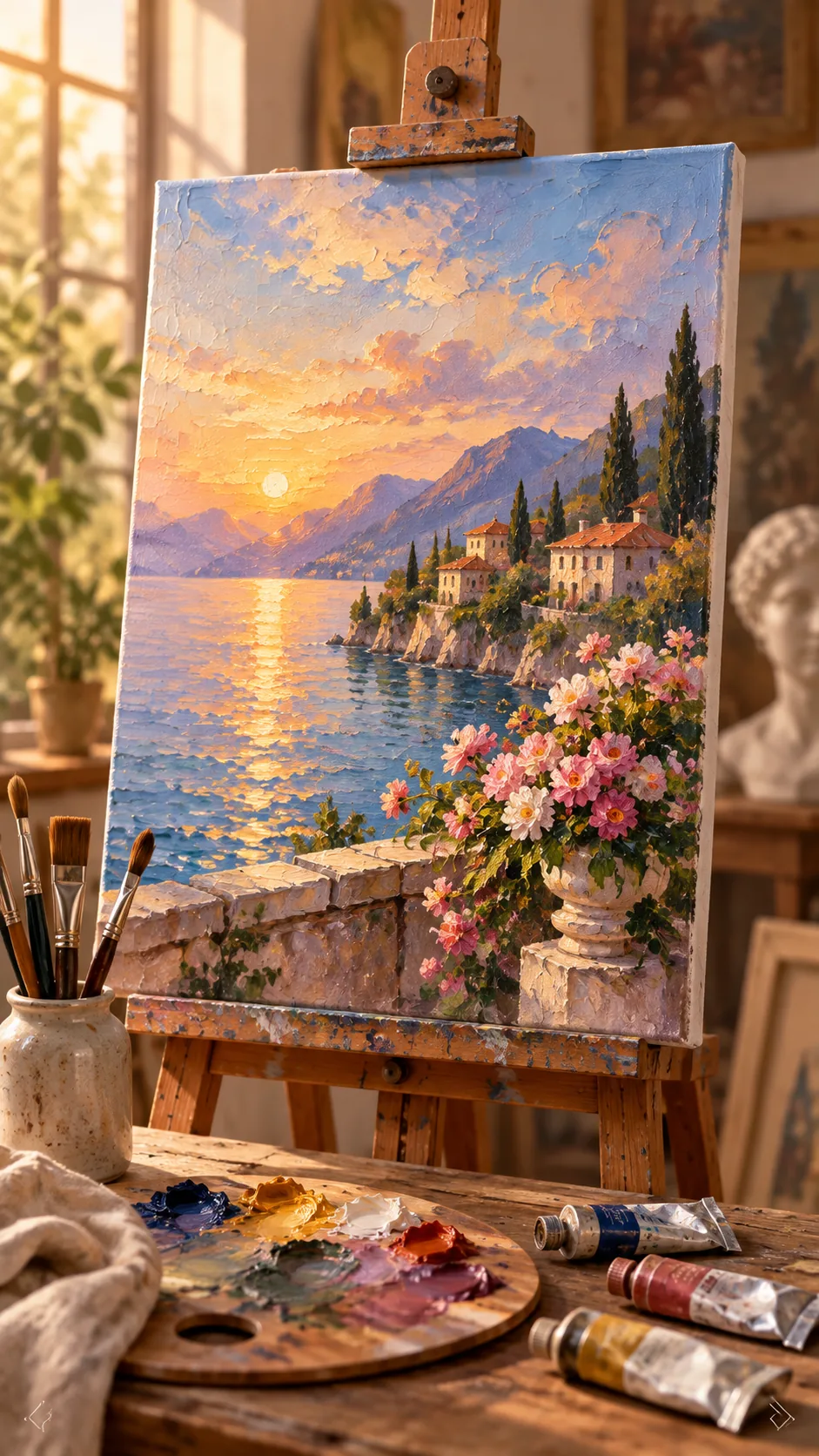
Fine Art
Oil, watercolor, and pencil
“A vase of sunflowers as an oil painting”
From idea to finished image
Describe the scene
Say what, where and what mood in one line. A time of day or a color makes it more precise.
Pick a style and generate
Pick a style and a ratio, press Generate, and your image appears in a moment.
Use it in your design
Download it or add text in the Tooldi editor. Not quite right? Just generate again.
Frequently asked questions
Got a scene in mind? Draw it now
One line is all it takes. Sign up and start with 10 AI credits.
Create an AI image