
Design your own
stickers
Design stickers to use on diaries, gift wrap,
and goods.


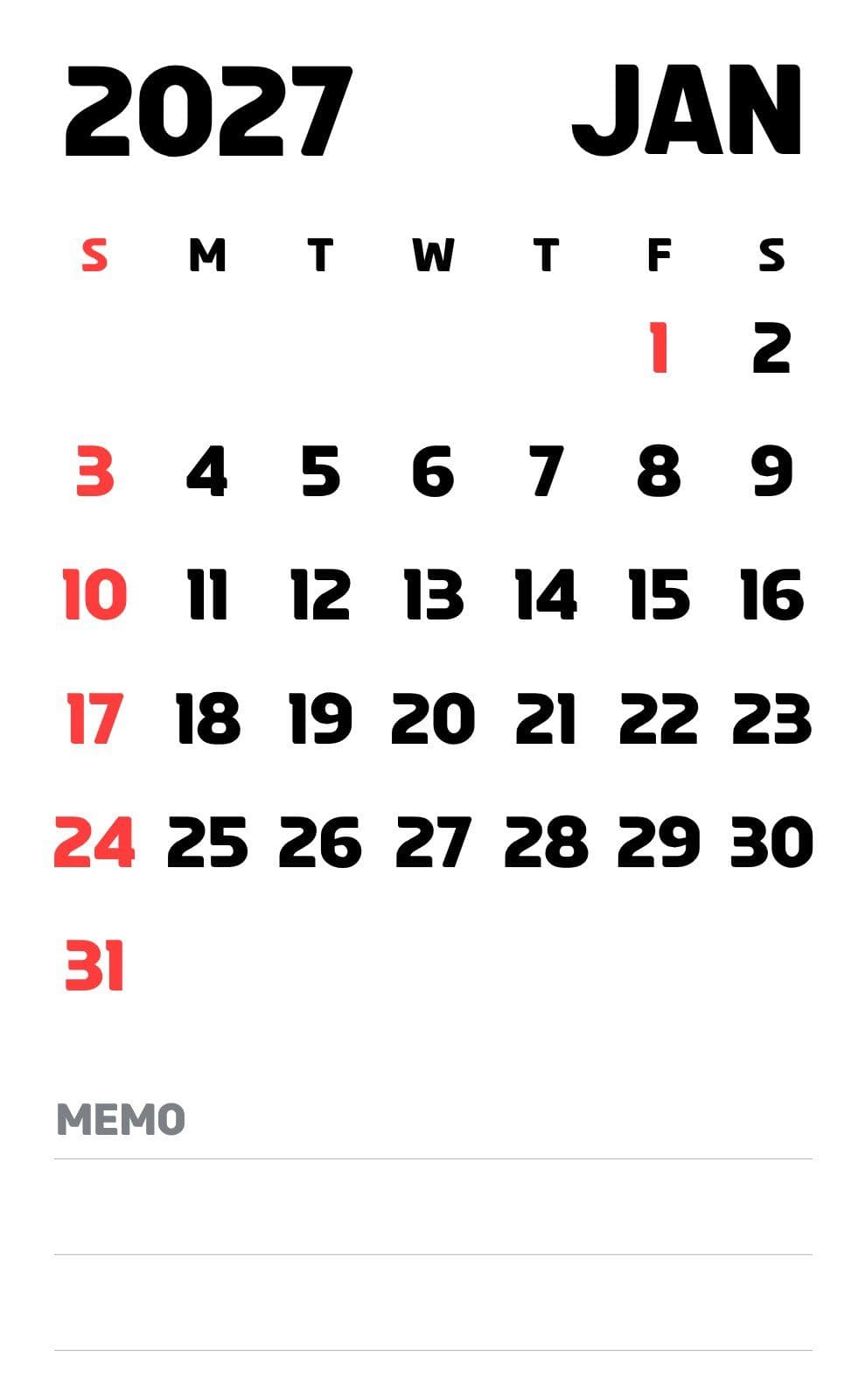
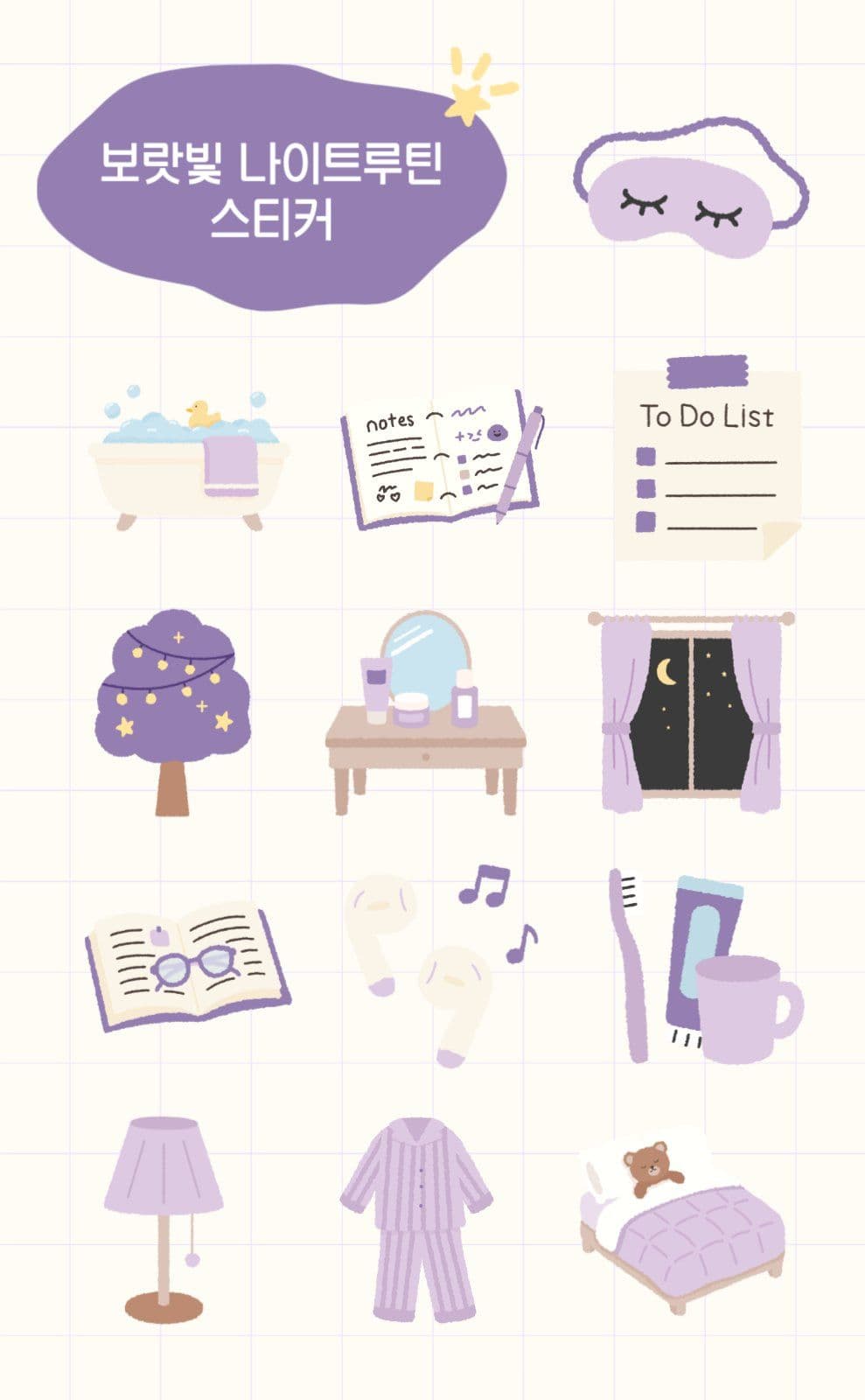
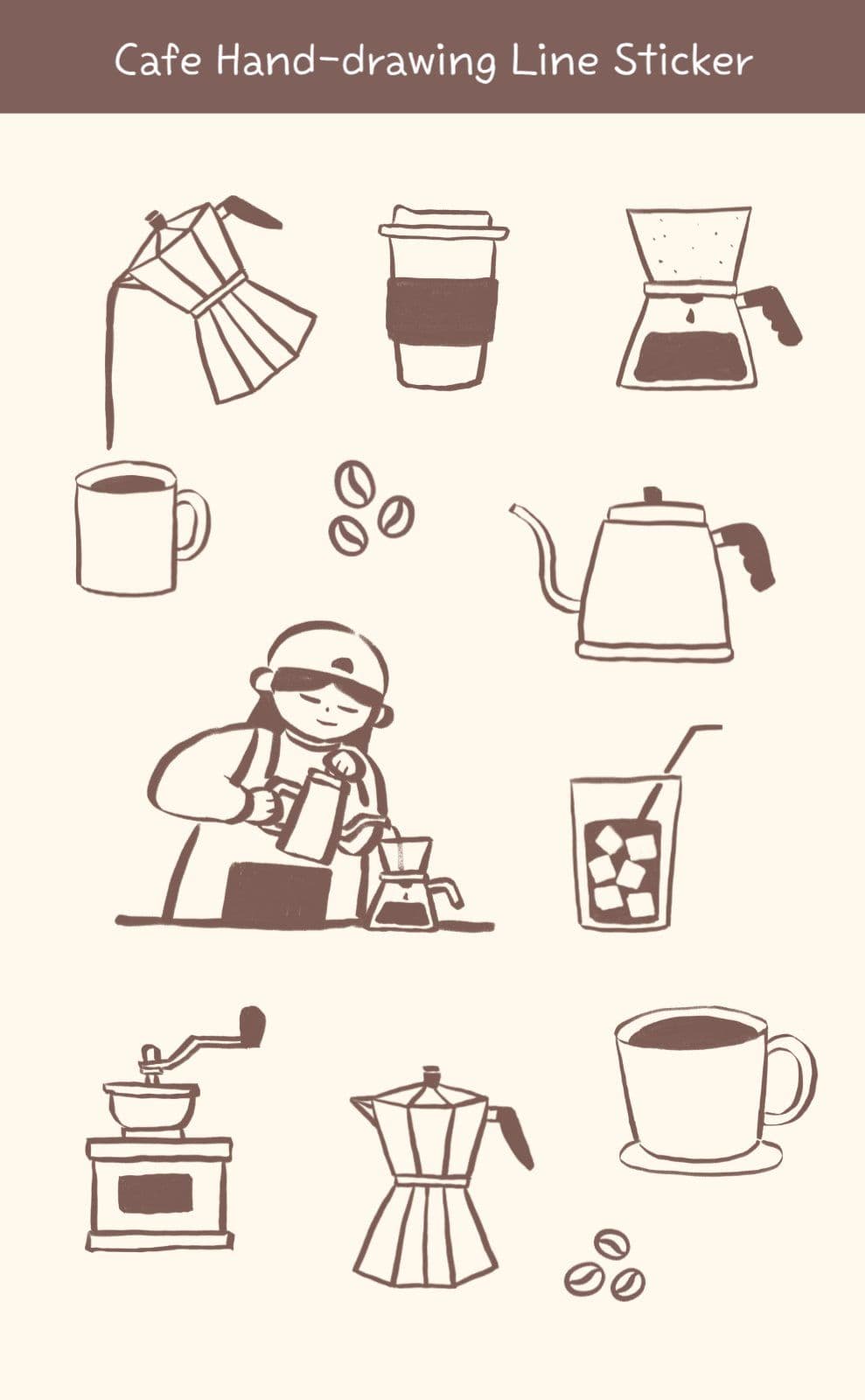
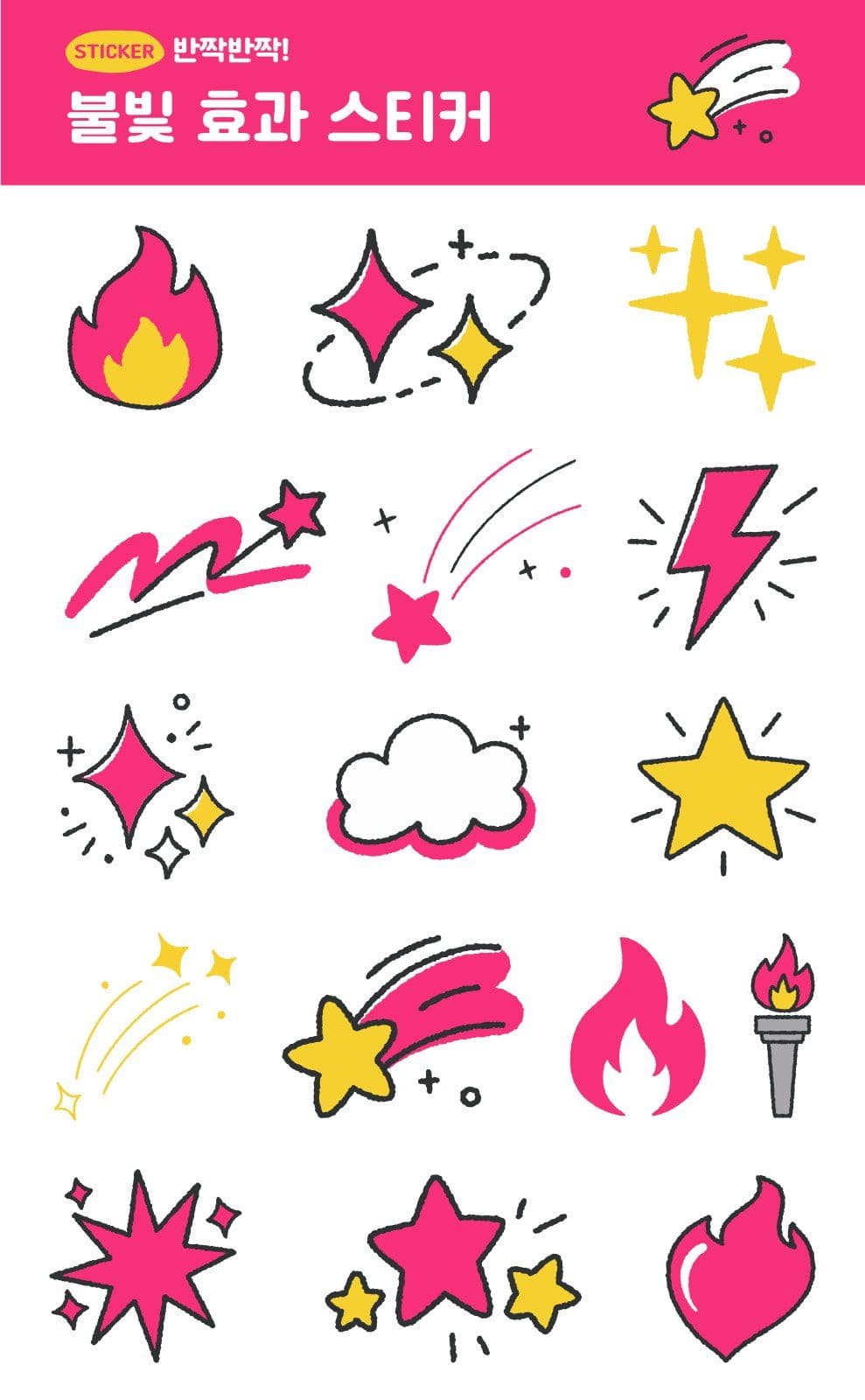
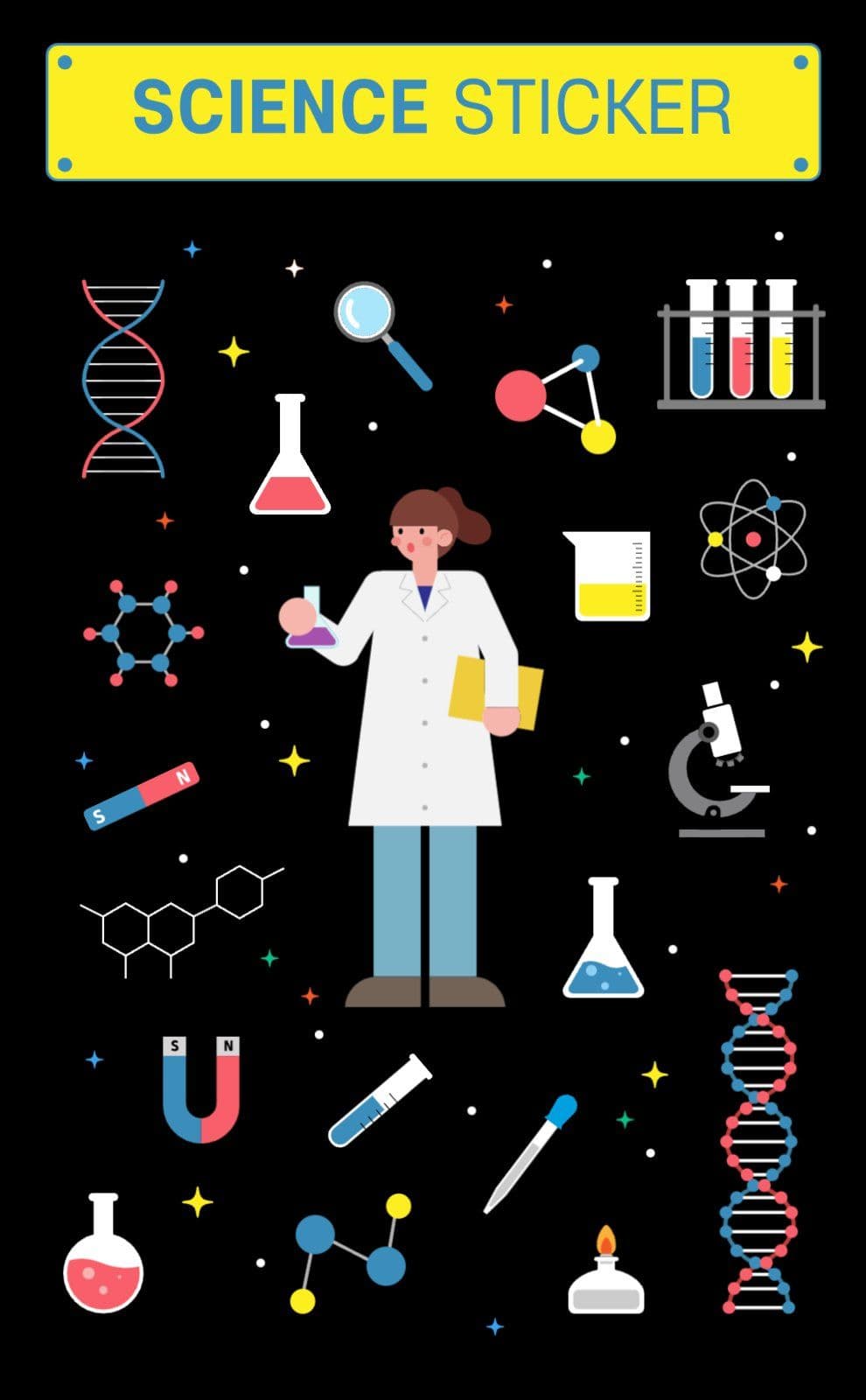
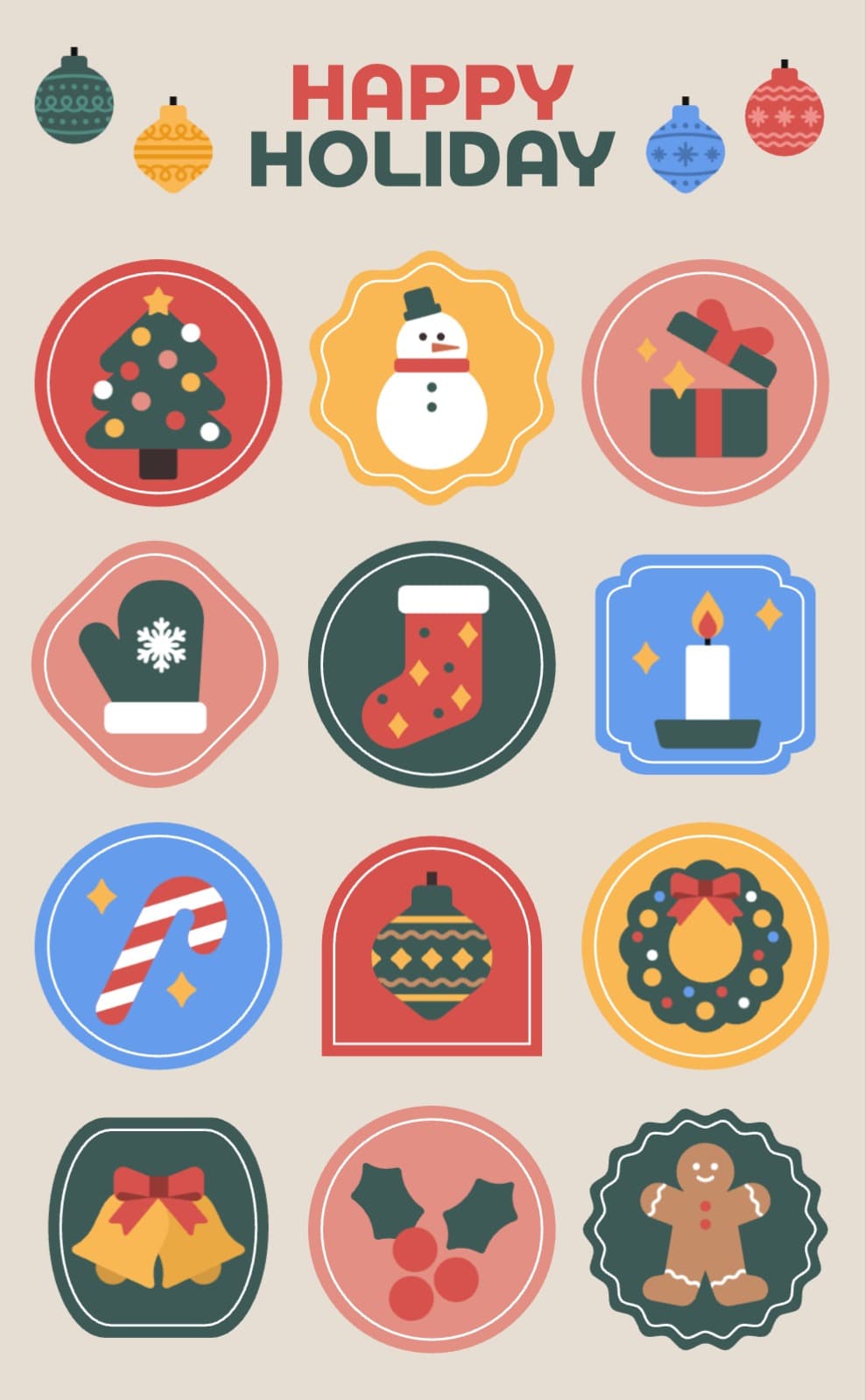
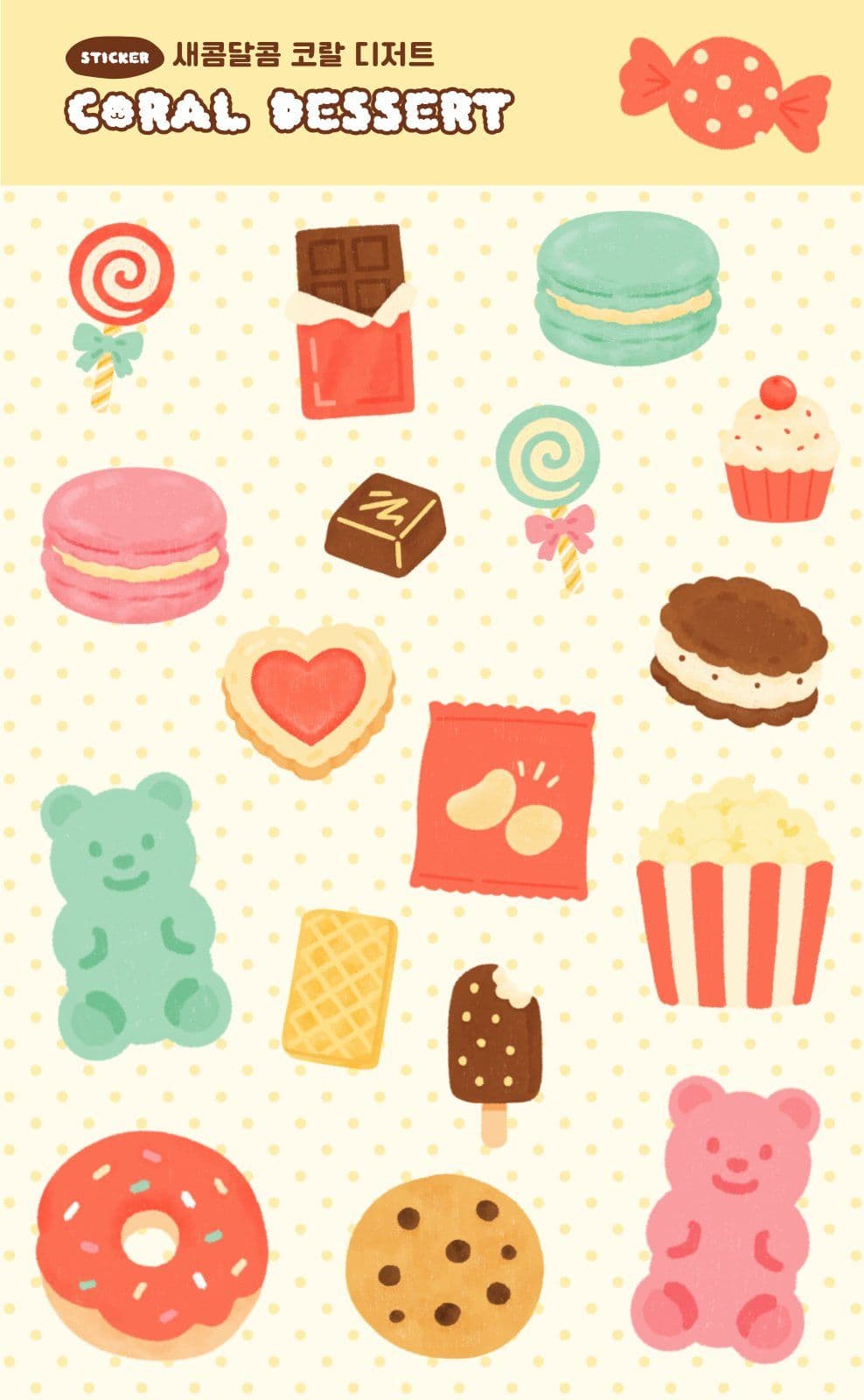
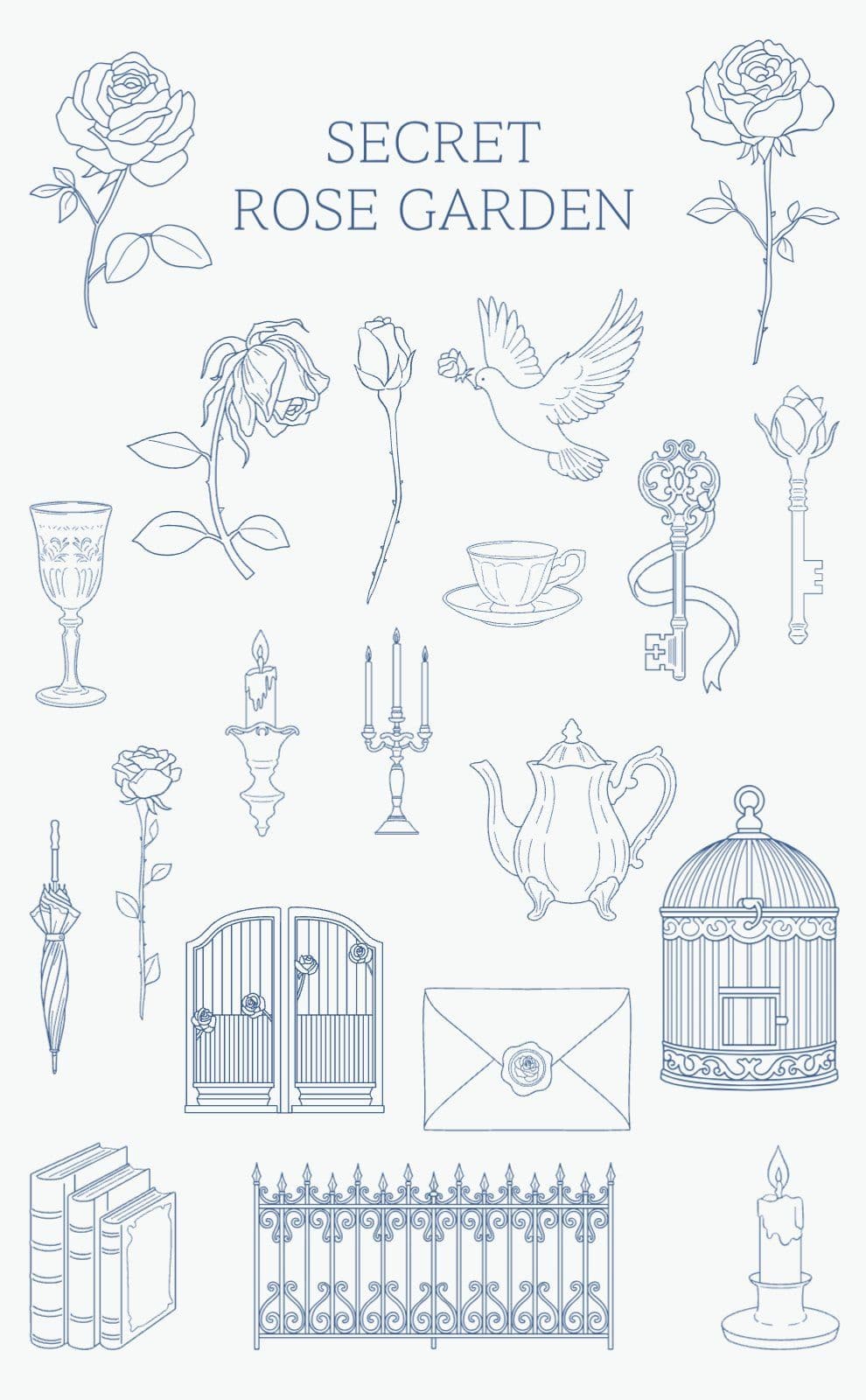
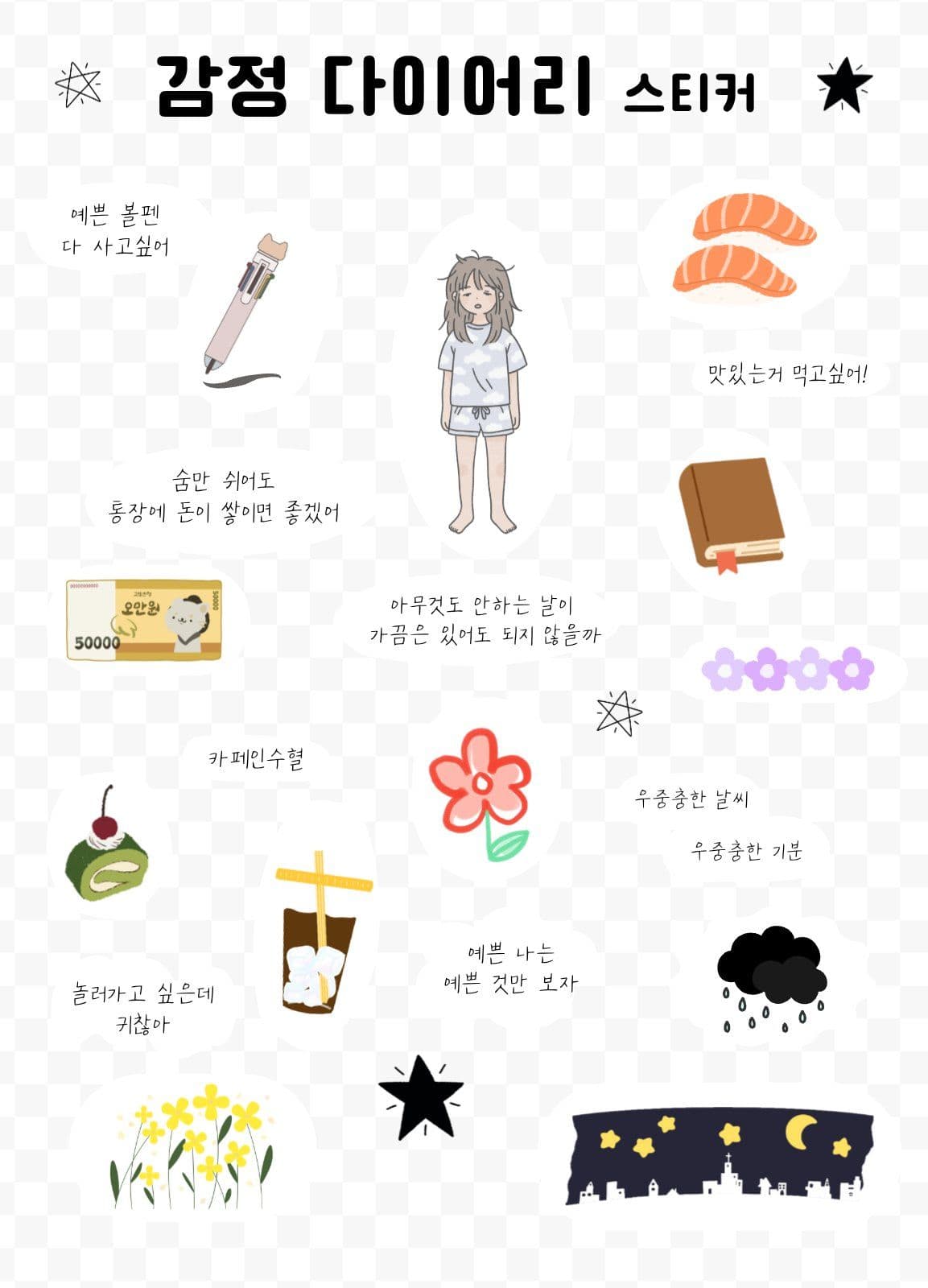
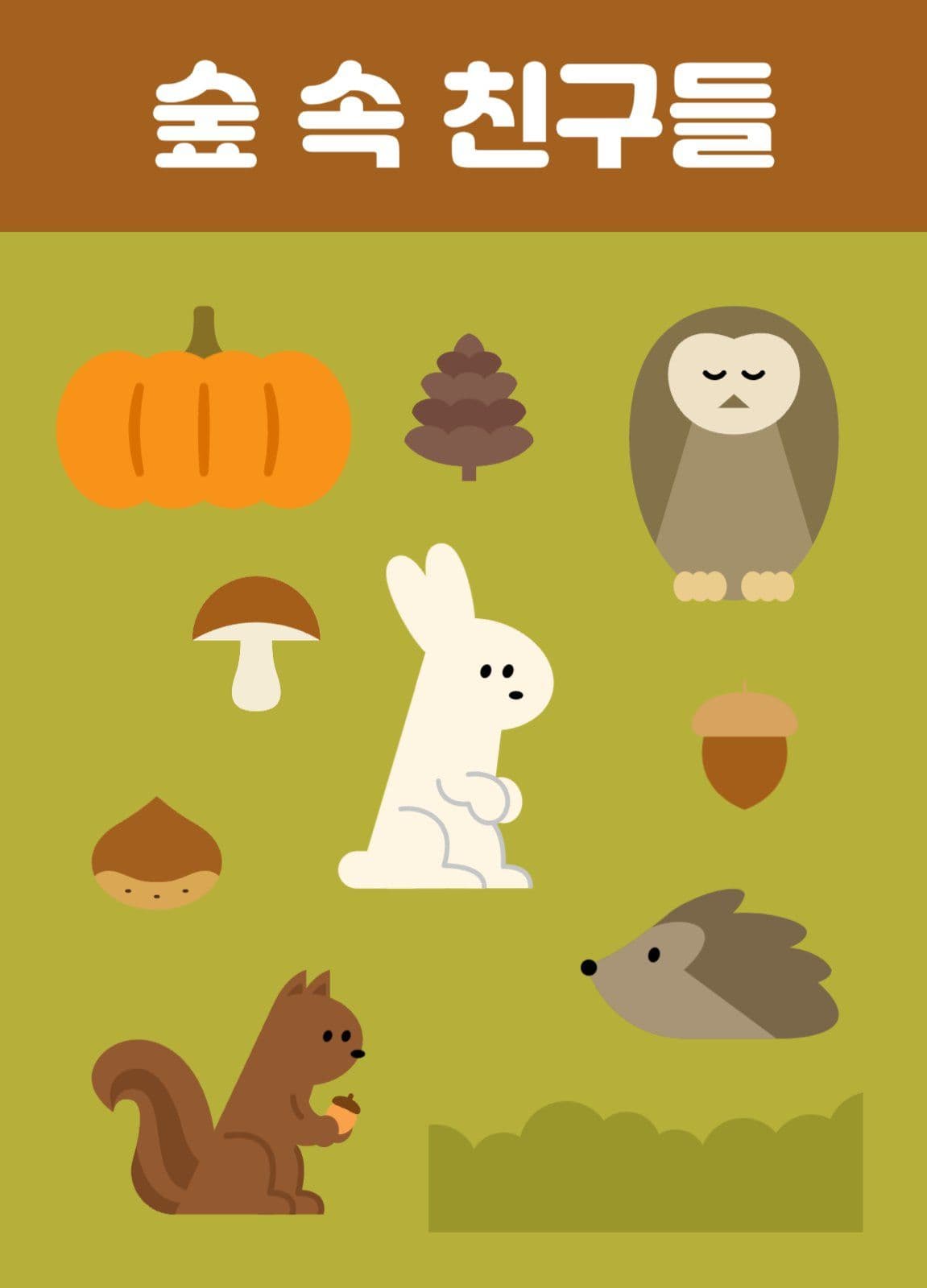
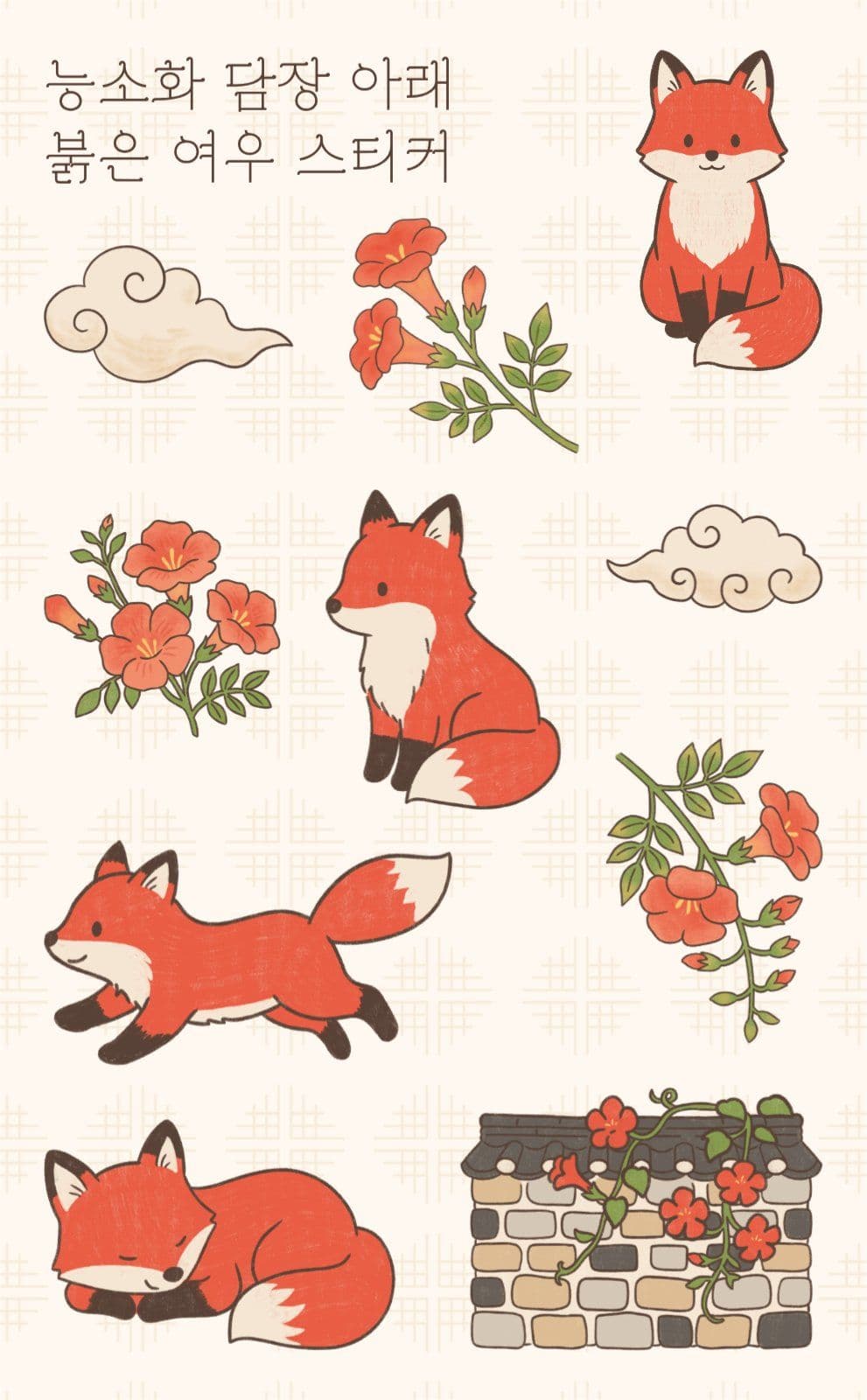
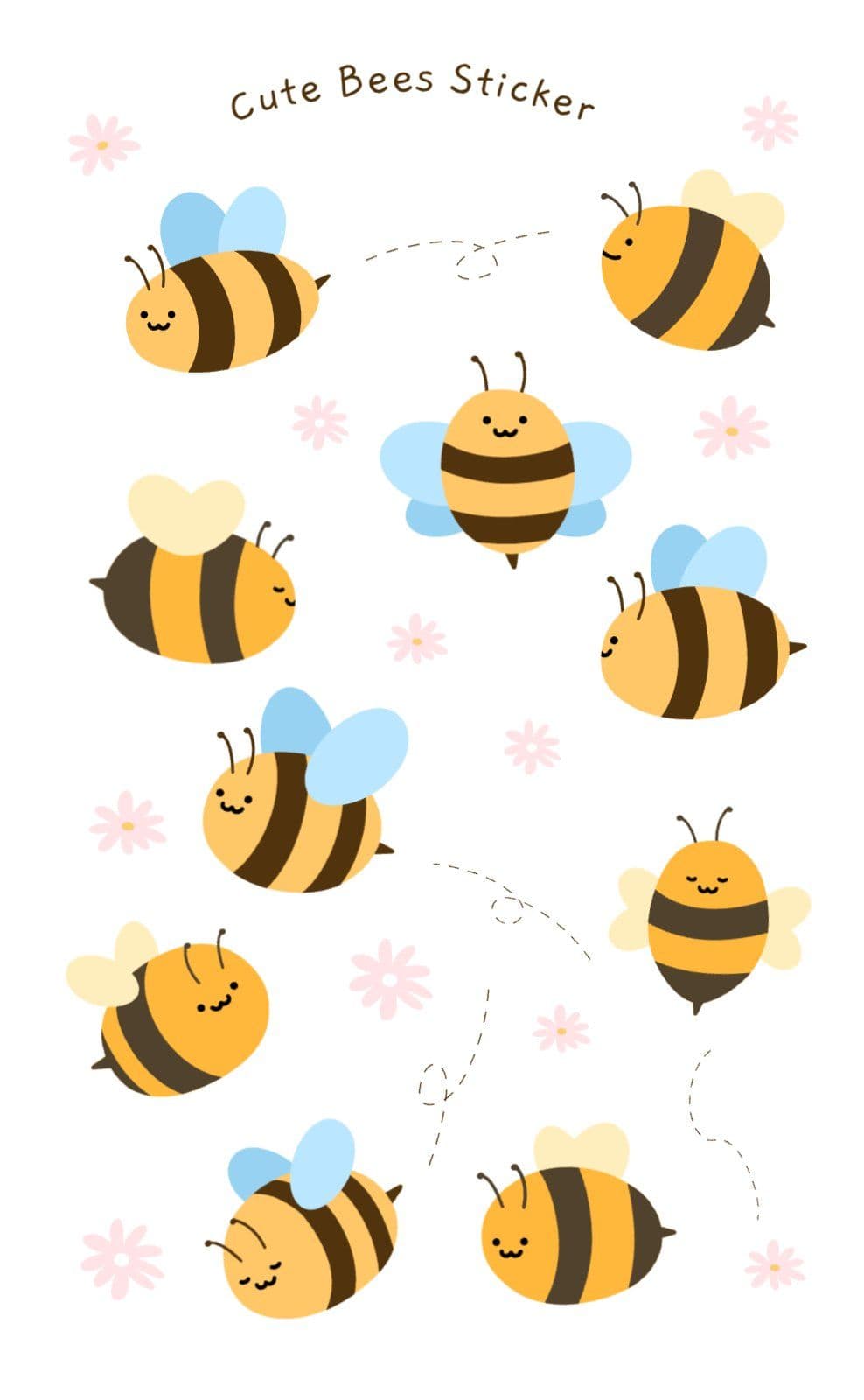
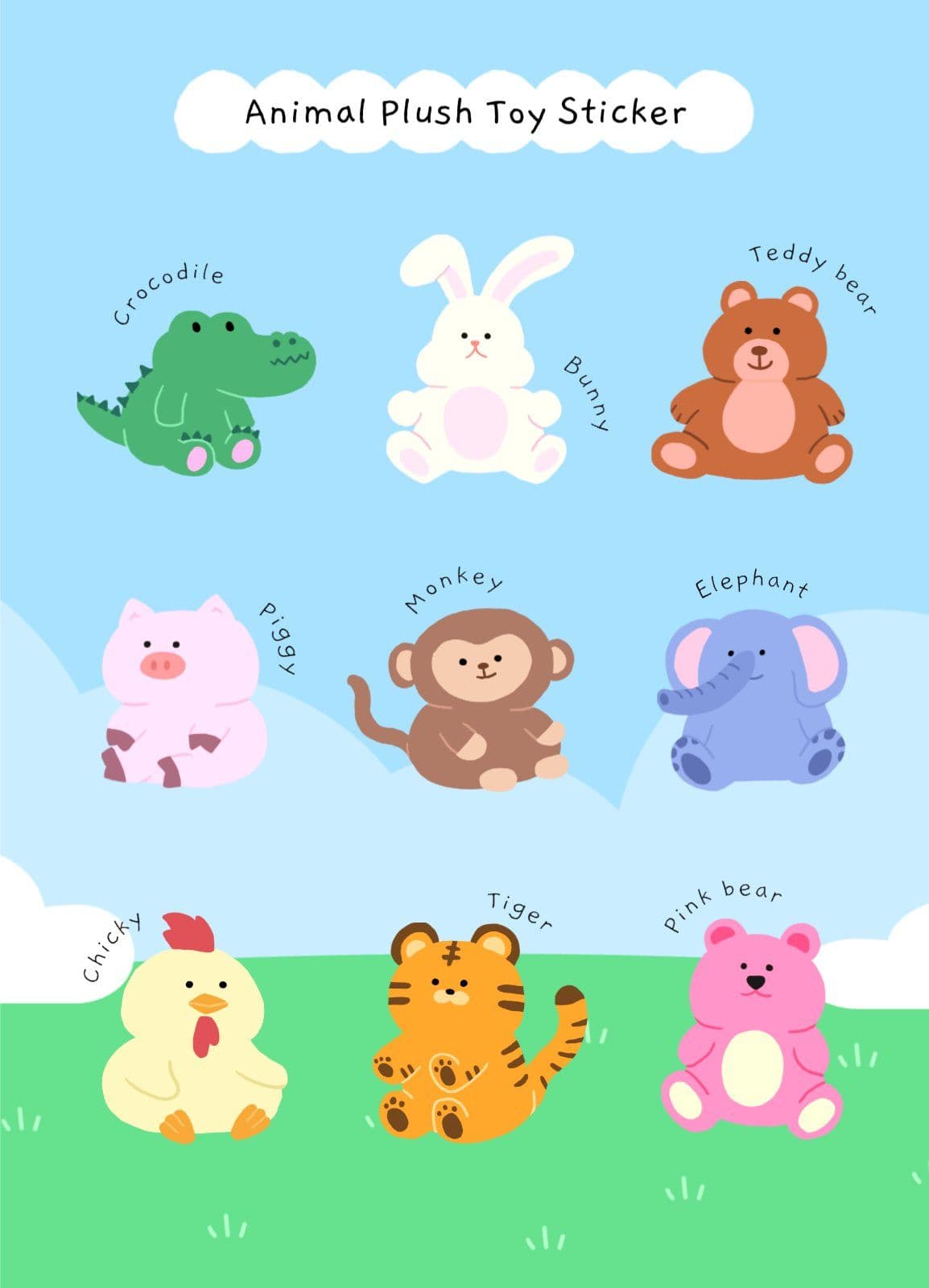
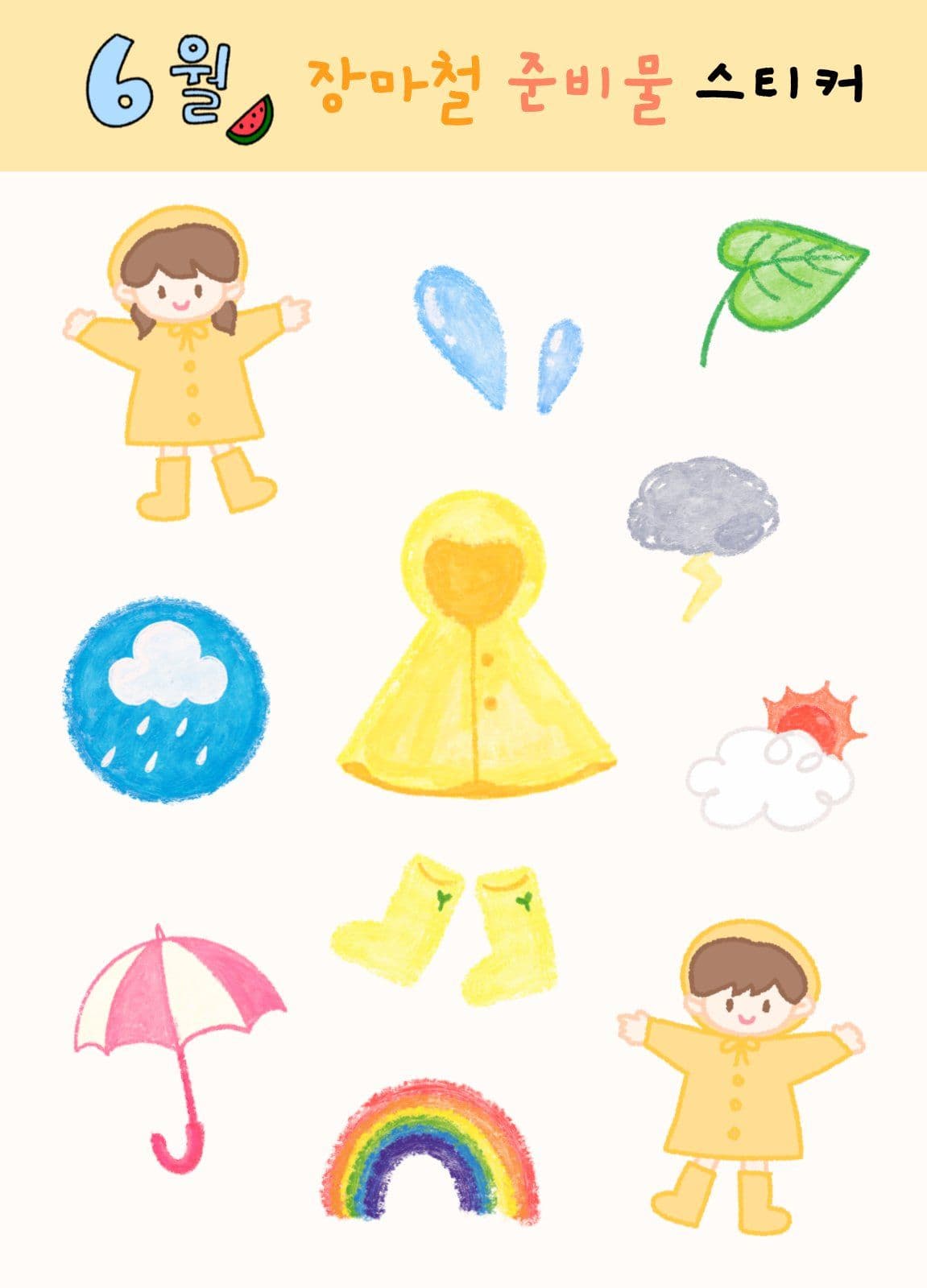
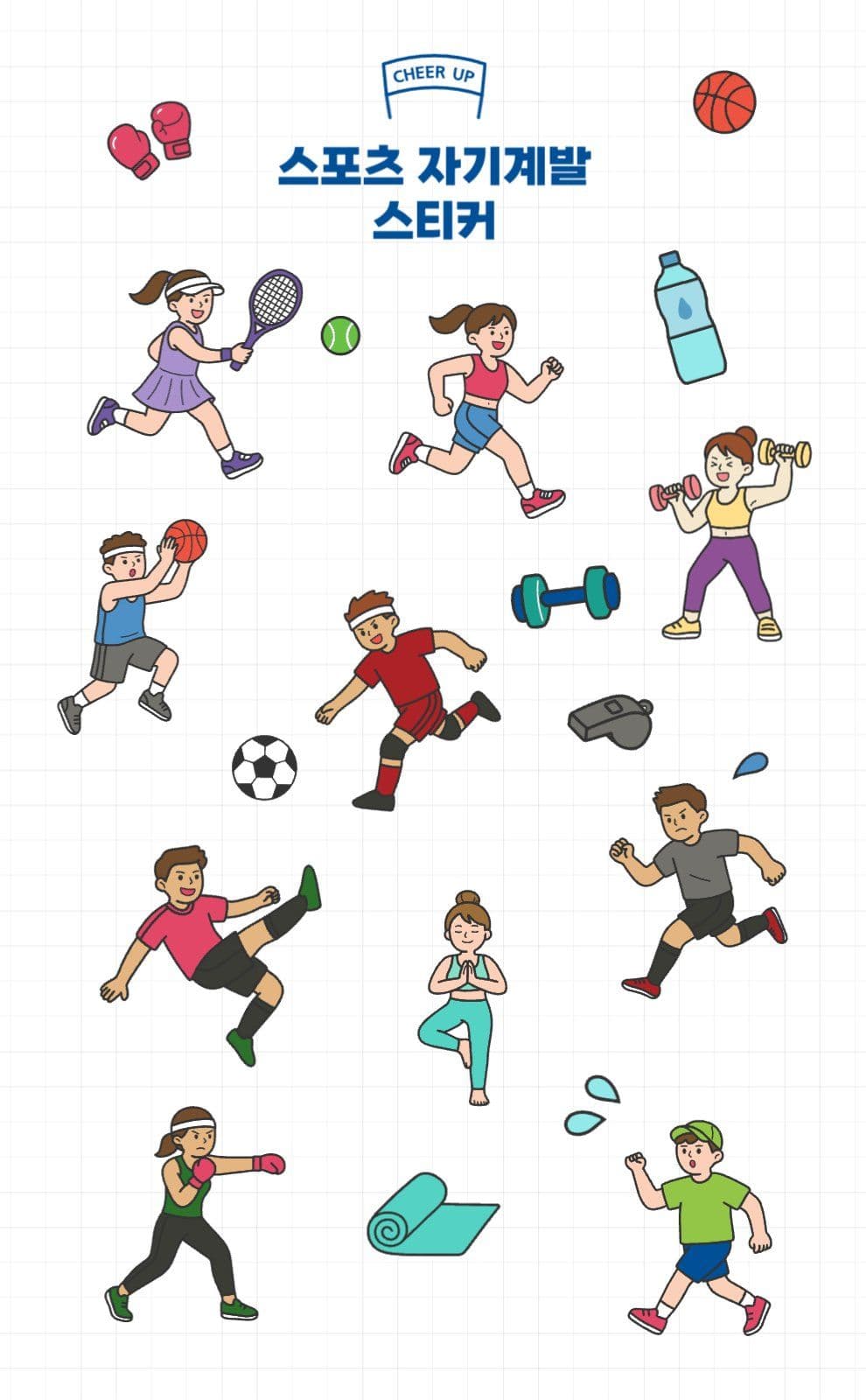
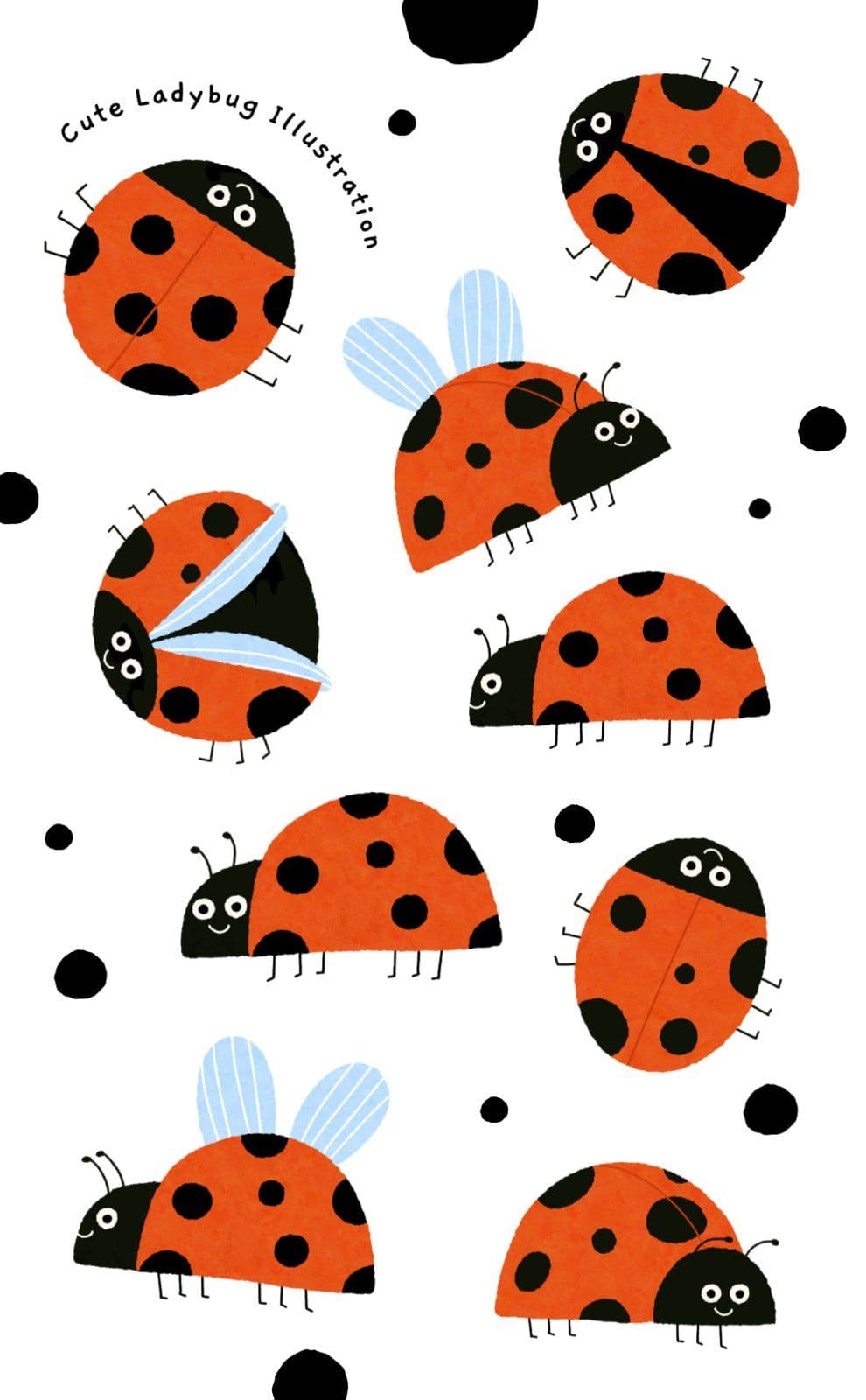

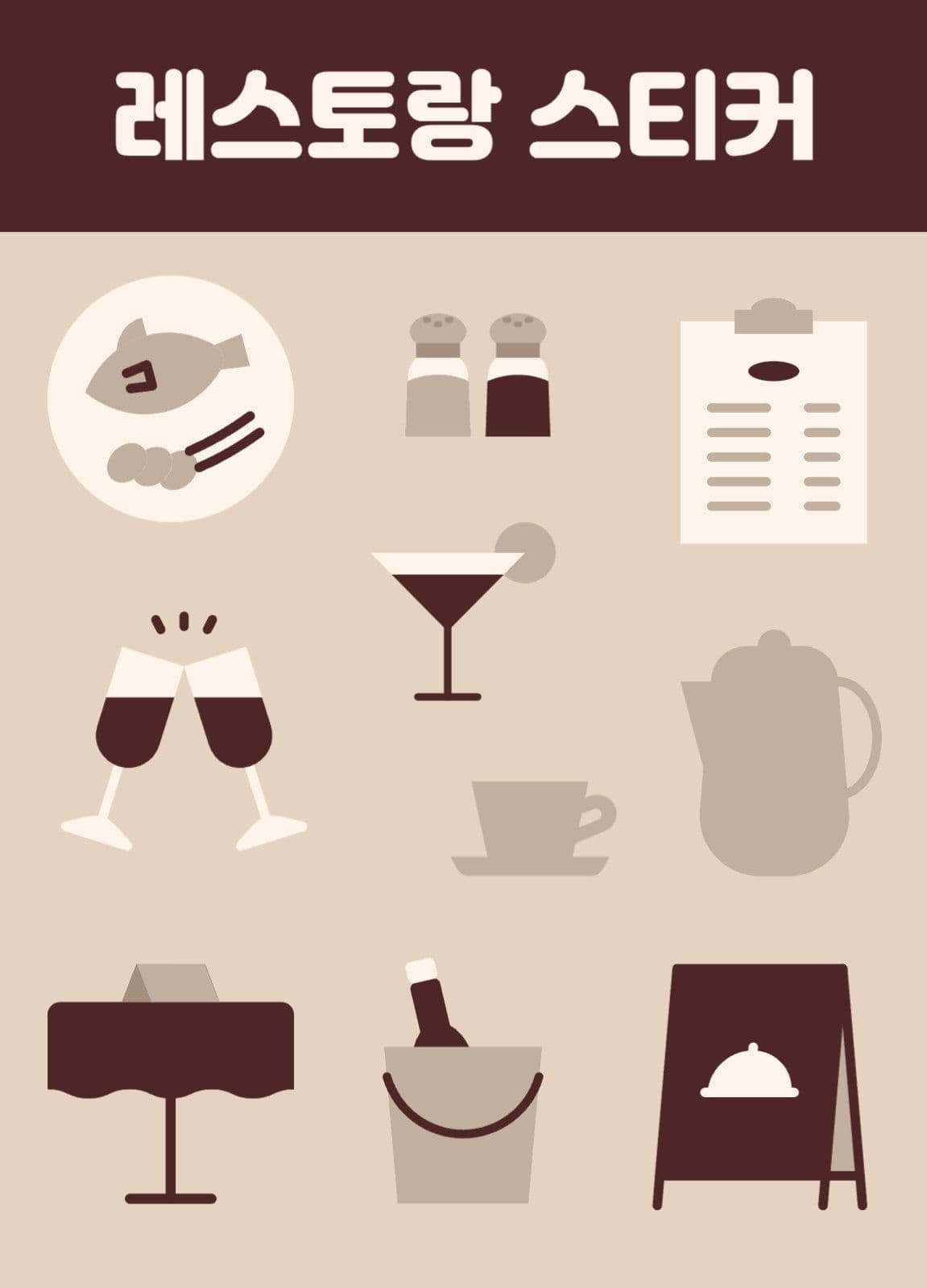
Features for designing stickers
Choose Medium or Large
Pick Medium (93×150mm) or Large (155×215mm) and design your sticker at the size you want.
Free sticker templates
Start easily from a variety of free sticker templates and shape the design you want.
Decorate with your own images
Upload your own illustrations or photos to make a sticker that is yours.
Edit text and artwork
Change the text and artwork in a template to finish a sticker with personality.
AI image editing tools
Edit the images you use on your stickers with AI tools such as background removal, image sharpening, and image generation.
Download and print
Save the finished sticker design as a file to share, or print it right away.
Steps
Choose a sticker template
Pick a design from the Medium or Large templates, or start from a blank canvas.
Edit the artwork and text
Add your own artwork and text, or change the template's elements to design your sticker.
Print or save as a file
Print the finished sticker or save it as a file to put it to use.
Templates that go well with this
Got Questions? We Have Answers
Finish your own
sticker design
Add your artwork and text to a template
to make a sticker that is yours.