
Make your own
memo pad
Add your logo and contact details to design a memo pad
for promotion or as a gift.
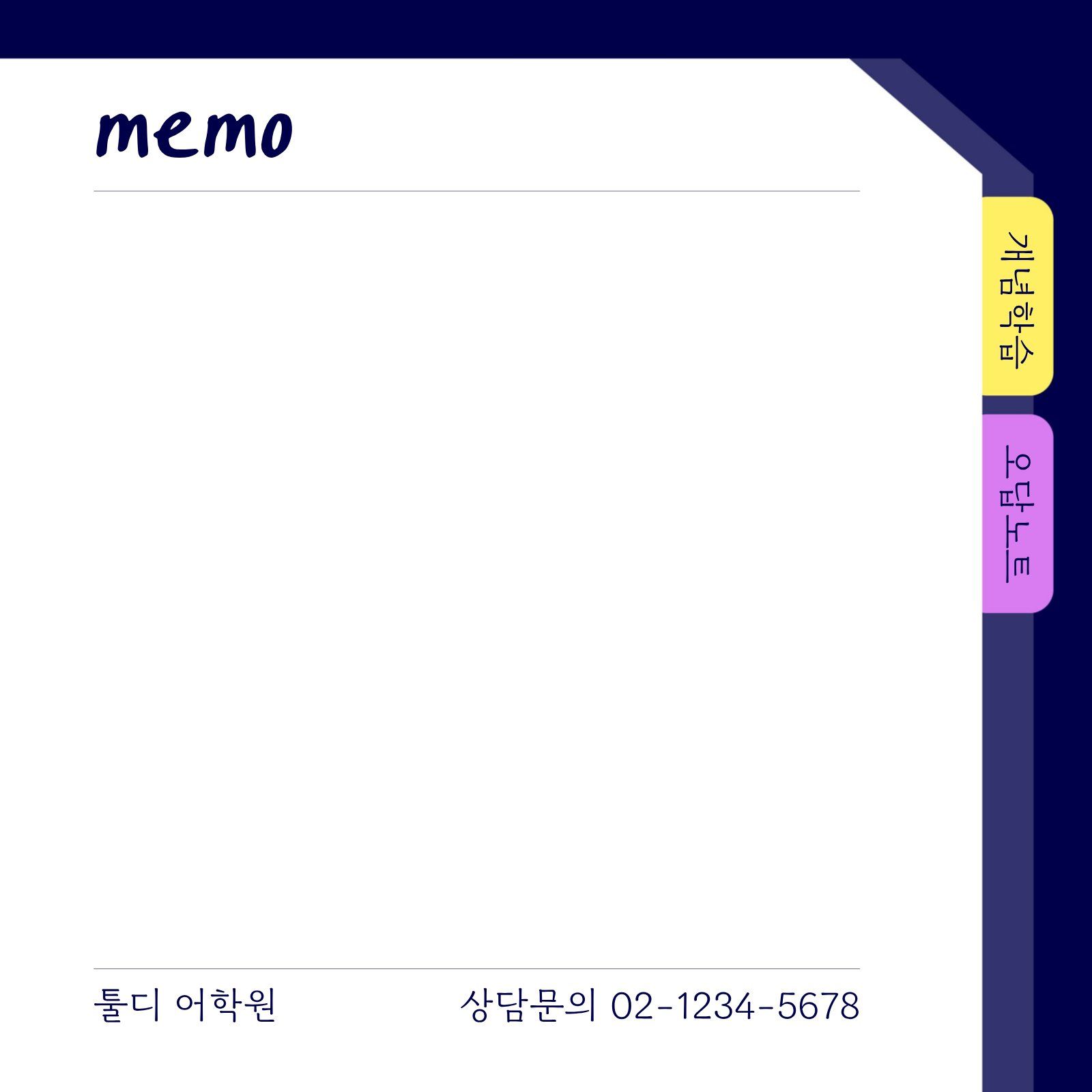
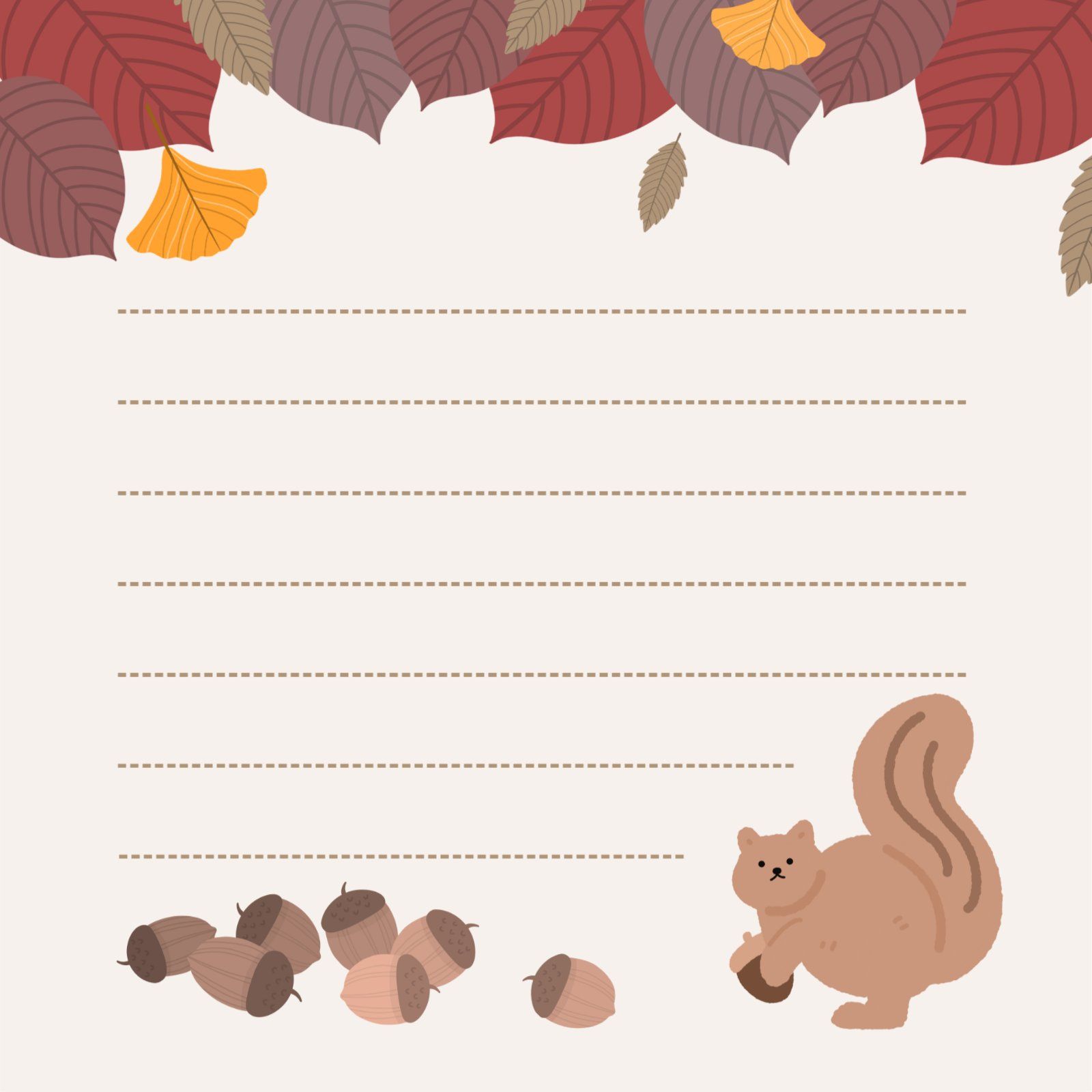
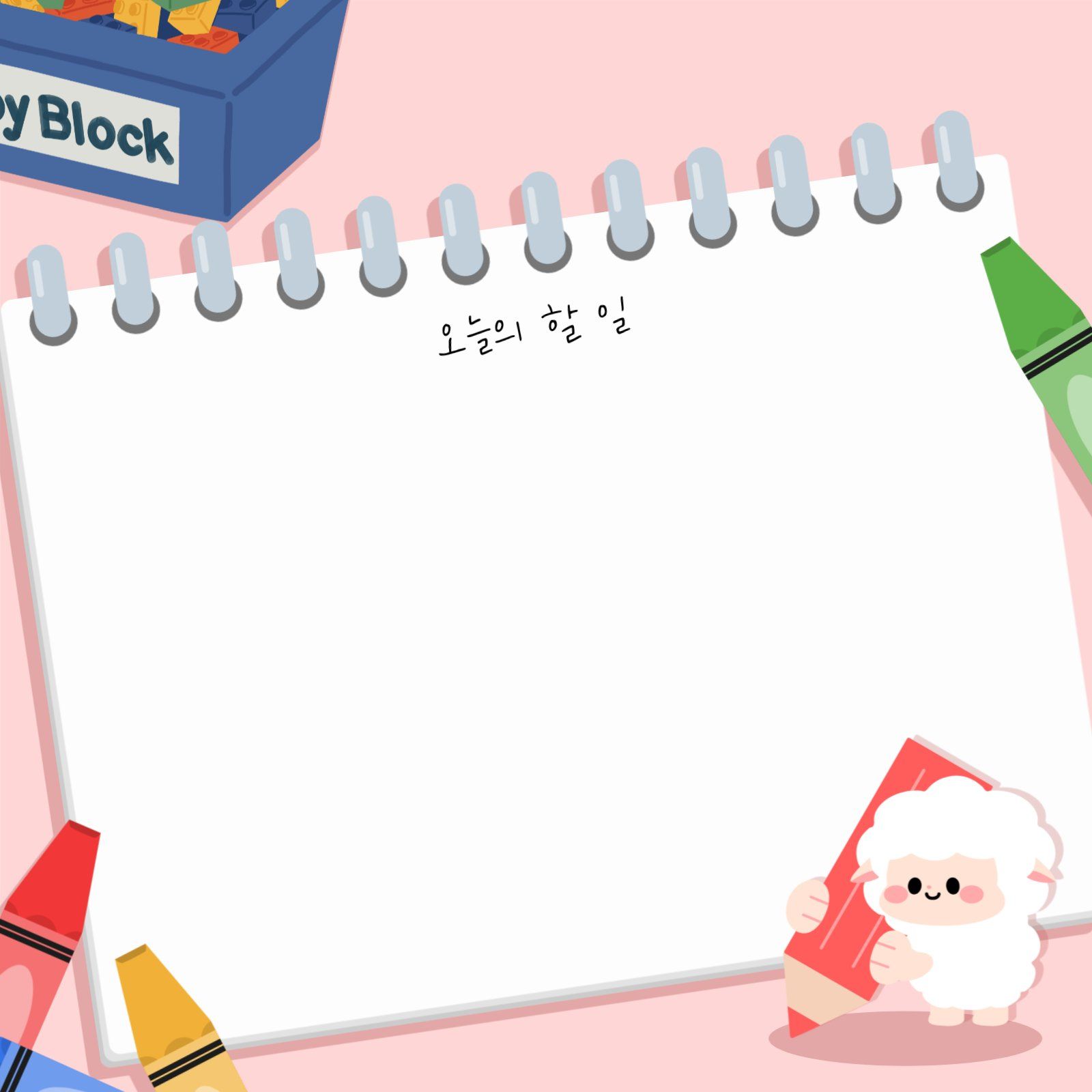
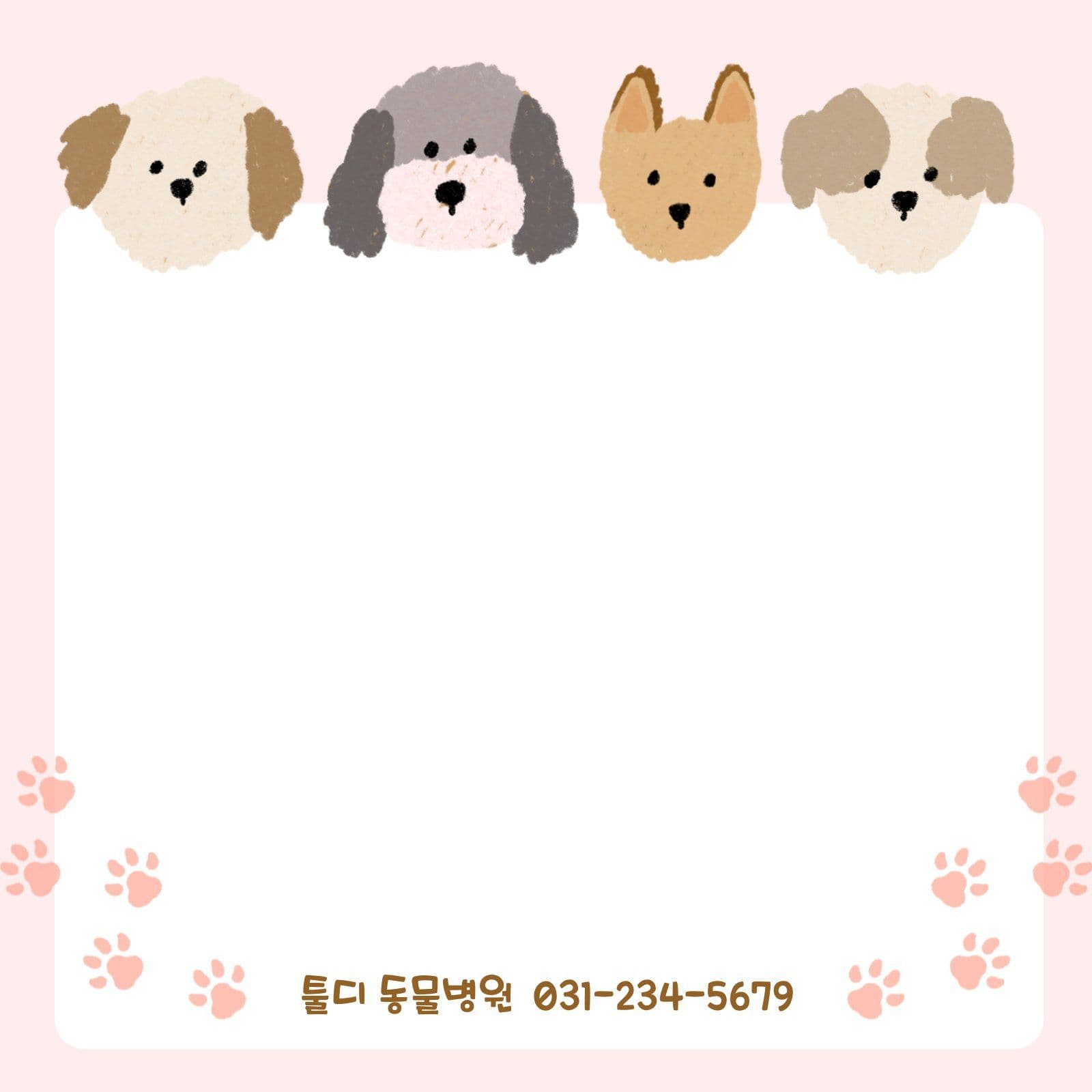

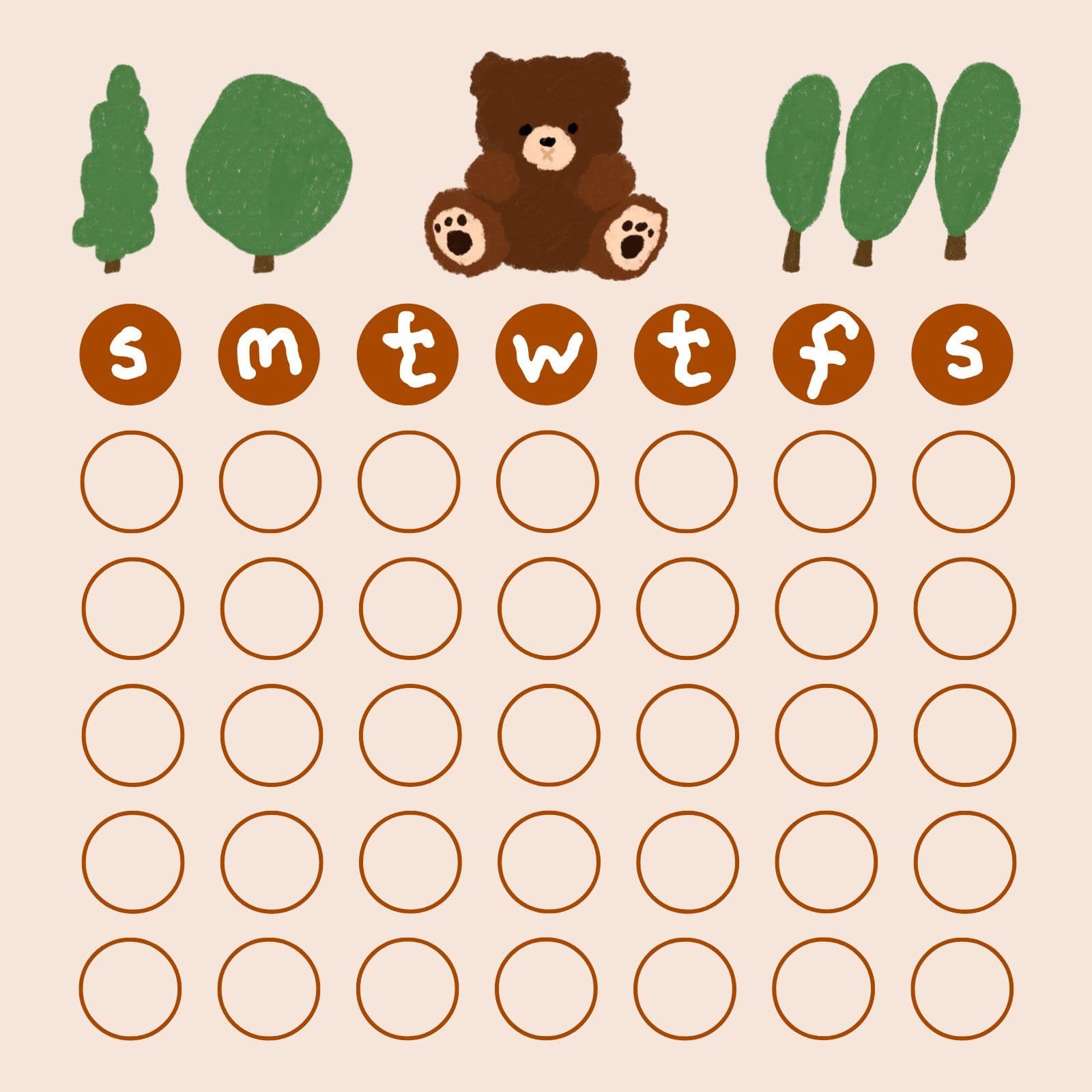
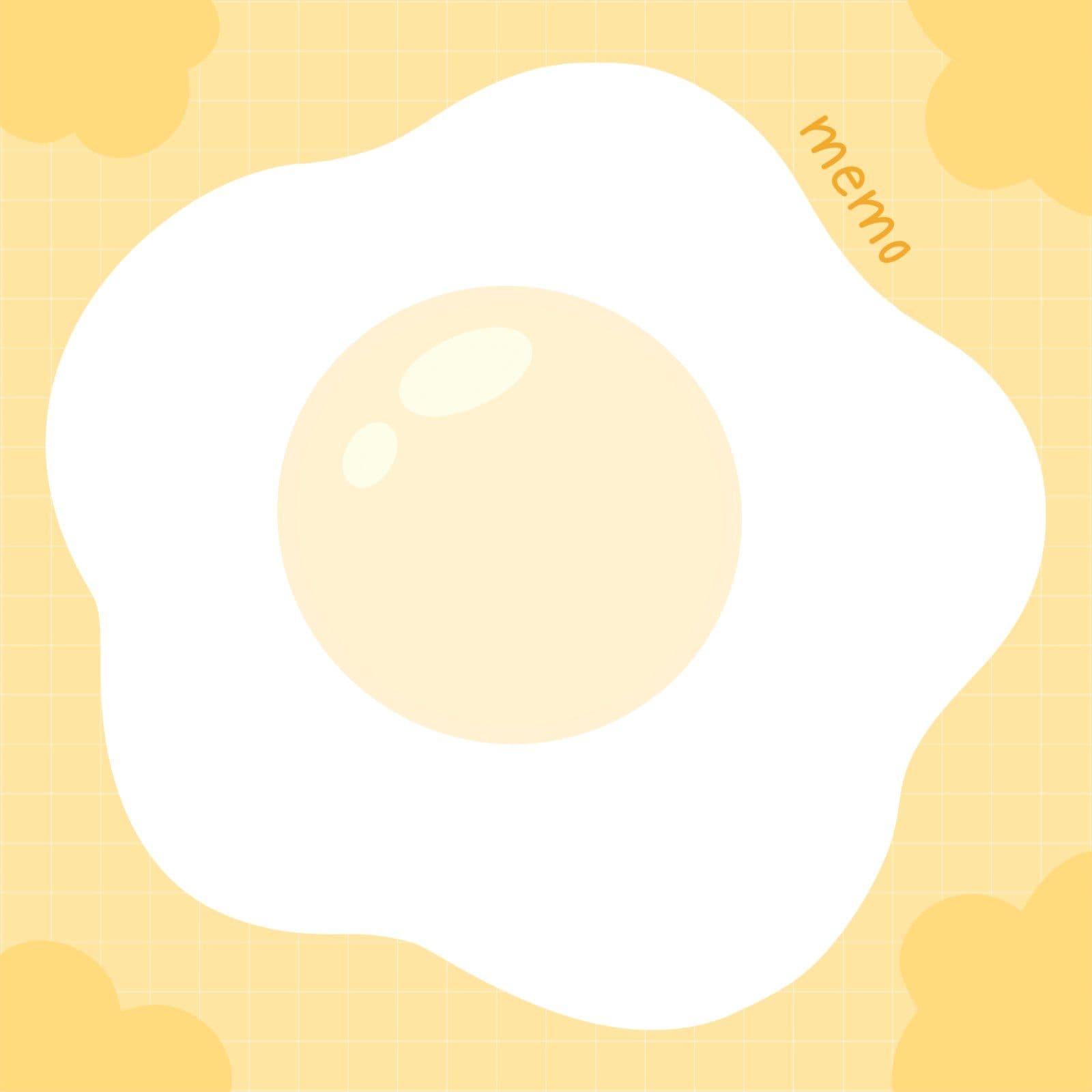

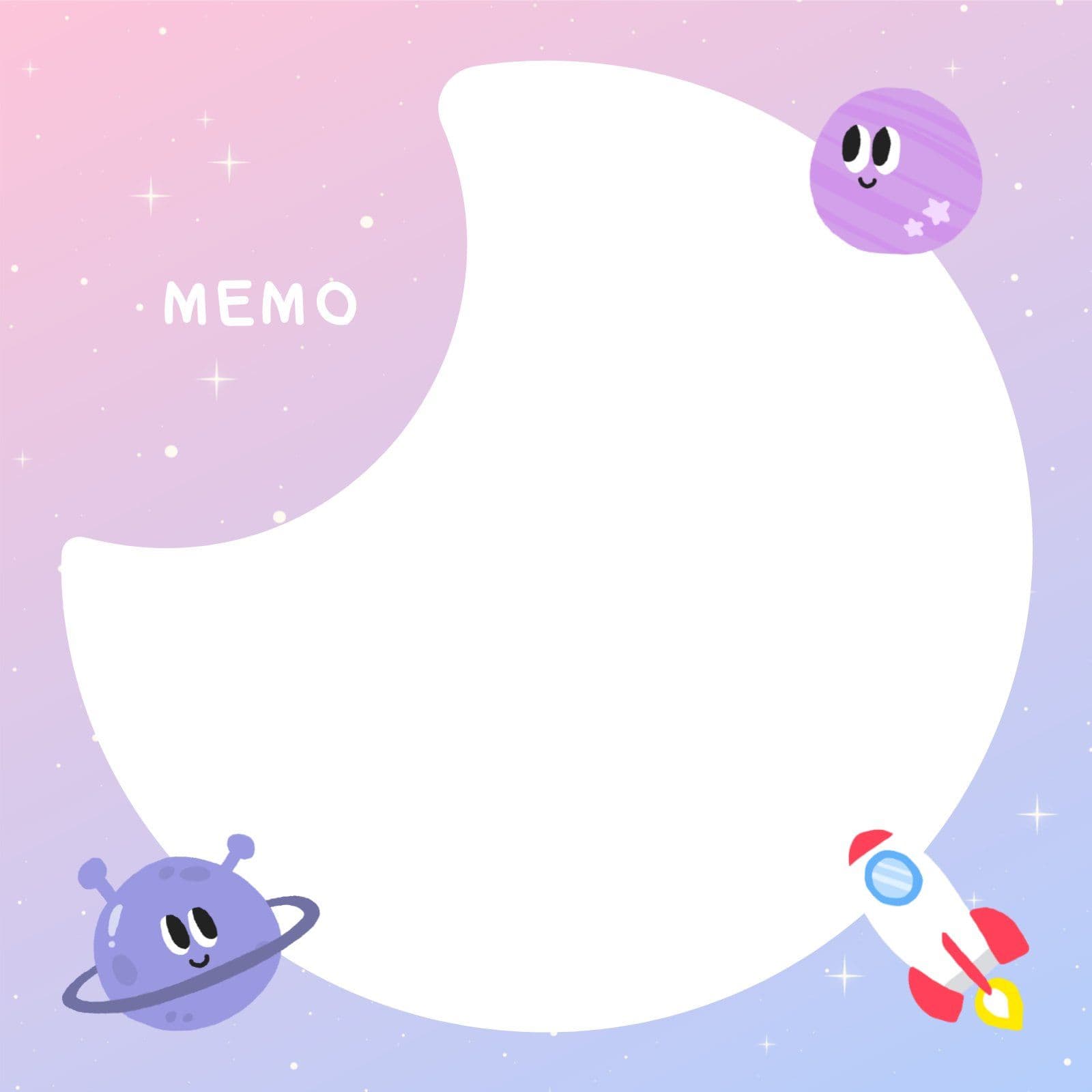
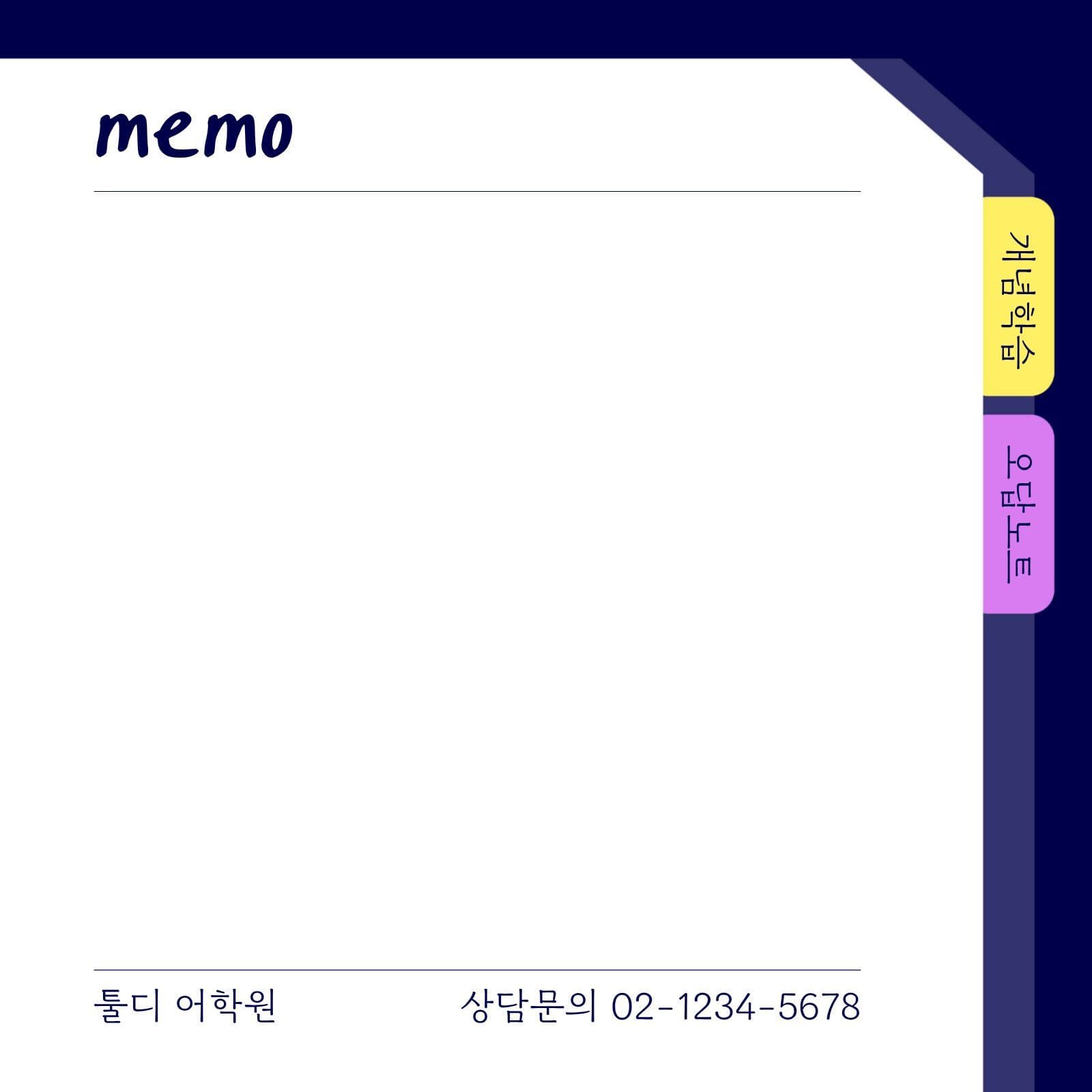

Features for designing a memo pad
Free-form design editing
Edit a memo pad template, or build the design you want from scratch on a blank canvas.
Add a logo, images, and contact details
Add your logo, images, and contact details to design a memo pad that suits brand promotion or gifts.
Mockup preview
Use the mockup to preview how the design looks printed on a real memo pad.
Check the cut line and safe area
See what gets trimmed and where the safe area is before printing, then finish your memo pad design.
AI image editing tools
Edit the images your design needs with AI tools such as background removal, image sharpening, and image generation.
Download and print
Save the finished memo pad design as a file to share, or print it right away.
How to make one
Pick a template
Choose a memo pad template, or start from a blank canvas.
Add your logo and text
Place your logo, images, and contact details.
Check the preview, then print
Review the mockup, then order prints.
Got Questions? We Have Answers
Finish your own
memo pad design
Edit a memo pad template and check it in the mockup
to make the design you want.