tooldi

One photo is all it takes. Find your true personal color

AI reads your face and finds the colors that suit you.
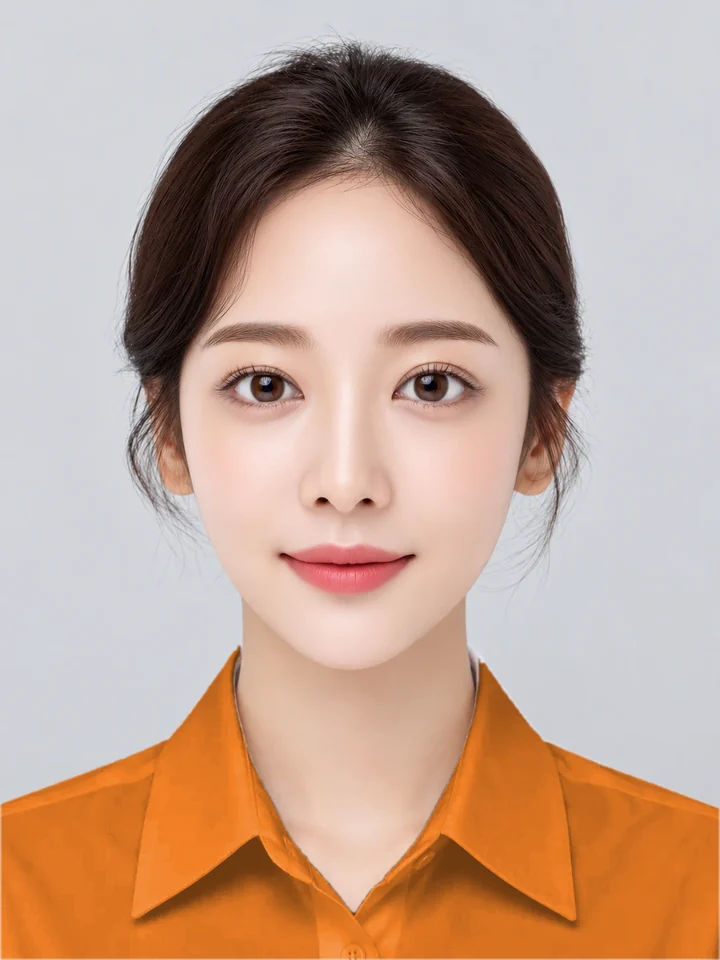
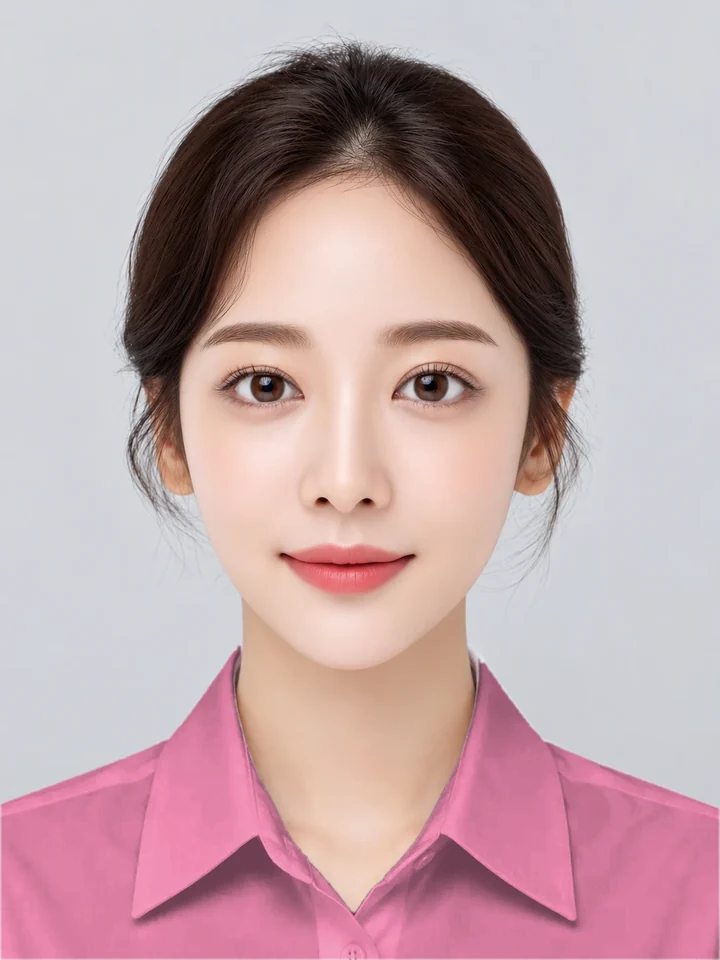
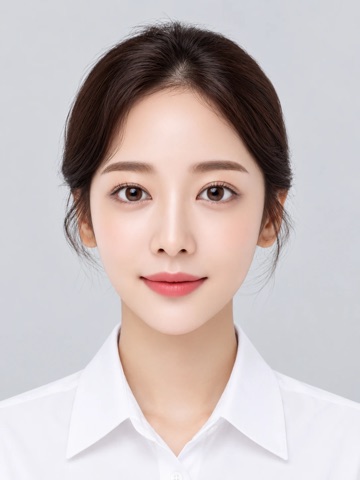
Sample portrait for personal color analysis

Upload one front-facing photo where your face is clearly visible.

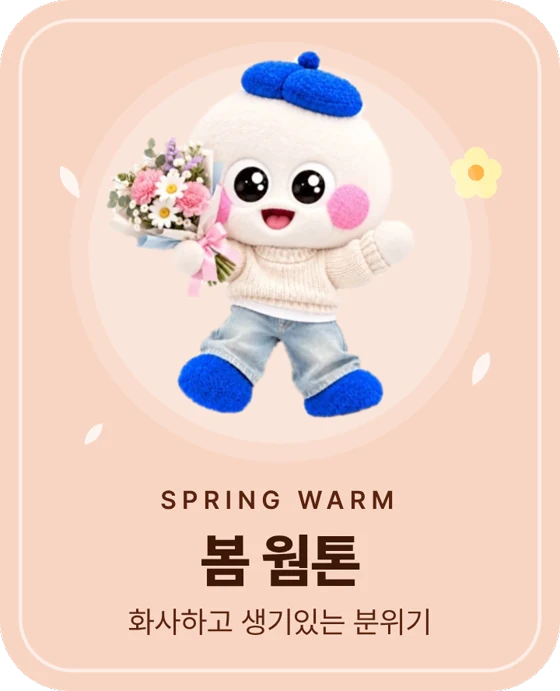
My season card

tooldi finds your personal color!

The front holds your photo and type, the back your best colors.
From season breakdown to styling

We show it all in detail: the breakdown, sub-types, draping and styling.

  1. 01

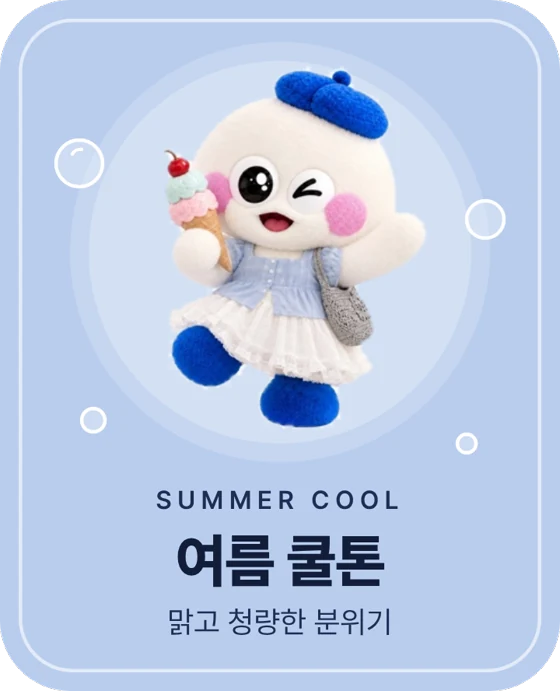
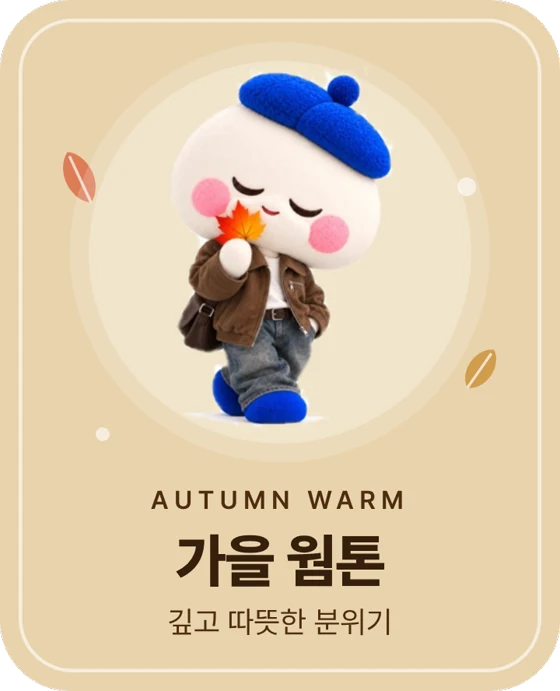
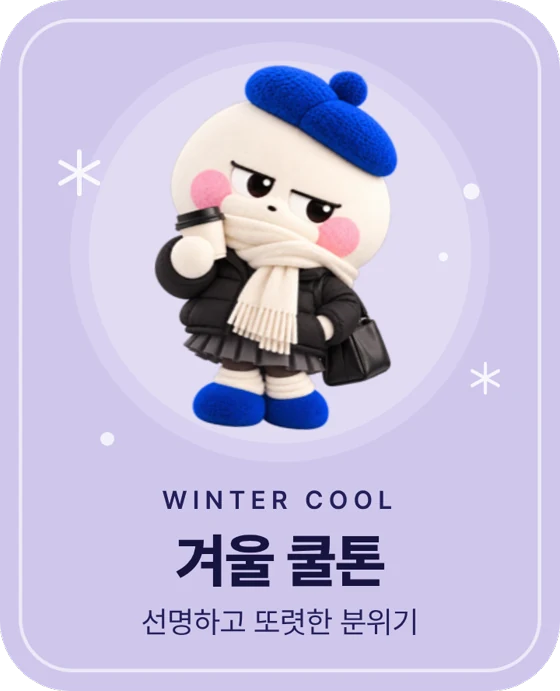
    Spring, summer, autumn, winter. Which am I closest to?

    A donut chart shows your four-season ratio at a glance, including borderline types near your top season.

  2. 02

    Within the same season, which type fits me better?

    Each season has three sub-types, ranked for you, with the palette of the best match.

  3. 03

    Color draping, as if held up to your face

    We put many colors on your photo and sort them into best, neutral and worst, so you also learn what to avoid.

  4. 04

    From clothes to lips, best & worst styling

    Try clothes, lips and hair color on your photo and compare what suits you with what to avoid. Accessories and patterns are shown as suggestions only.

Put it to use

Make an ID photo and a photo card in your personal color!

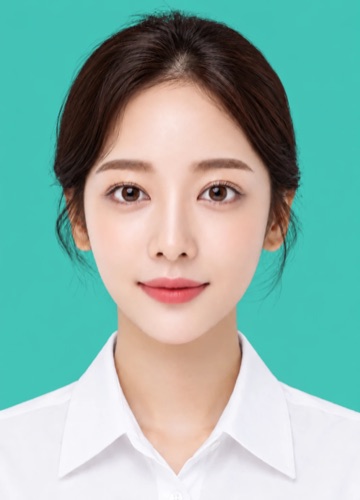
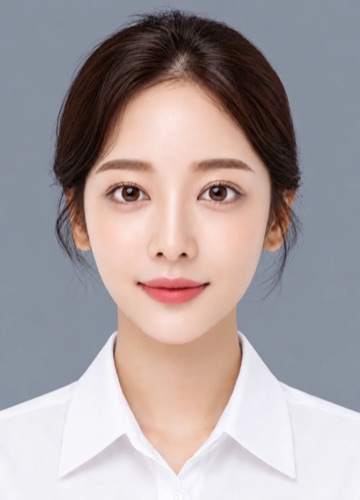
ID photo

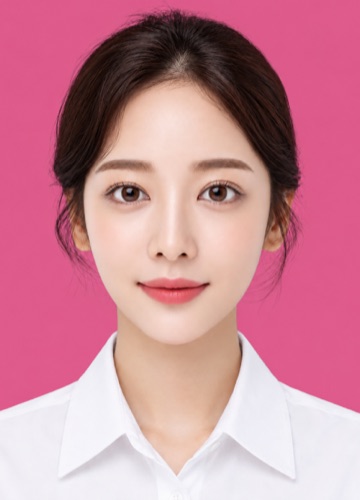
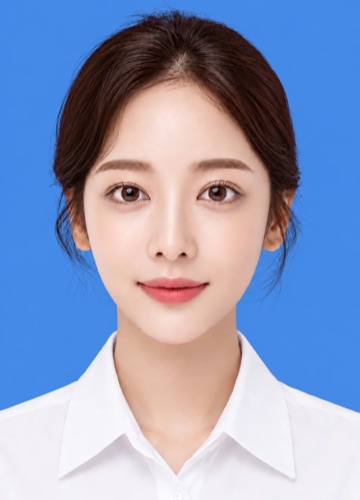
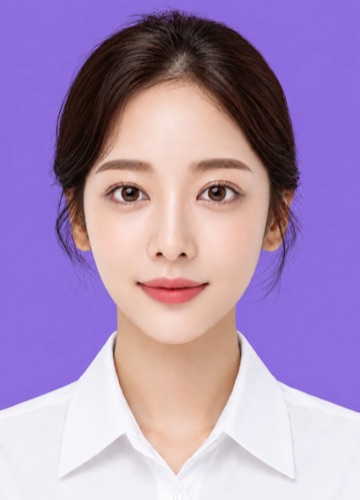
An ID photo in my personal color

We turn your uploaded photo into an ID photo with one of your best colors as the background. Pick a color and continue editing in the tooldi editor.
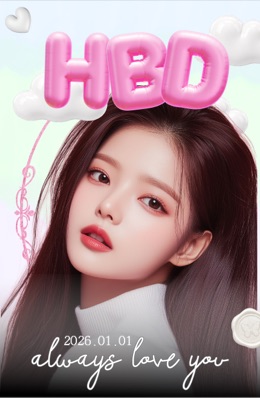

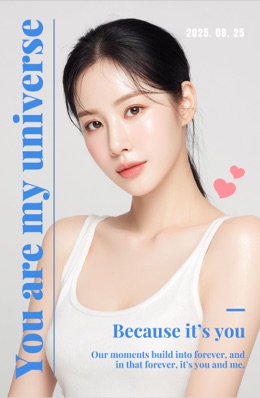
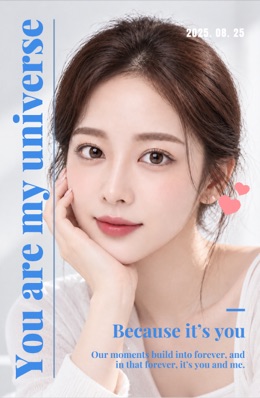
Photo card

A photo card in my personal color

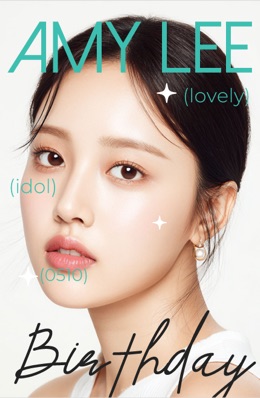
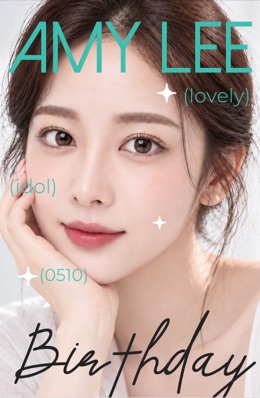
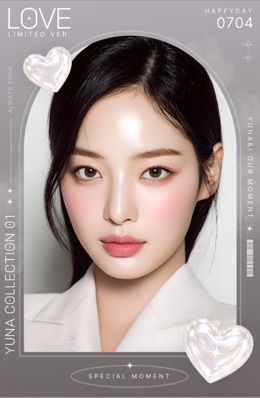
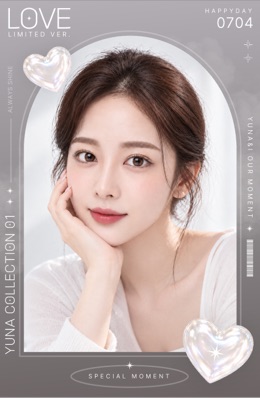
We pick random templates that match your colors. Choose one and the editor opens with your photo placed.

FAQ

A front-facing photo with no makeup, taken in natural light. Before analyzing, fit your face to the guide and avoid heavy filters, retouching and deep shadows.
Yes, anyone can try the personal color analysis for free. Detailed results and the ID photo and photo card features open after a quick login, also free. There is no extra charge, so feel free to try it.
Yes. Uploading a photo and seeing your season works without logging in. Locked results such as sub-types, best colors and best styling open once you log in.
It is a suggestion based on your skin tone and eye color. Lighting and photo quality change the result, and when two seasons score close we tell you it is a borderline type. It does not replace a professional consultation.
No. Hair, lips and clothing are not used. Only skin tone and eyes are, so makeup or dyed hair does not change the standard.
Pick one of your best colors as the background and your uploaded photo becomes an ID photo with that background. Each run uses 5 credits, and you can download the result or keep editing it in the tooldi editor.
We randomly recommend templates that suit your personal color. Refresh until you find a design you like, and pick one to open the editor with your photo placed.
Photos used for the analysis are processed on our server to locate the face, clothing and hair. They are not stored, and processed photos are deleted automatically after one day. The season analysis and color try-on run in your browser, so no photo is sent for those. ID photos are deleted 6 hours after completion, and the photo-card photo is saved to your file library.

Find your personal color with one photo

From the breakdown to sub-types, draping and styling, in detail. Then make an ID photo and a photo card in your colors!

Find my personal color